Scheduling and Observers
Mutation Observer Badge
MutationObserver watches a list for child changes and updates a badge count when a new item is appended.
Program
MutationObserver lets JavaScript react when DOM nodes are added, removed, or changed by another part of the page.
mutation_observer_badge.html
Visuals: captured from real browser rendering
<span id="count">2 items</span><ul id="queue"><li>Build</li><li>Test</li></ul>
<script>
  const countEl = document.querySelector("#count");
  const queueEl = document.querySelector("#queue");
  const observer = new MutationObserver(() => {
    countEl.textContent = queueEl.children.length + " items";
  });
  observer.observe(queueEl, { childList: true });
  queueEl.append(document.createElement("li"));
  queueEl.lastElementChild.textContent = "Deploy";
</script>
Create a mutation observer.
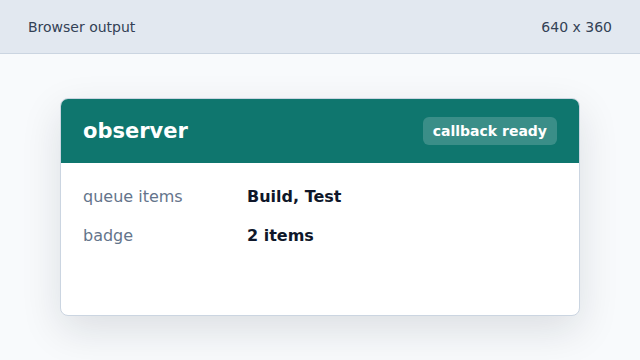
The callback will run when the observed list changes. Count list children in the callback.
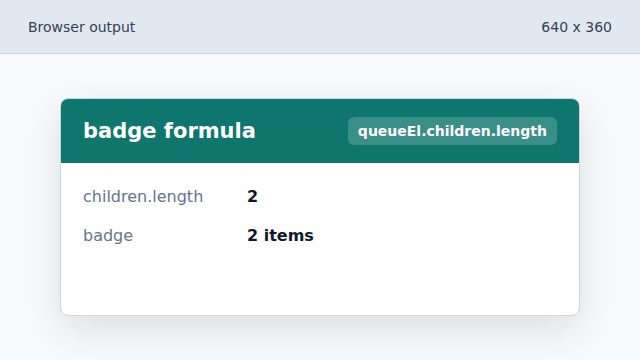
The badge derives its text from the current DOM children. Observe child list changes.
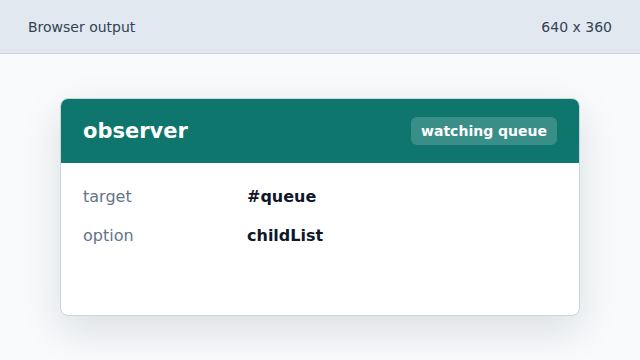
The observer is attached to the list with childList enabled. Append a new list item.
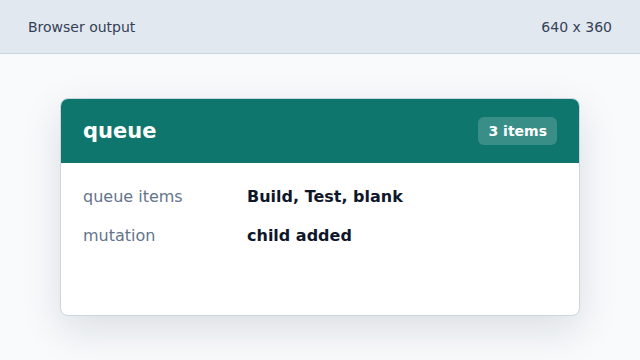
Adding a child triggers the mutation observer callback. Label the new item.
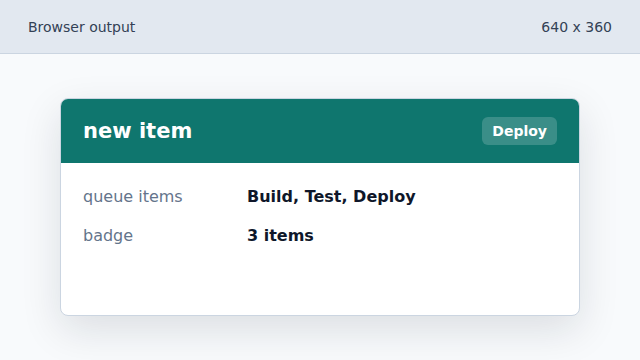
The list shows the new item and the badge reflects the new count.
MutationObserver
MutationObserver watches DOM mutations such as added or removed child nodes.
childList
The childList option observes direct child additions and removals.