DOM State
Query Selector Text
A status element starts in a waiting state before querySelector, textContent, and classList update the rendered page.
Program
Client-side JavaScript can read the DOM, keep a reference to an element, and then mutate what the browser renders.
query_selector_text.html
Visuals: captured from real browser rendering
<style>.ready { background: #dcfce7; border-color: #16a34a; color: #14532d; }</style>
<div id="status" class="panel">Waiting for sync</div>
<script>
  const status = document.querySelector("#status");
  status.textContent = "Ready to publish";
  status.classList.add("ready");
</script>
Find the status element.
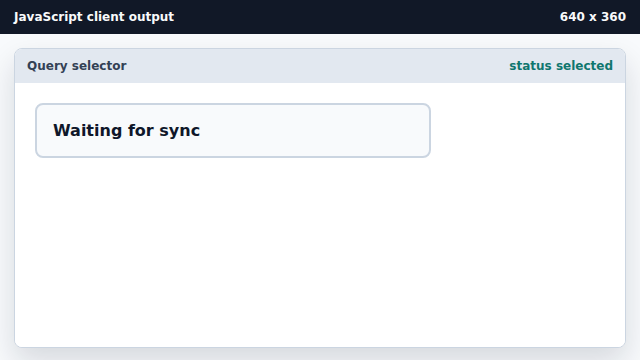
querySelector returns the element so later statements can mutate it. Replace the visible text.
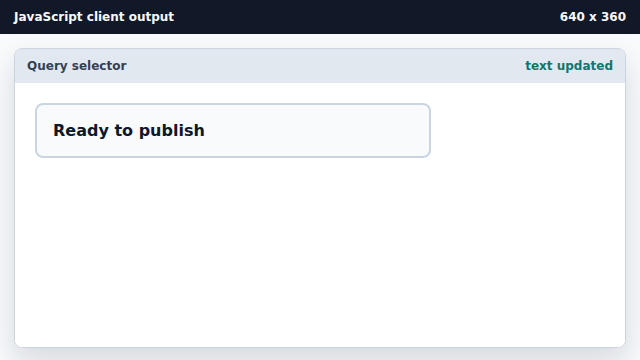
textContent mutates the rendered text node. Add the ready class.
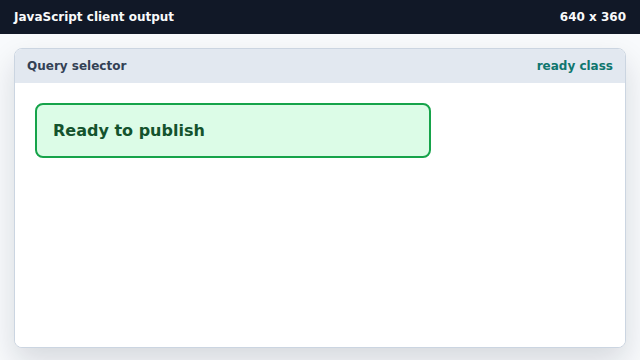
Adding a class lets CSS handle the visual state.
querySelector
querySelector returns the first element that matches a CSS selector.
textContent
textContent replaces the text inside an element.