DOM State
Class Toggle Panel
A disclosure panel opens when JavaScript toggles a class, updates an ARIA attribute, and changes the label text.
Program
A common client pattern is to keep markup stable and switch state through classes and attributes.
class_toggle_panel.html
Visuals: captured from real browser rendering
<style>.drawer { display: none; } .drawer.open { display: block; background: #eef2ff; }</style>
<button id="toggle">Show details</button>
<section class="drawer" aria-expanded="false"><span class="label">Closed</span></section>
<script>
  const drawer = document.querySelector(".drawer");
  drawer.classList.toggle("open");
  drawer.setAttribute("aria-expanded", "true");
  drawer.querySelector(".label").textContent = "Open";
</script>
Select the drawer element.
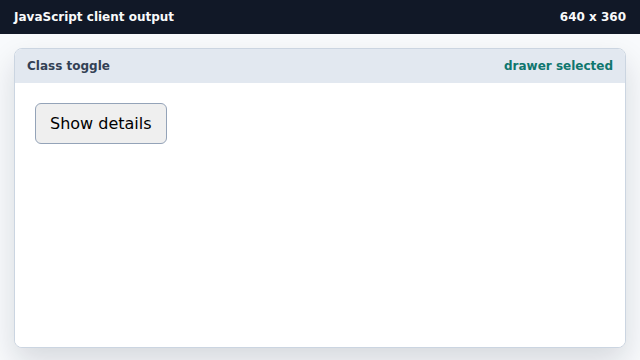
The reference is needed before class and attribute writes. Toggle the open class.
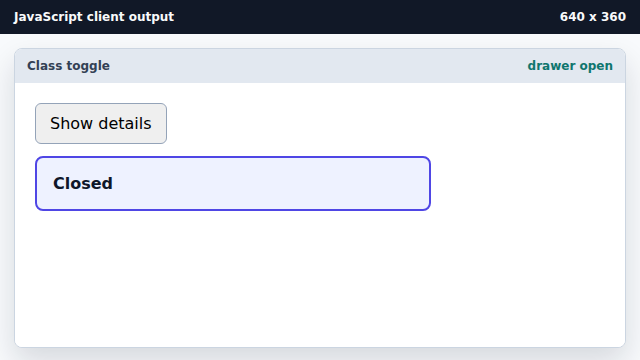
The open class changes the CSS display rule. Update the expanded state attribute.
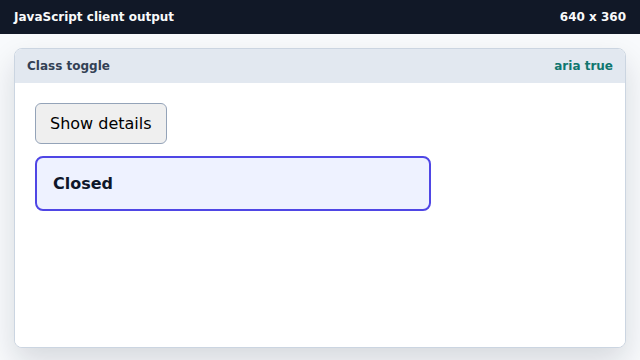
Attributes keep DOM state aligned with visual state. Update the visible state label.
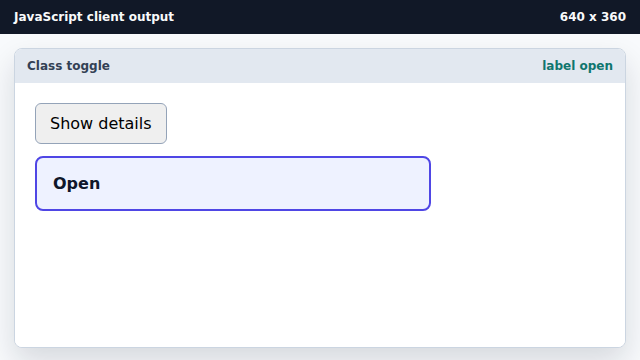
A text mutation gives the reader explicit state feedback.
classList.toggle
classList.toggle adds a class when it is absent and removes it when present.
setAttribute
setAttribute writes a DOM attribute value.
Exercise: class_toggle_panel_exercise.html
Open a disclosure panel with DOM state