DOM State
Dataset Status
A sync card stores status in dataset fields before CSS selectors and text updates show loading and ready states.
Program
The dataset API maps data-* attributes to JavaScript properties. It is useful for lightweight DOM state.
dataset_status.html
Visuals: captured from real browser rendering
<style>.card[data-state="ready"] { border-color: #16a34a; background: #f0fdf4; }</style>
<article class="card" data-state="idle">Idle</article>
<script>
  const card = document.querySelector(".card");
  card.dataset.state = "loading";
  card.textContent = "Loading";
  card.dataset.state = "ready";
  card.textContent = "Ready";
</script>
Select the state card.
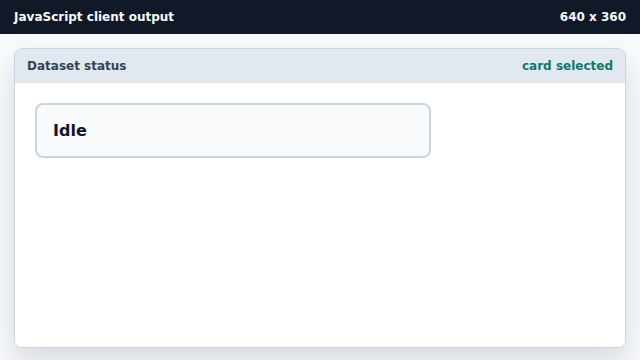
The script needs a card reference before writing dataset fields. Set data-state to loading.
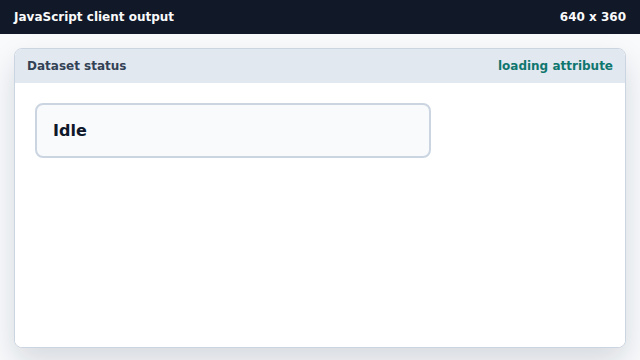
dataset.state writes the data-state attribute. Update the loading text.
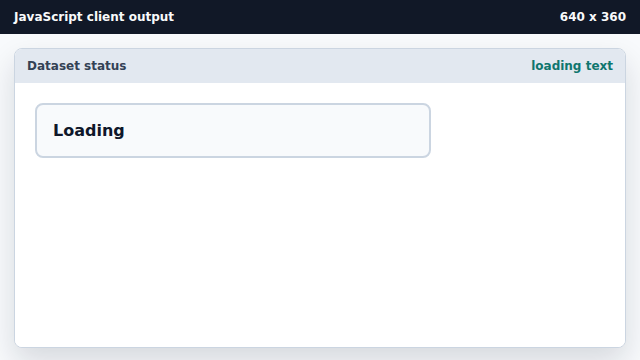
Text and attributes can update independently. Set data-state to ready.
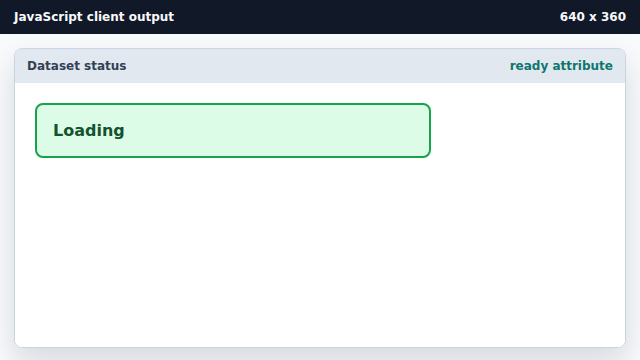
CSS selectors can react to data-state immediately. Update the final ready text.
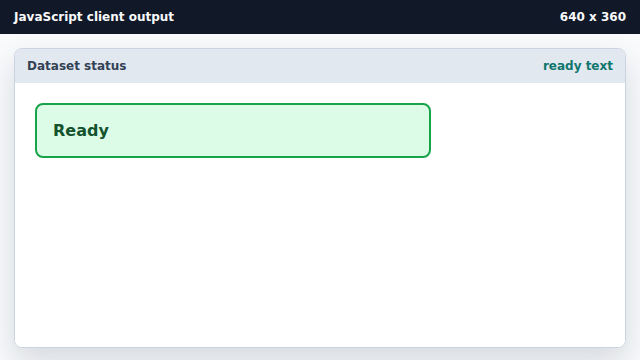
The final text mutation aligns visible copy with state.
dataset
dataset exposes data-* attributes as JavaScript properties.
attribute selector
CSS can match state through selectors such as [data-state="ready"].