Events and Forms
List Event Delegation
One click listener on a task list reads the clicked button and updates an accessible status output.
Program
Event delegation keeps one listener on the list instead of attaching a separate listener to every button.
books/javascript-client/02events_forms/list_event_delegation/diagrams/event_path.semantic.json.
list_event_delegation.html
Visuals: captured from real browser rendering
<ul id="tasks">
  <li><button data-task="Pack">Pack</button></li>
  <li><button data-task="Ship">Ship</button></li>
</ul>
<output id="status" role="status">No task selected</output>
<script>
  const tasks = document.querySelector("#tasks");
  const status = document.querySelector("#status");
  tasks.addEventListener("click", event => {
    const button = event.target.closest("button[data-task]");
    if (!button) return;
    status.textContent = button.dataset.task + " selected";
  });
</script>
Create the task list.
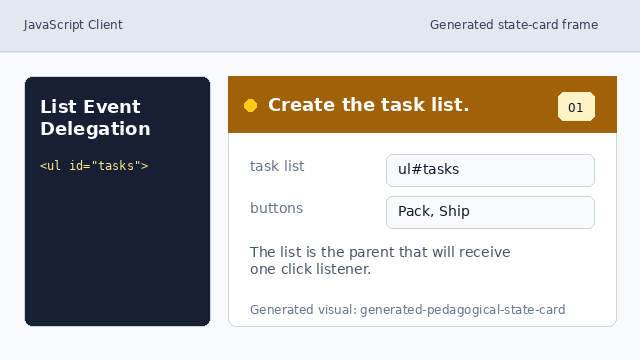
The list is the parent that will receive one click listener. Add an accessible status output.
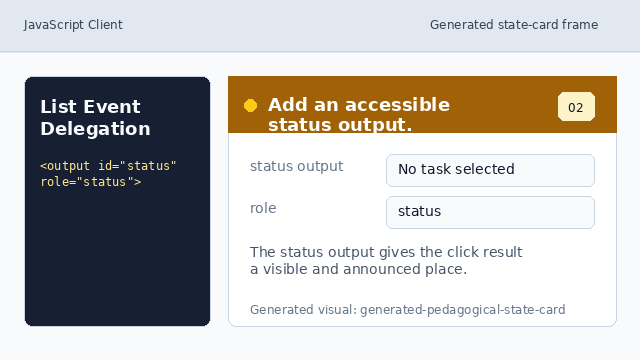
The status output gives the click result a visible and announced place. Find the parent list once.
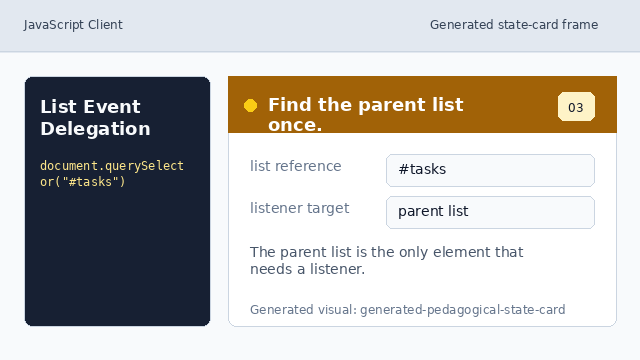
The parent list is the only element that needs a listener. Listen for clicks on the list.
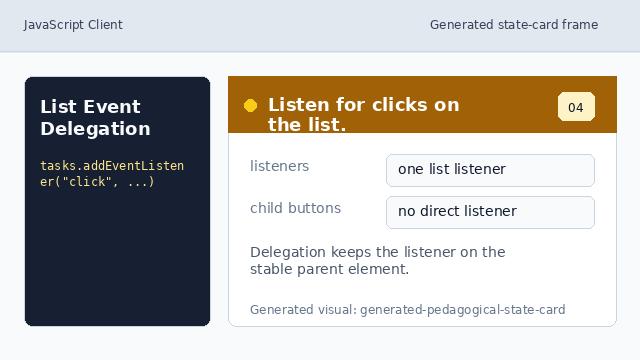
Delegation keeps the listener on the stable parent element. Find the clicked task button.
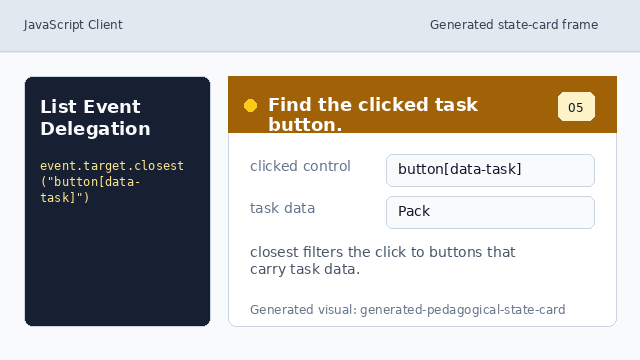
closest filters the click to buttons that carry task data. Render the selected task.
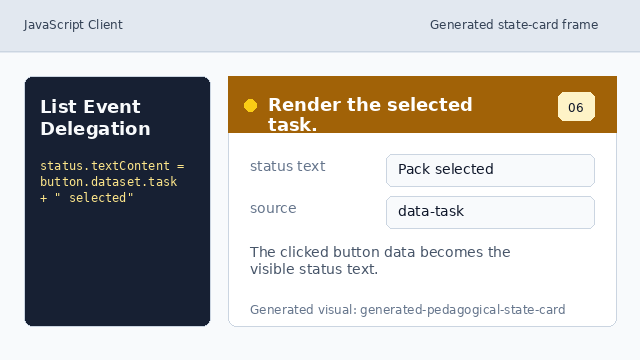
The clicked button data becomes the visible status text.
event delegation
A parent listener can handle clicks from child controls by inspecting the event target.
status output
role="status" gives the result a simple accessible update area.