Events and Forms
Input Preview
A text input listener reads the current value, writes a preview sentence, and marks the preview as filled.
Program
The input event fires as a control changes. Reading value and writing textContent keeps preview UI synchronized.
input_preview.html
Visuals: captured from real browser rendering
<input id="name" value="Ada">
<p id="preview">Name preview</p>
<script>
  const input = document.querySelector("#name");
  const preview = document.querySelector("#preview");
  input.addEventListener("input", () => {
    preview.textContent = `Hello, ${input.value}`;
    preview.classList.add("filled");
  });
</script>
Select the input control.
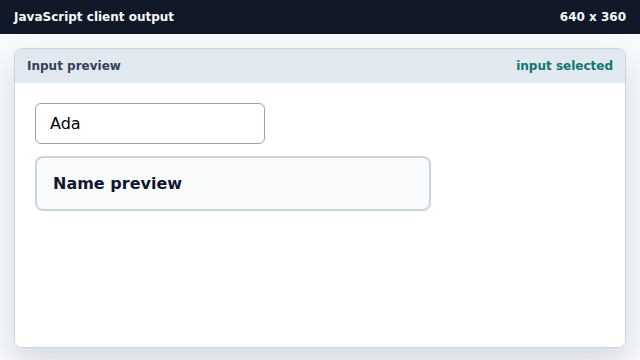
The script stores a reference to the live input element. Register the input listener.
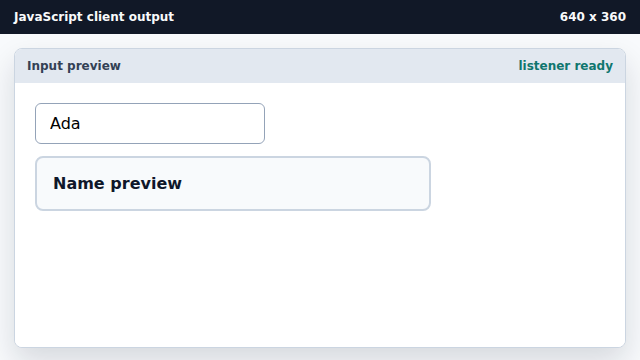
Listeners wait for future events. Render the current input value.
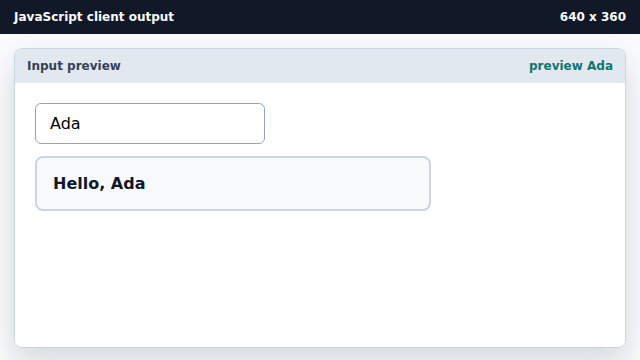
The handler reads input.value and writes preview text. Mark the preview as filled.
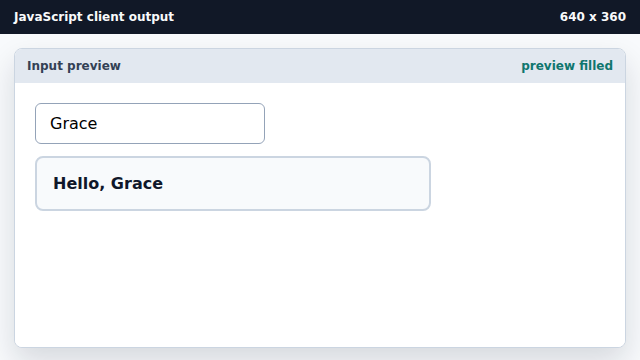
A class marks that the preview now contains user data.
input event
The input event fires whenever an input value changes.
value
The value property reads the current form-control value.