Events and Forms
Click Counter
A button click handler increments a counter and writes the new count into the page.
Program
Events let JavaScript react to user actions. The handler can update variables and the DOM together.
click_counter.html
Visuals: captured from real browser rendering
<button id="count">Add click</button>
<output id="total">0 clicks</output>
<script>
  let clicks = 0;
  const output = document.querySelector("#total");
  document.querySelector("#count").addEventListener("click", () => {
    clicks += 1;
    output.textContent = `${clicks} clicks`;
  });
</script>
Initialize the click counter.
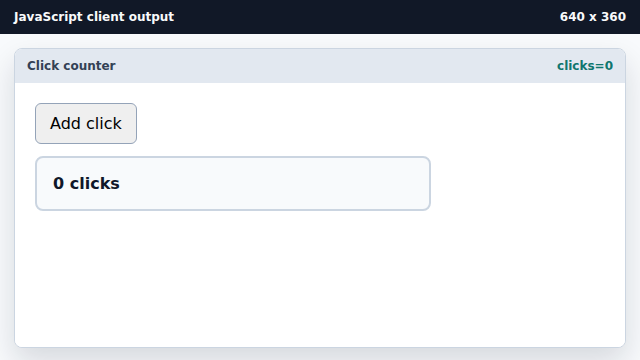
The variable stores state outside the DOM. Register the click handler.
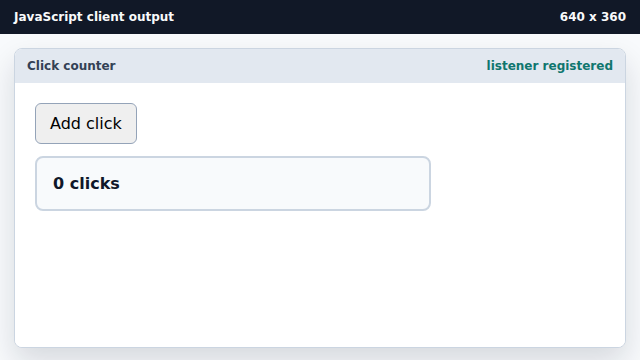
Adding a listener changes behavior, not pixels yet. Handle the first click.
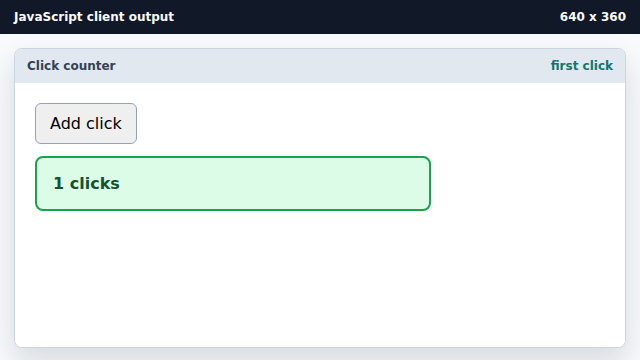
The handler increments state before writing output. Render the next click total.
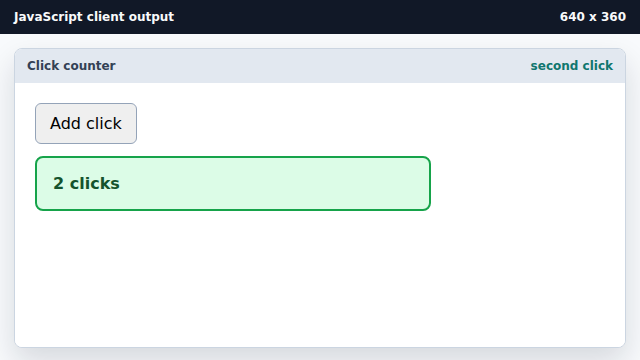
The DOM reflects the current variable value after another click.
event listener
An event listener runs a function when a browser event occurs.
state variable
A variable can hold interaction state between events.