Interactive Controls
Textarea Feedback
Longer Text Inputs
A feedback form grows from a label to a multi-line textarea and submit button.
Program
Use textarea when a value may need more than one line. It still needs a label and a useful name.
textarea_feedback.html
Visuals: captured from real browser rendering
<label for="feedback">Feedback</label>
<textarea id="feedback" name="feedback" rows="3" placeholder="What worked?"></textarea>
<button>Send</button>
Add the Feedback label.
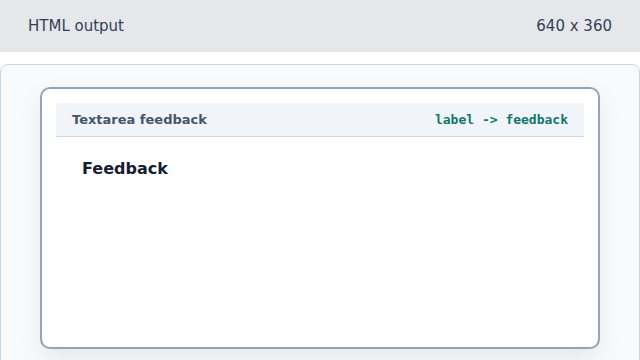
The label names the future textarea control. Create the multi-line control.
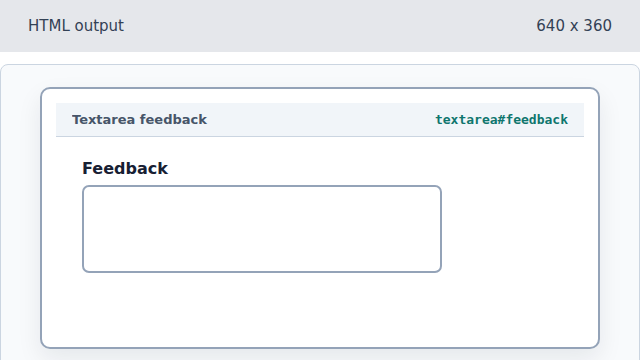
Textarea accepts longer text than a one-line input. Add placeholder guidance.
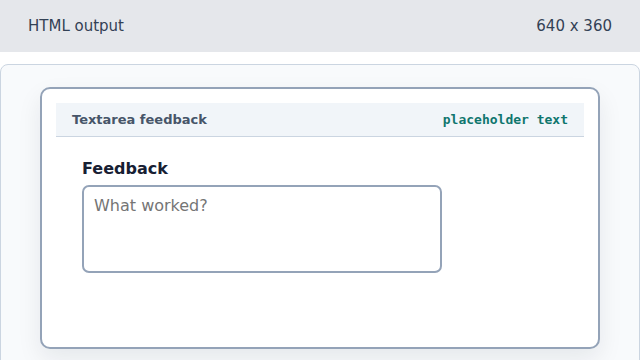
The placeholder hints at useful input while the label remains the real name. Add the Send button.
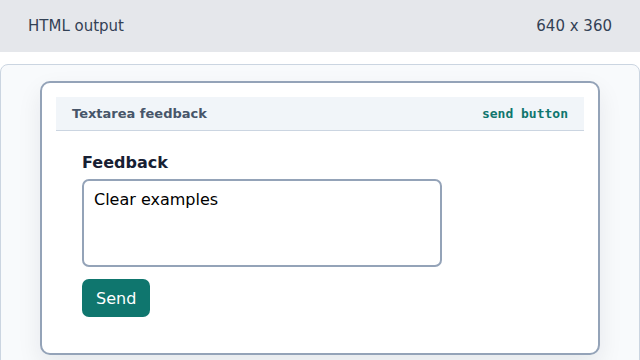
The button gives the form a visible action.
textarea
A textarea is a multi-line text field.
placeholder
Placeholder text hints at expected input but does not replace a label.