Interactive Controls
Progress and Meter
Numbers With Meaning
A status panel displays upload progress and a quality score using the browser built-in numeric controls.
Program
Progress and meter both render bars, but they communicate different meanings. Progress is task completion; meter is a scalar measurement.
progress_meter_status.html
Visuals: captured from real browser rendering
<label for="upload">Upload</label>
<progress id="upload" value="70" max="100">70%</progress>
<label for="score">Quality</label>
<meter id="score" min="0" max="10" value="8">8</meter>
Label the upload progress.
The label points to the future progress bar. Show upload completion.
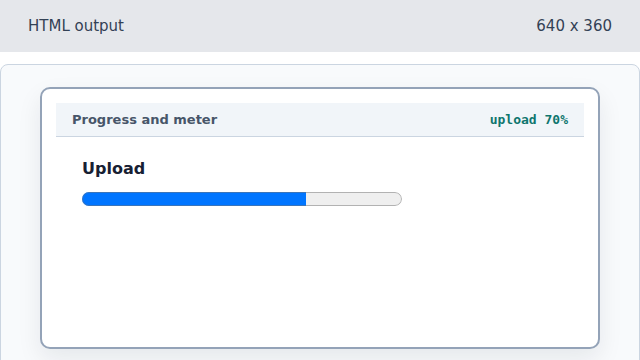
Progress communicates completion of a task. Label the quality score.
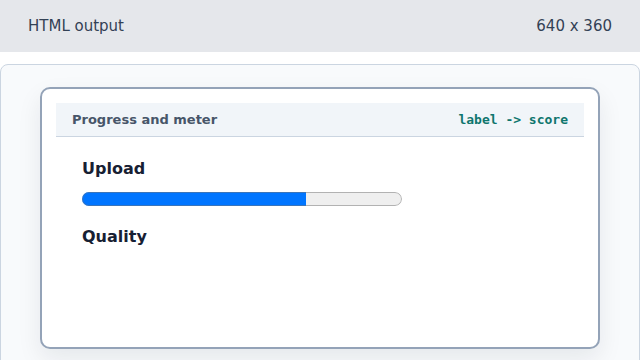
A second label names the measurement control. Show the quality measurement.
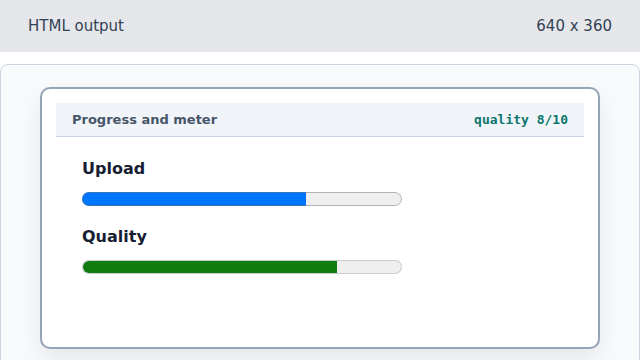
Meter communicates a value in a known range.
progress
A progress element shows how much of a task is complete.
meter
A meter element shows a measured value inside a known range.