Interactive Controls
Checkbox and Radio Group
Choices Need Labels
A notification form groups independent and exclusive choices so each control has a visible label and a submitted value.
Program
Choice controls are easiest to use when the group has a legend and every input is wrapped in a label.
checkbox_radio_group.html
Visuals: captured from real browser rendering
<fieldset>
  <legend>Notifications</legend>
  <label><input type="checkbox" name="email" checked> Email</label>
  <label><input type="radio" name="frequency" value="daily" checked> Daily</label>
  <label><input type="radio" name="frequency" value="weekly"> Weekly</label>
</fieldset>
Create a grouped choice area.
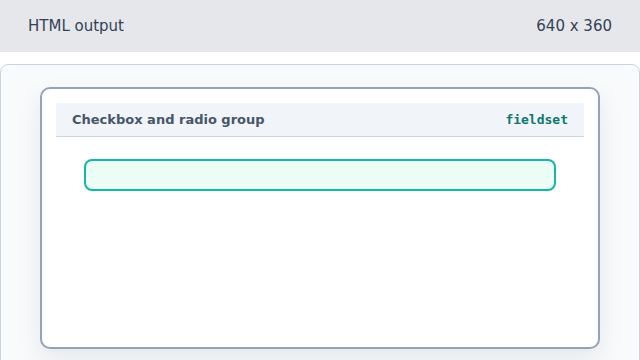
The fieldset groups related controls together. Name the choice group.
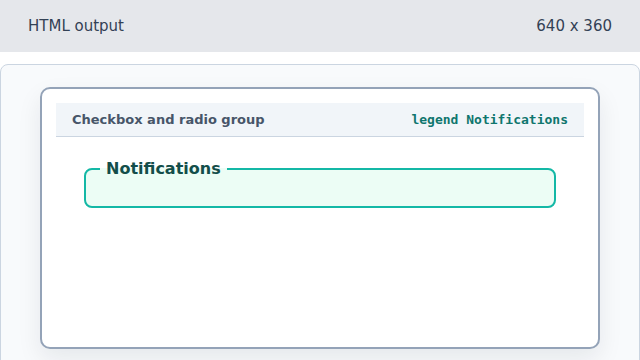
The legend labels the whole control group. Add the Email checkbox.
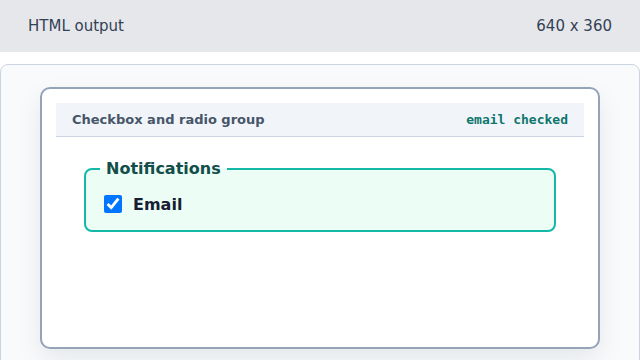
A checkbox models an independent on/off choice. Add the selected Daily radio.
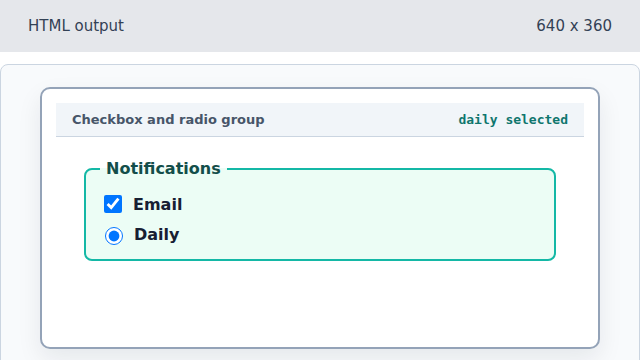
Radio buttons with the same name form one exclusive group. Add the alternate Weekly radio.
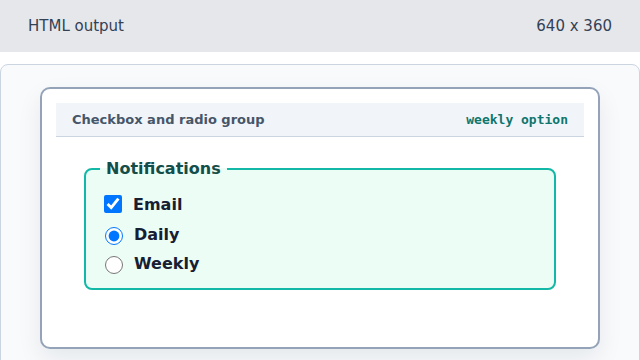
The second radio is an alternate value for the same frequency name.
fieldset
A fieldset groups related form controls.
radio group
Radio inputs with the same name represent one exclusive choice.