Tables and Media Details
Table Sections
Caption, Head, Body, and Foot
A planning table adds a caption, header row, body row, and footer total so each part of the table has a role.
Program
Complex tables are easier to scan when their structural pieces are explicit: caption, thead, tbody, and tfoot.
table_sections.html
Visuals: captured from real browser rendering
<table>
  <caption>Quarter Plan</caption>
  <thead><tr><th>Task</th><th>Hours</th></tr></thead>
  <tbody><tr><td>Prototype</td><td>12</td></tr></tbody>
  <tfoot><tr><td>Total</td><td>12</td></tr></tfoot>
</table>
Create the table container.
The table element starts the grid structure. Add the table caption.
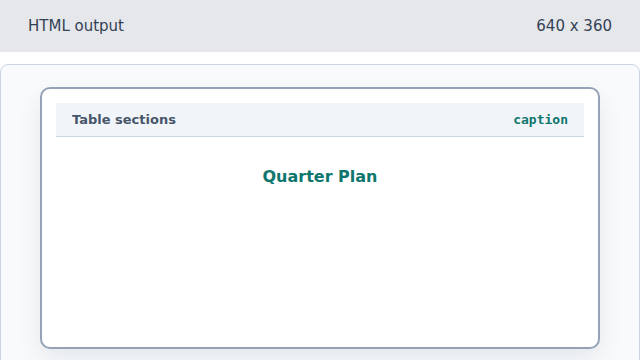
The caption names the whole table, not a single row. Add column headers.
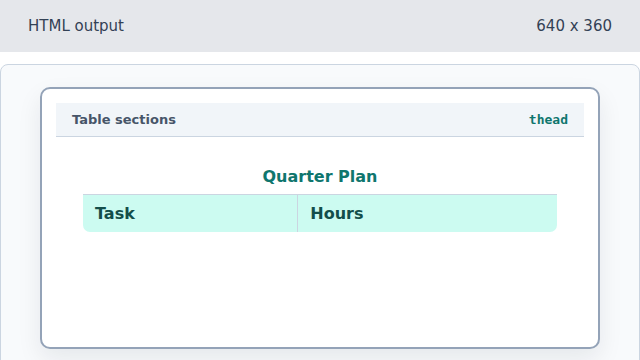
The thead section groups header rows. Add the data row.
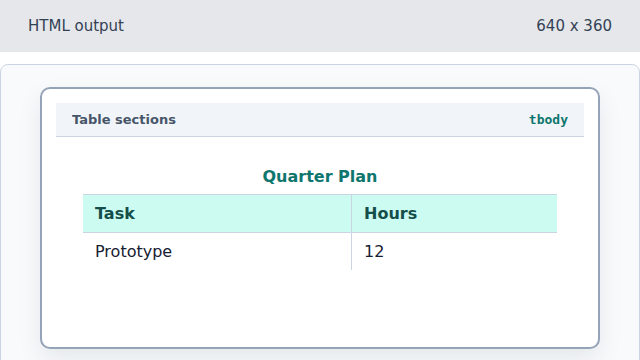
The tbody section contains the main data rows. Add the summary footer.
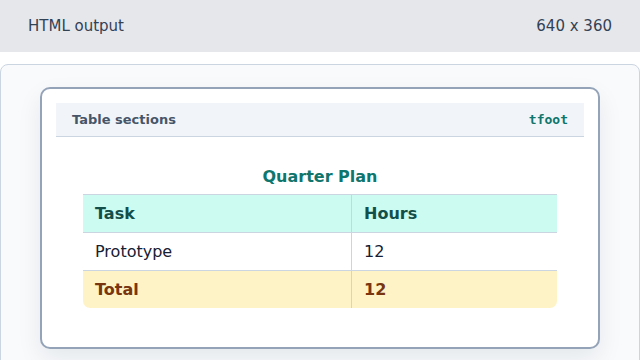
The tfoot section keeps summaries distinct from data rows.
caption
A caption gives the table a visible title.
table sections
thead, tbody, and tfoot separate headers, data rows, and summaries.