Tables and Media Details
Colgroup Highlight
Describe Columns Once
A compact status table uses colgroup and col elements so the label and value columns can be treated differently.
Program
Column groups let a table describe columns before rows arrive. That keeps repeated column intent out of individual cells.
colgroup_highlight.html
Visuals: captured from real browser rendering
<table>
  <colgroup><col class="label-col"><col class="value-col"></colgroup>
  <tr><td>Plan</td><td>Ready</td></tr>
  <tr><td>Tests</td><td>Passing</td></tr>
</table>
Create the status table.
The table starts before any column definitions or rows exist. Open a group for column definitions.
Column definitions do not render visible cells by themselves. Define the label column.
A col can describe a whole column before any row cells arrive. Define the value column.
The second col applies to the second cell in each row. Render rows that use the column definitions.
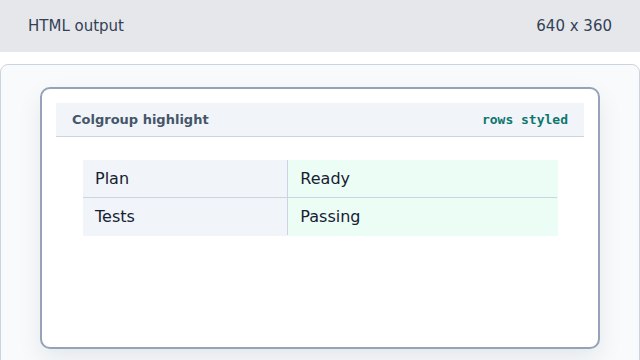
The earlier col elements influence every row column.
colgroup
A colgroup wraps one or more column definitions.
col
A col element applies metadata or presentation to a table column.