Tables and Media Details
Picture Fallback
Choose an Image Source
A dashboard image uses picture and source for a wide layout while the nested img supplies the default source and alt text.
Program
The picture element lets the browser choose among sources. The nested img is still required because it provides the fallback image and text alternative.
picture_fallback.html
Visuals: captured from real browser rendering
<picture>
  <source media="(min-width: 700px)" srcset="wide-dashboard.png">
  <img src="compact-dashboard.png" alt="Dashboard summary">
</picture>
Create a picture container.
The picture element groups candidate image sources. Add a candidate source.
Source elements describe options; they do not replace the required img. Limit the candidate to wide viewports.
The media attribute tells the browser when that candidate applies. Add the fallback image.
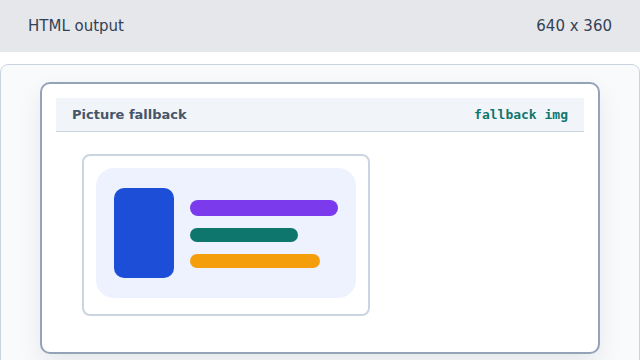
The img element supplies the default image when no source condition wins. Describe the dashboard image.
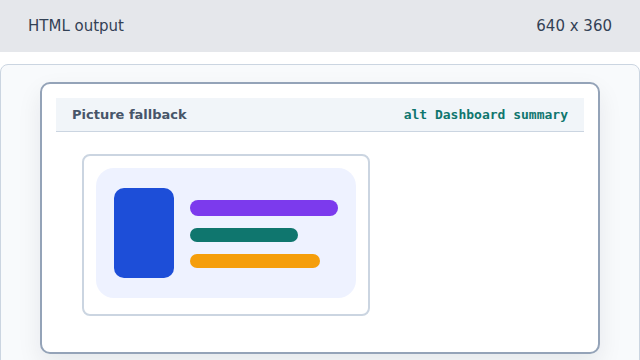
The fallback img also carries the text alternative for the chosen image.
source
A source element describes a candidate image and the condition for using it.
fallback img
The nested img supplies the fallback source and alt text.