Document Resources
Stylesheet Link
Attach Presentation as a Resource
The document links a theme stylesheet before the body renders a primary button that receives that presentation.
Program
HTML links external resources with relationship metadata. A stylesheet link does not draw by itself; it changes how later elements are presented.
stylesheet_link.html
Visuals: captured from real browser rendering
<head>
  <link rel="stylesheet" href="theme.css">
</head>
<body>
  <button class="primary">Save draft</button>
</body>
Open the head for resource links.
Resource links belong in the head before visible content is parsed. Declare the resource as a stylesheet.
The rel value tells the browser how to use the linked file. Point the stylesheet link at theme.css.
The href value identifies the CSS file. Render a button that uses the loaded style.
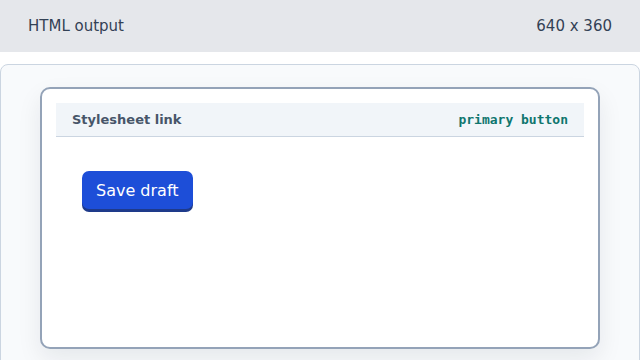
The button is ordinary HTML; the linked stylesheet controls its presentation. Complete the styled body.
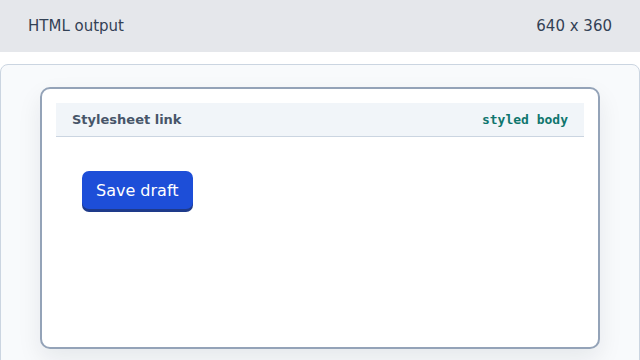
The linked stylesheet remains a document resource for all matching body elements.
rel stylesheet
rel="stylesheet" tells the browser that the linked resource is CSS.
href
The href attribute gives the URL of the resource to fetch.