Document Resources
Deferred Script
Run After the Document Is Parsed
The head schedules a script with defer, then the body creates the controls that script can safely initialize.
Program
Scripts are resources too. The defer attribute lets a script download while parsing continues, then run after the document is ready.
defer_script.html
Visuals: captured from real browser rendering
<head>
  <script defer src="app.js"></script>
</head>
<body>
  <button id="save">Save</button>
  <p id="status">Waiting</p>
</body>
Schedule script execution for after parsing.
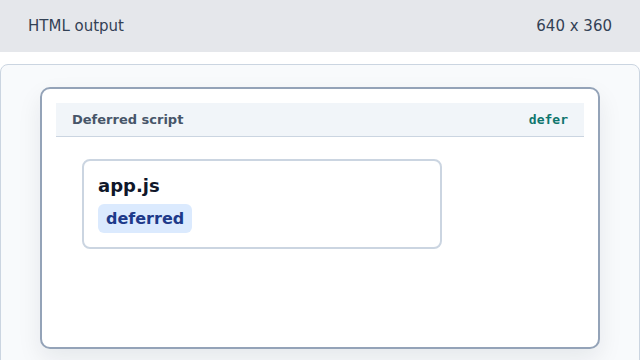
defer keeps parsing moving while the script waits to run. Load the external script resource.
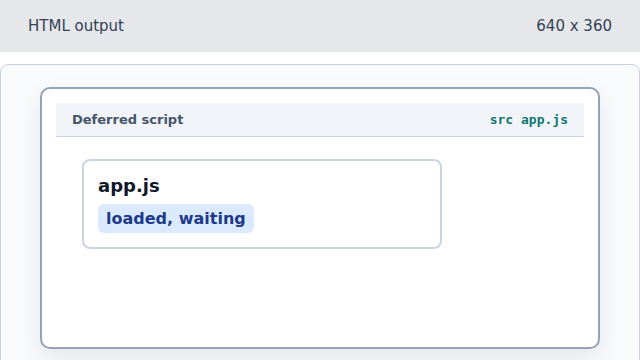
The src attribute chooses which JavaScript file the browser loads. Parse the Save button in the body.
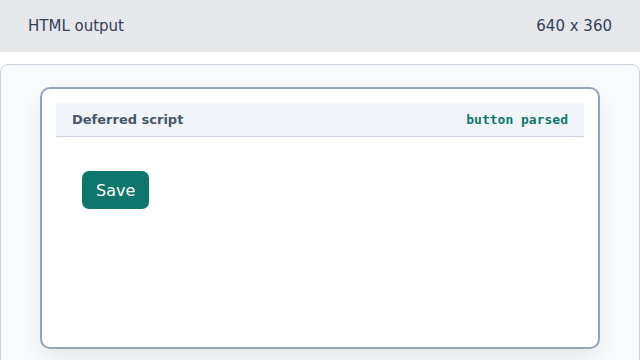
The body can keep building before the deferred script executes. Parse the initial status message.
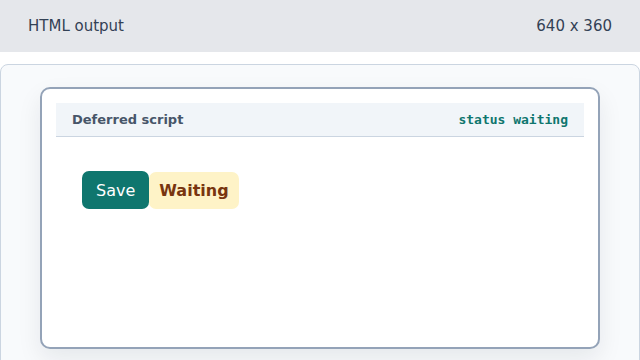
The status element exists before the deferred script runs. Run the deferred script after parsing.
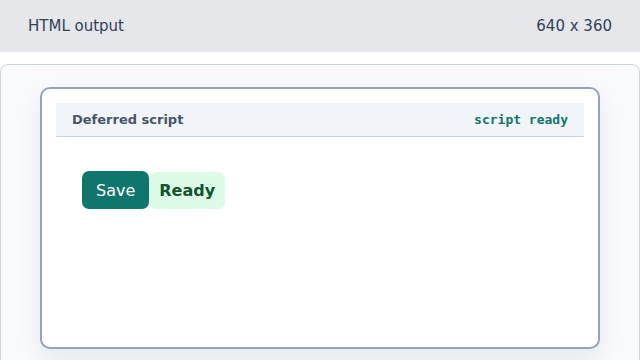
A deferred script can safely find and initialize body elements.
defer
defer delays script execution until the document has been parsed.
script src
The src attribute points to the external JavaScript file.