Document Structure
Semantic Article
Sections Give Content Meaning
A short article page uses semantic containers so the rendered page and accessibility tree have meaningful regions.
Program
Semantic HTML chooses elements for meaning first. The browser still renders ordinary boxes, but the document tree carries richer structure.
semantic_article.html
Visuals: captured from real browser rendering
<header>Site Notes</header>
<main>
  <article>
    <h1>Trail Report</h1>
    <p>North path is open.</p>
  </article>
</main>
<footer>Updated 09:00</footer>
Create the page header.
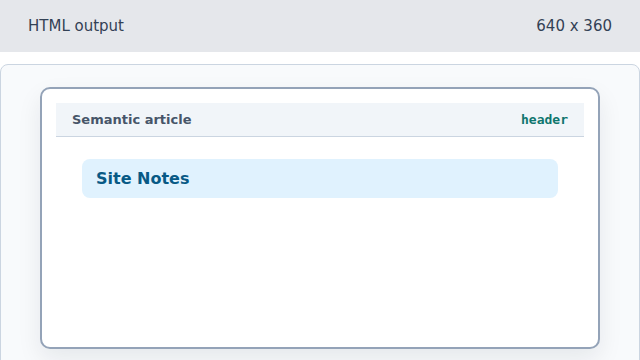
The header introduces the page region. Open the main content landmark.
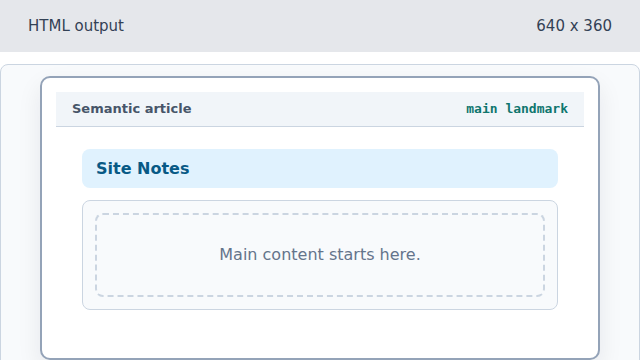
The main element reserves the primary content region. Start a self-contained article.
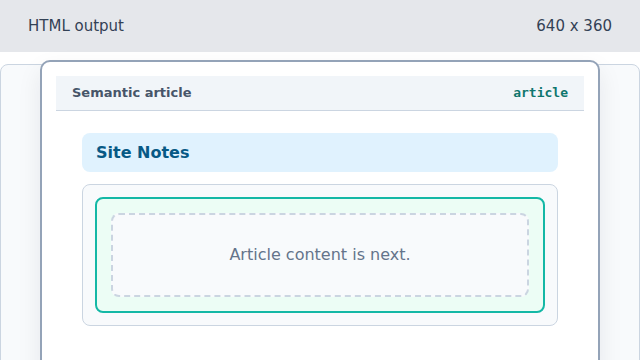
The article groups content that belongs together. Add the article heading.
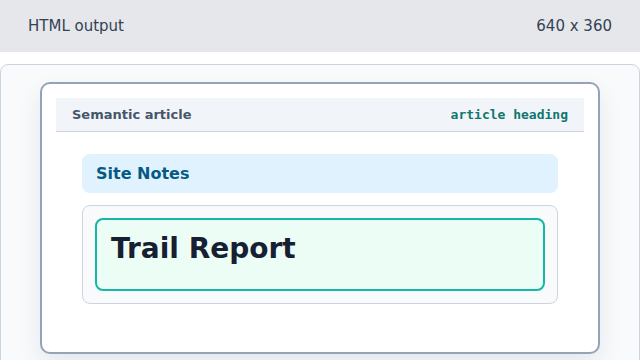
The heading labels the article for readers and assistive tools. Add the article body text.
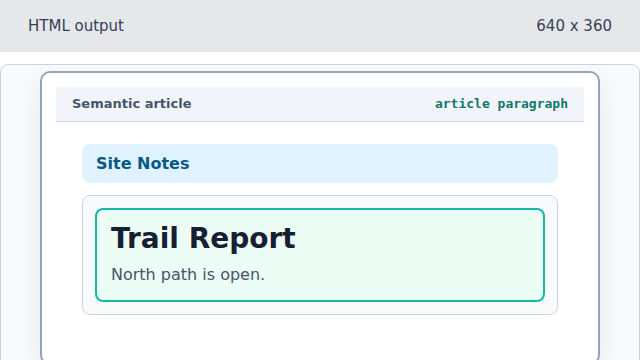
The paragraph carries the article content. Add update metadata in the footer.
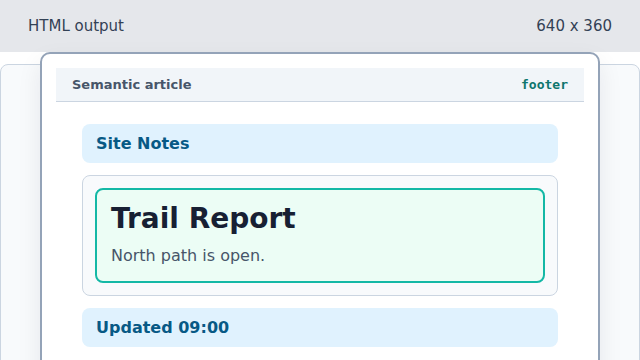
The footer completes the semantic page regions.
landmark
A landmark element marks an important page region such as header, main, or footer.
article
An article is a self-contained piece of content inside the page.