Document Structure
Navigation Links
Anchors Create Page Paths
A small navigation bar adds anchors to the page before the matching sections appear below it.
Program
Anchor elements define destinations. A nav element groups those destinations as page navigation rather than ordinary body text.
navigation_links.html
Visuals: captured from real browser rendering
<nav aria-label="Sections">
  <a href="#overview">Overview</a>
  <a href="#steps">Steps</a>
</nav>
<main>
  <section id="overview">Overview content</section>
  <section id="steps">Step list</section>
</main>
Create a named navigation region.
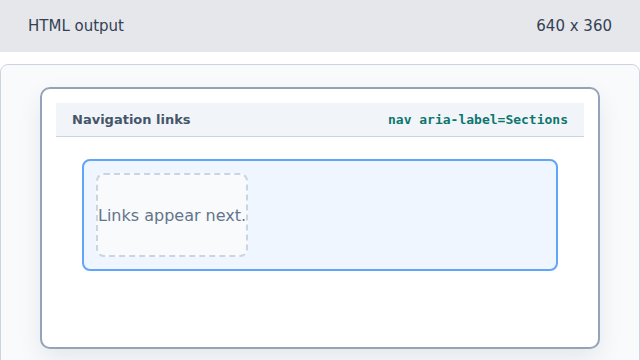
The nav element groups page links. Add the Overview anchor.
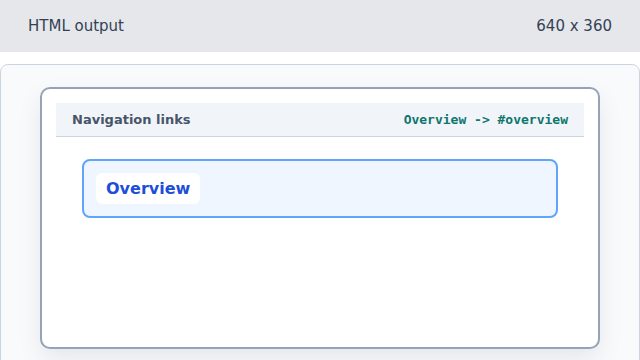
The href points to the overview section id. Add the Steps anchor.
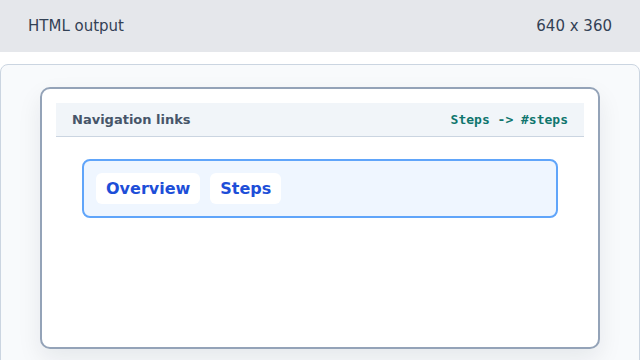
The second anchor points to a different section id. Create the Overview destination.
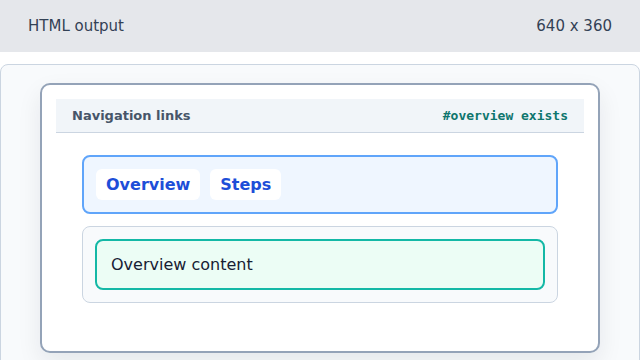
The section id matches the first anchor href. Create the Steps destination.
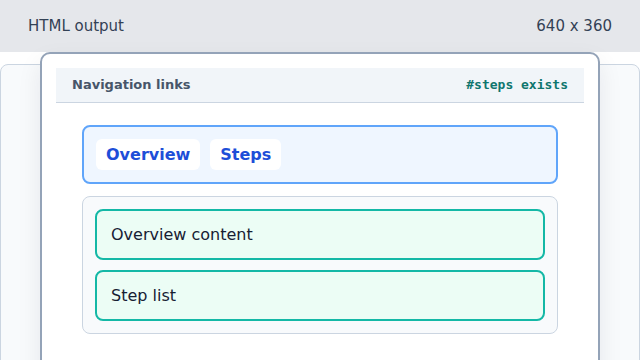
Now both anchors have matching destinations in the document.
anchor
An anchor creates a link to another URL or to an element id on the same page.
aria-label
An aria-label gives an accessible name to an otherwise unlabeled region.