Document Structure
Document Skeleton
The Browser Builds a Page
A minimal HTML document enters standards mode, declares a language, sets the browser title, and finally paints a heading.
Program
HTML is declarative: each element describes document structure and the browser turns that structure into rendered output.
books/html/01document_structure/document_skeleton/diagrams/dom_tree.semantic.json.
document_skeleton.html
Visuals: captured from real browser rendering
<!doctype html>
<html lang="en">
<head>
  <title>Launch Checklist</title>
</head>
<body>
  <h1>Launch Checklist</h1>
</body>
</html>
Enter standards-mode parsing.
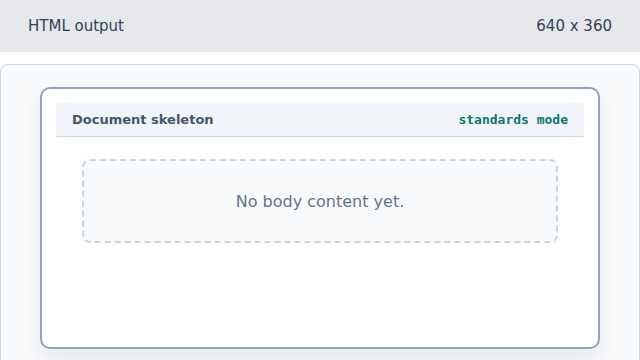
The doctype changes parsing mode, not visible page content. Declare the document language.
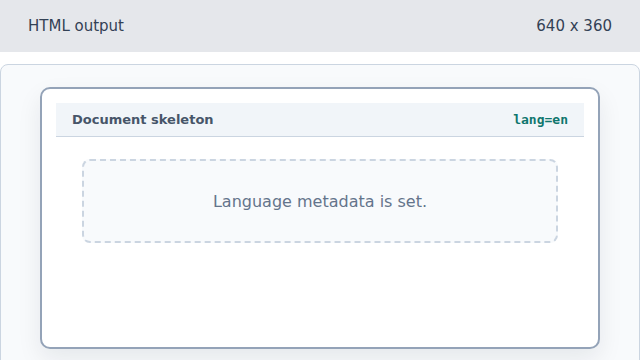
The lang attribute describes the document for browsers and assistive tools. Set the browser title.
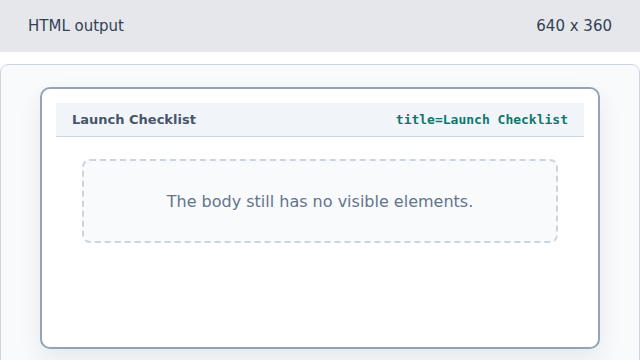
The title affects browser chrome before body elements render. Render the main heading.
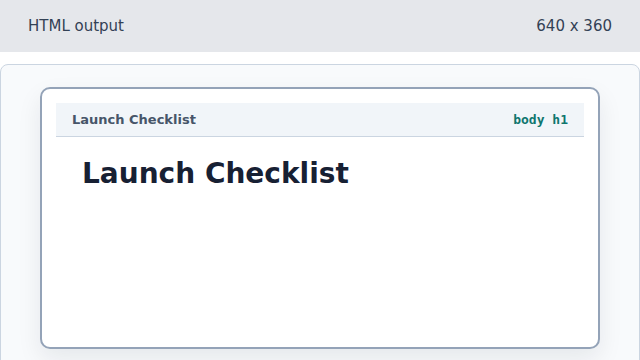
The h1 element creates visible body content. Close the document tree.
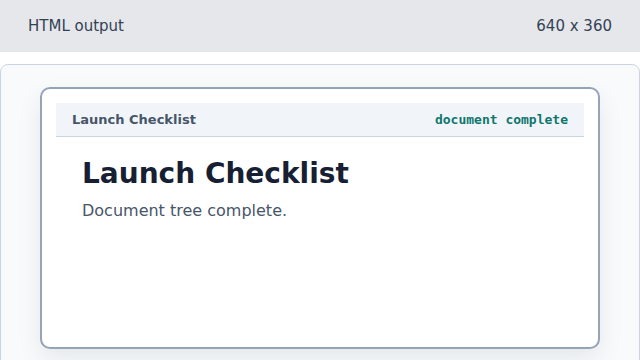
Closing the document finalizes the same rendered tree.
doctype
The doctype asks the browser to parse the document in standards mode.
document title
The title element updates browser chrome before body content is visible.