Forms and Tables
Select Options
One Value from a List
A compact form control starts as a select, gains options, and then exposes the selected option as its value.
Program
Select controls keep multiple choices in the document while the browser exposes one current value to the form.
select_options.html
Visuals: captured from real browser rendering
<label for="plan">Plan</label>
<select id="plan" name="plan">
  <option value="basic">Basic</option>
  <option value="team" selected>Team</option>
</select>
Name the select control.
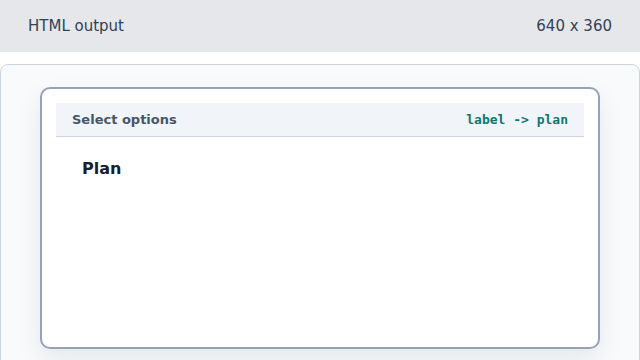
The label points to the future select id. Create the select control.
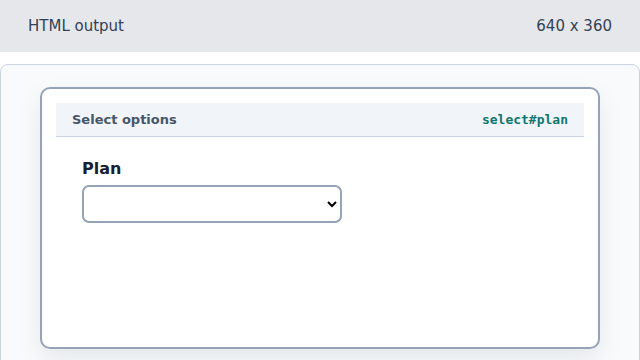
The select element owns the list of choices. Add the Basic option.
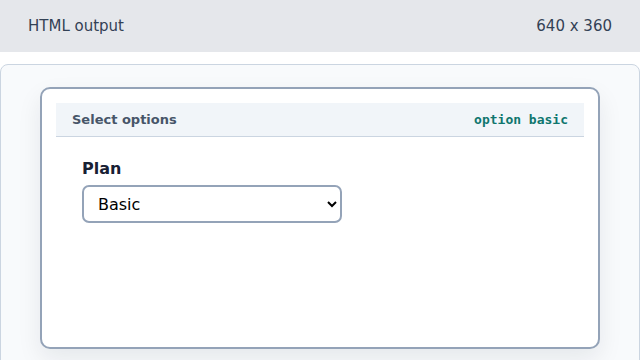
An option supplies a submitted value and a visible label. Add Team and make it selected.
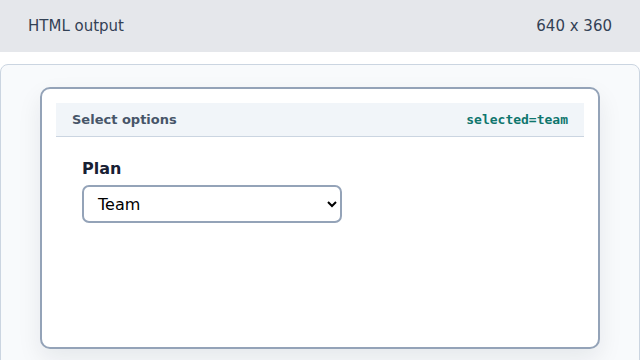
The selected attribute chooses the initial form value.
option
An option is one selectable value inside a select control.
selected
The selected attribute marks the initial value before user interaction.