Forms and Tables
Data Table Scope
Headers Describe Cells
A small table gains a caption, header cells, and body rows so each data cell has a clear meaning.
Program
Use table markup when data is genuinely tabular. Captions and header scope describe how cells relate to each other.
data_table_scope.html
Visuals: captured from real browser rendering
<table>
  <caption>Weekly checks</caption>
  <thead>
    <tr><th scope="col">Item</th><th scope="col">Status</th></tr>
  </thead>
  <tbody>
    <tr><td>Backup</td><td>Pass</td></tr>
    <tr><td>Deploy</td><td>Ready</td></tr>
  </tbody>
</table>
Create the table container.
The table element starts a tabular data region. Add a table caption.
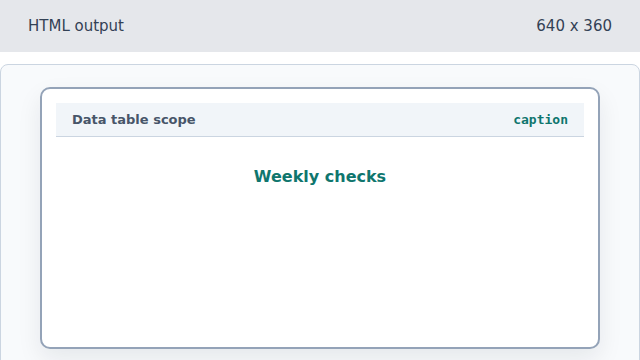
The caption names the whole table. Add scoped column headers.
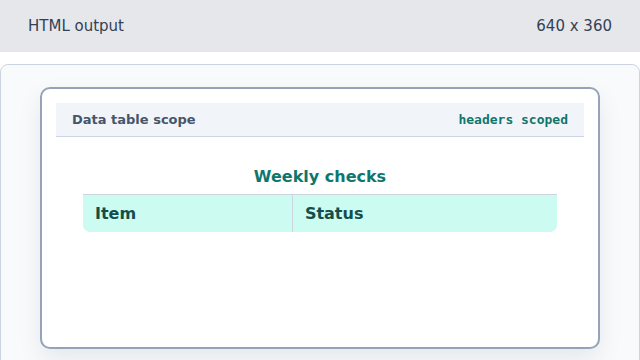
scope="col" marks each header as a column header. Add the Backup row.
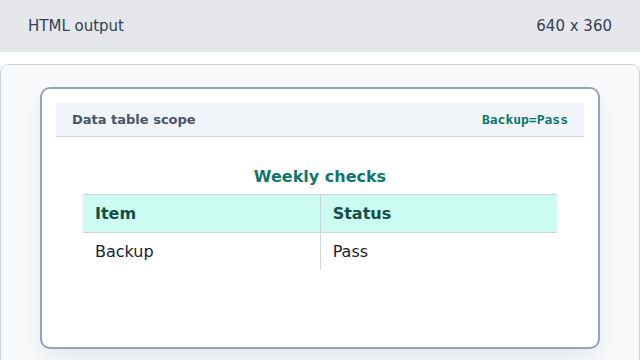
Body cells now line up with the header meanings. Add the Deploy row.
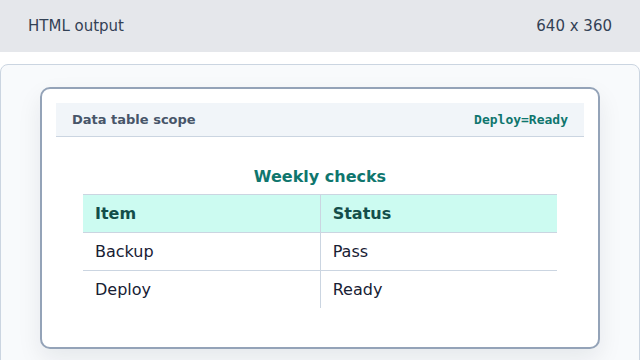
The second row completes the small data set.
caption
A caption names the table for readers before they inspect rows and columns.
scope
The scope attribute tells which cells a header describes.