Table Spans and Headers
Row Header Scope
Label Each Data Row
A status matrix uses scope on both column and row headers so every data cell has a clear heading relationship.
Program
Scope is not only for columns. A table can use scope="row" when the first cell in a row labels the data cells after it.
row_header_scope.html
Visuals: captured from real browser rendering
<table>
  <tr><th></th><th scope="col">Plan</th><th scope="col">Status</th></tr>
  <tr><th scope="row">Backup</th><td>Nightly</td><td>Ready</td></tr>
  <tr><th scope="row">Deploy</th><td>Friday</td><td>Queued</td></tr>
</table>
Create the status matrix.
The table starts before any header relationships are declared. Mark Plan and Status as column headers.
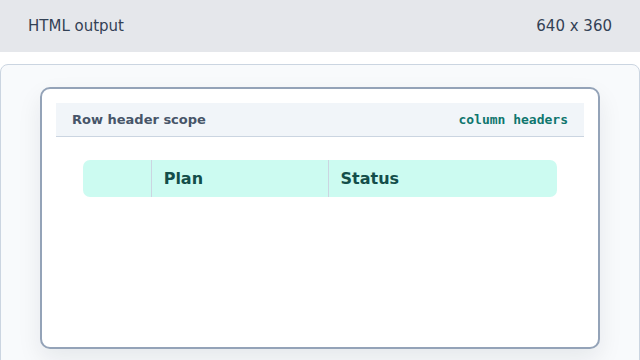
scope="col" connects each header to the cells below it. Mark Backup as a row header.
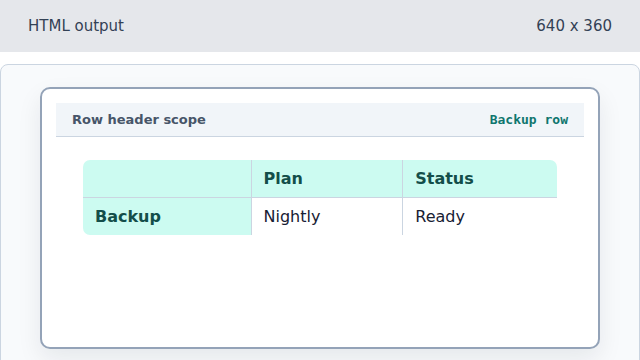
scope="row" tells readers that Backup labels the cells after it. Add Backup data cells.
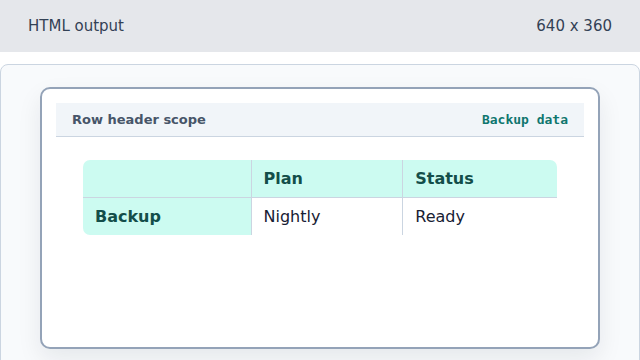
Those cells are described by both Backup and the column headers. Add the Deploy row header and data.
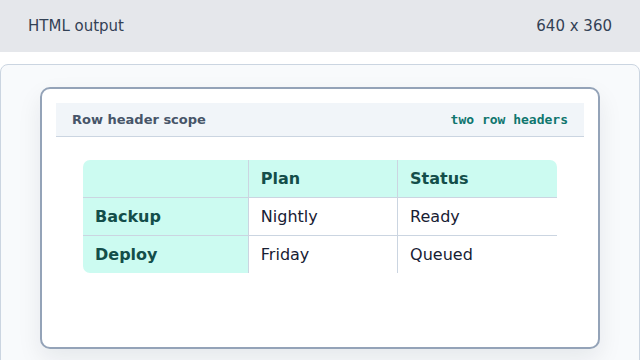
Each row header labels its own row, while column headers label the vertical categories.
scope row
scope="row" marks a header cell that labels the rest of its row.
header relationship
Header relationships explain which labels belong to each data cell.