Validation and Submission
Required Email Validation
Browser Constraints
A join form adds an email input with built-in browser constraints before exposing the submit action.
Program
HTML form constraints are declarative. The browser can validate an email field before the request is submitted.
books/html/08validation_submission/required_email_validation/diagrams/form_validation_state.semantic.json.
required_email_validation.html
Visuals: captured from real browser rendering
<form action="/join" method="post">
  <label for="email">Email</label>
  <input id="email" name="email" type="email" required>
  <button>Join</button>
</form>
Create the join form.

The form action and method define the submission target. Label the email control.
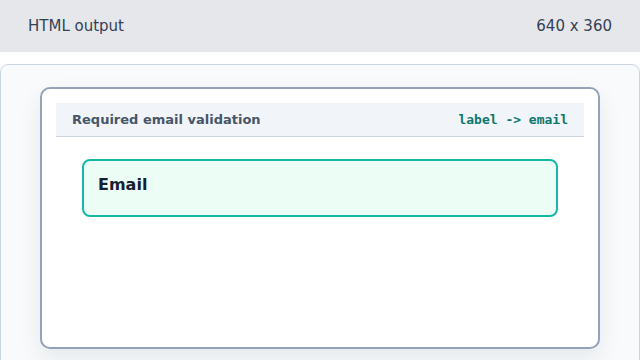
The label points to the future email input id. Add an email-shaped input.
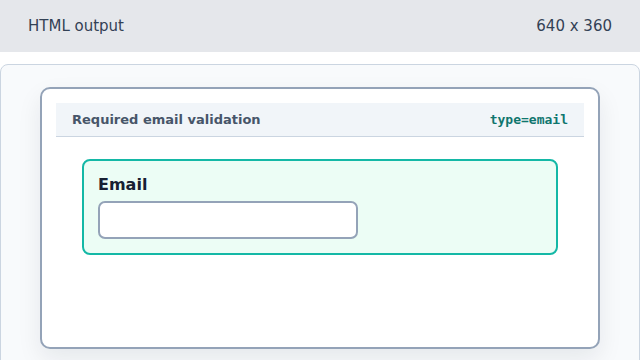
The email type tells the browser what shape to validate. Require a non-empty value.
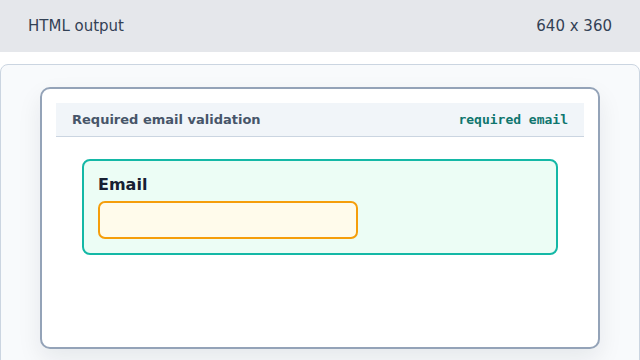
The required attribute adds the empty-value constraint. Add the Join submit action.
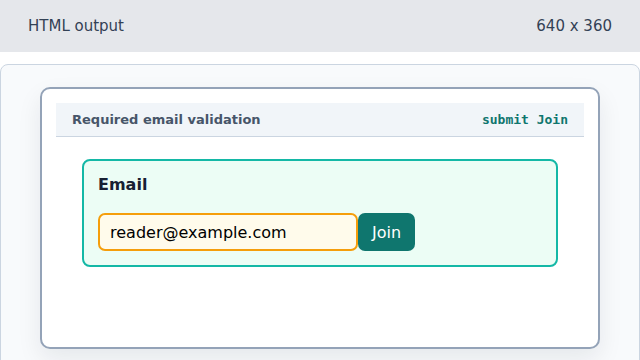
The button gives the constrained form a visible submit action.
type email
The email input type asks the browser to validate email-shaped text.
required
The required attribute prevents an empty value from passing constraint validation.