Validation and Submission
Form Action Buttons
Submit and Reset Intentionally
An order form declares where data is posted, which field name is sent, and which buttons submit or reset the form.
Program
Form submission depends on attributes as much as visible controls. Action and method choose the request, names choose keys, and button types choose behavior.
form_action_buttons.html
Visuals: captured from real browser rendering
<form action="/orders" method="post">
  <input name="item" value="Notebook">
  <button type="submit">Save</button>
  <button type="reset">Reset</button>
</form>
Create a form with a submission URL.
The action attribute chooses where the request will go. Choose POST submission.
POST sends the form data in the request body. Add the submitted item field.
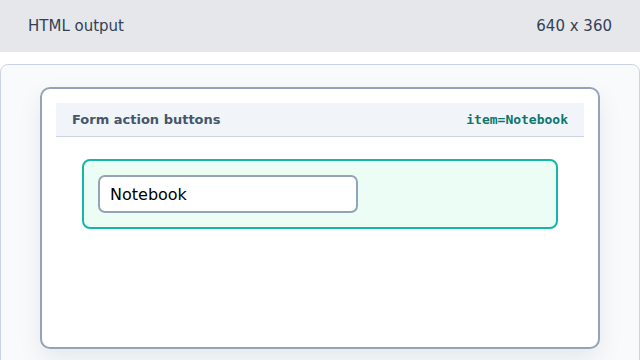
The name attribute becomes the submitted key. Add the Save submit button.
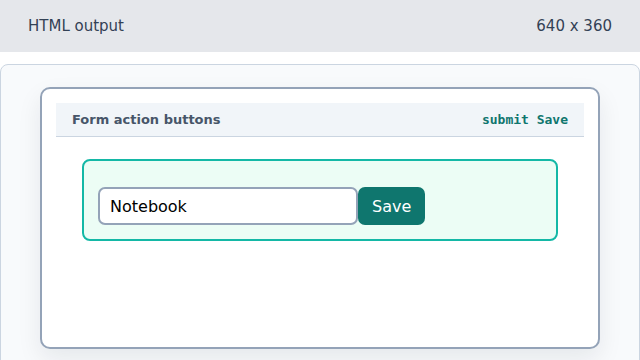
A submit button sends the form when activated. Add the Reset button.
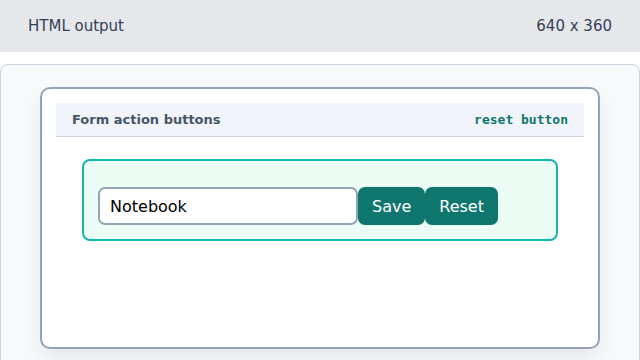
A reset button restores form controls to their initial values.
method
The method attribute chooses the HTTP method for form submission.
button type
Button type tells the browser whether a button submits, resets, or only runs script.