Validation and Submission
Pattern Hint Input
Constraints Need Guidance
An access-code input combines a regex pattern with placeholder and helper text so users can see the required format.
Program
Pattern constraints are powerful but invisible unless the page gives readers clear examples and helper text.
pattern_hint_input.html
Visuals: captured from real browser rendering
<label for="code">Access code</label>
<input id="code" name="code" pattern="[A-Z]{3}-[0-9]{2}" minlength="6" placeholder="ABC-12">
<small id="code-hint">Format: ABC-12</small>
Label the access code input.
The label names the future input. Declare the code format pattern.
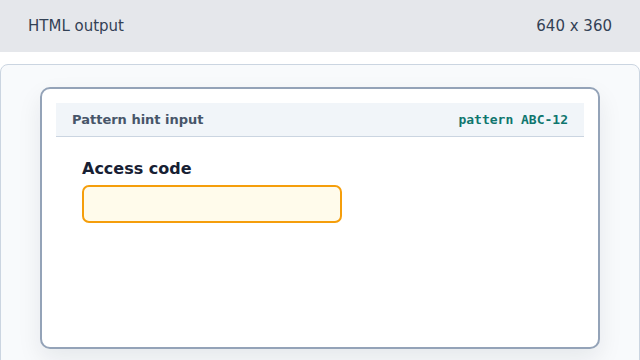
The pattern attribute defines the accepted format. Require a six-character value.
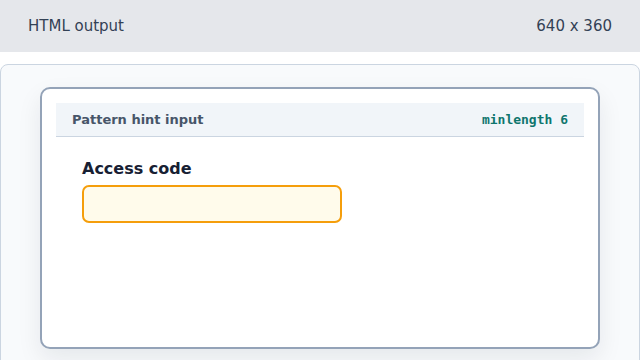
minlength adds a second browser constraint. Show an example in the field.
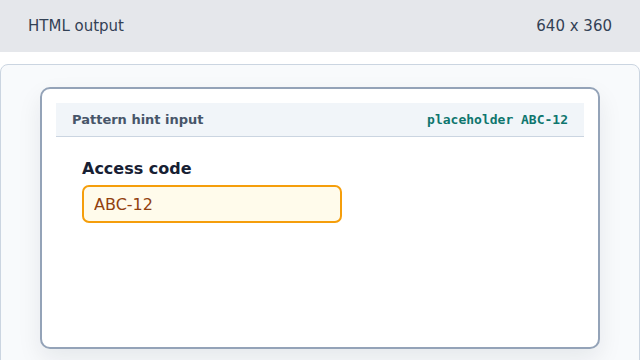
Placeholder hints at the expected shape but does not replace helper text. Add visible helper text.
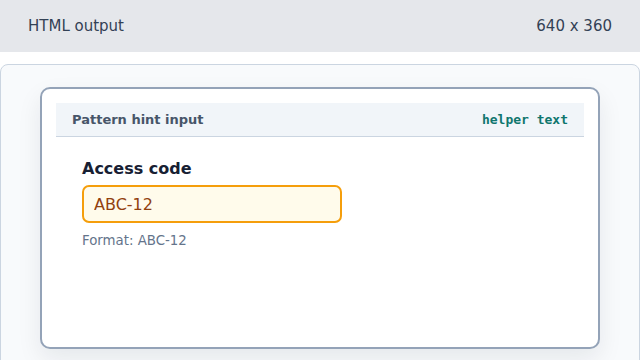
Visible text explains the constraint to every reader.
pattern
The pattern attribute declares a regular expression that the value must match.
helper text
Visible helper text explains a constraint that attributes alone cannot make obvious.