Undo and Recovery Patterns
Version Restore
A static version list shows three pinned versions, one selected, a Restore version button, and no history or backend restore.
Program
Restore choices should show exactly which version is selected before any action. This lesson uses pinned version labels only.
version_restore_choice.html
Visuals: captured from real browser rendering
<section class="version-restore" aria-labelledby="restore-title">
  <h2 id="restore-title">Restore version</h2>
  <fieldset>
    <legend>Choose a saved version</legend>
    <label><input type="radio" name="version" value="09-10"> Today 09:10</label>
    <label><input type="radio" name="version" value="10-25" checked> Today 10:25</label>
    <label><input type="radio" name="version" value="11-40"> Today 11:40</label>
  </fieldset>
  <button type="button">Restore version</button>
  <p class="note">Static choice only; no History API or backend restore runs.</p>
</section>
<style>
  .version-restore { display: grid; gap: 10px; max-width: 34rem; border: 1px solid #94a3b8; padding: 12px; }
  .version-restore fieldset { display: grid; gap: 8px; border: 1px solid #cbd5e1; }
  .version-restore button { justify-self: start; padding: 8px 12px; }
  .note { margin: 0; color: #475569; }
</style>
Label the restore section.
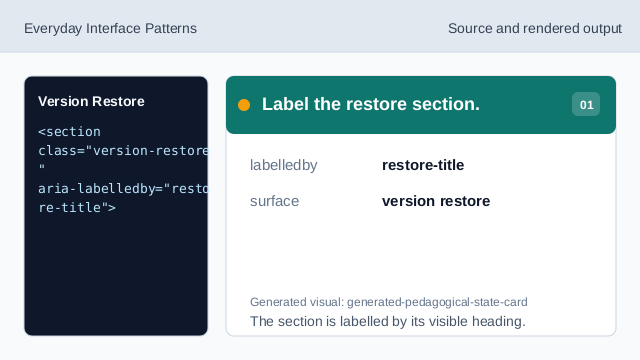
The section is labelled by its visible heading. Group the version choices.
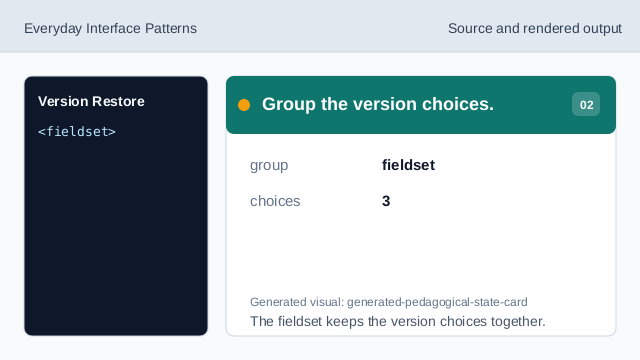
The fieldset keeps the version choices together. Show the first pinned version.
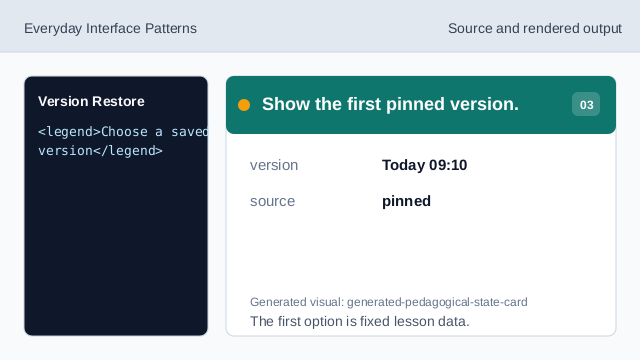
The first option is fixed lesson data. Mark the selected version.
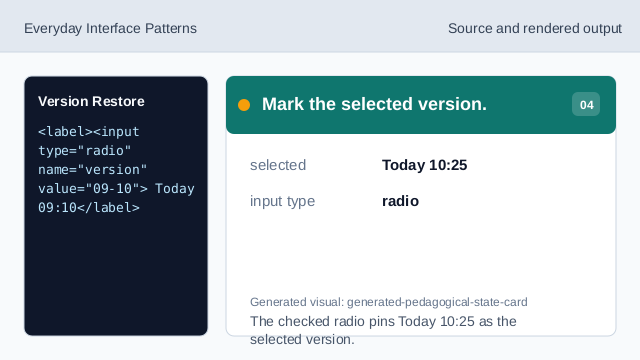
The checked radio pins Today 10:25 as the selected version. Show the restore action.
The button names the possible restore action without running it. Check the version restore choice.
The list shows three pinned versions, one selected option, a button, and no restore code.
version choices
The list shows exact pinned version labels.
selected version
The checked radio marks the currently selected version.
no restore code
The lesson should not imply History API or backend restore behavior.