Undo and Recovery Patterns
Undo Toast Status
A static status toast says Note archived, offers an Undo button, and explains no undo stack or server call runs.
Program
Recovery UI should confirm what happened and show a visible way back. This lesson uses a pinned toast state only.
undo_toast_status.html
Visuals: captured from real browser rendering
<section class="undo-toast" aria-labelledby="undo-title">
  <h2 id="undo-title">Archive status</h2>
  <p role="status">Note archived.</p>
  <button type="button">Undo</button>
  <p class="note">Static recovery state only; no undo stack or server call runs.</p>
</section>
<style>
  .undo-toast { display: grid; gap: 10px; max-width: 32rem; border: 1px solid #0f766e; background: #ecfdf5; padding: 12px; }
  .undo-toast button { justify-self: start; padding: 8px 12px; }
  .undo-toast p, .note { margin: 0; }
  .note { color: #475569; }
</style>
Label the recovery toast.
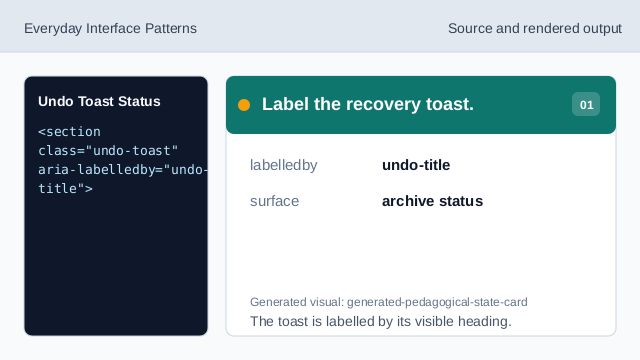
The toast is labelled by its visible heading. Name the status surface.
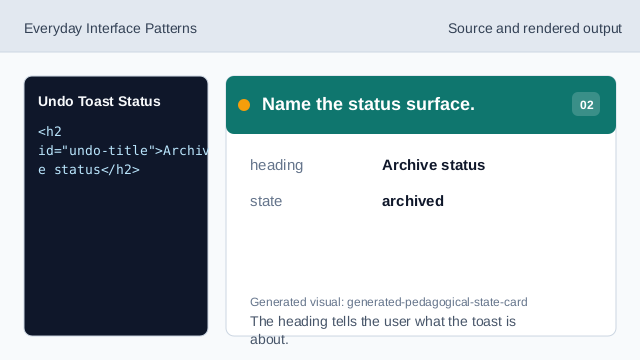
The heading tells the user what the toast is about. Expose the archived message as status.
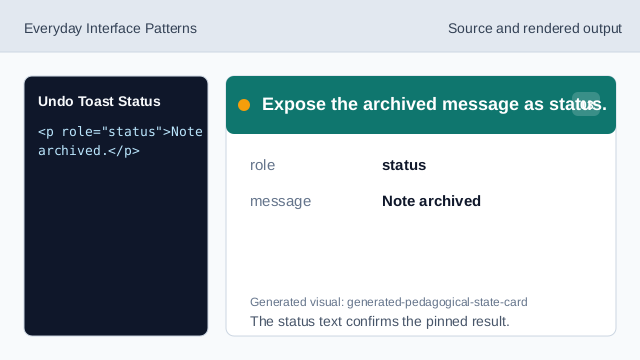
The status text confirms the pinned result. Show the recovery action.
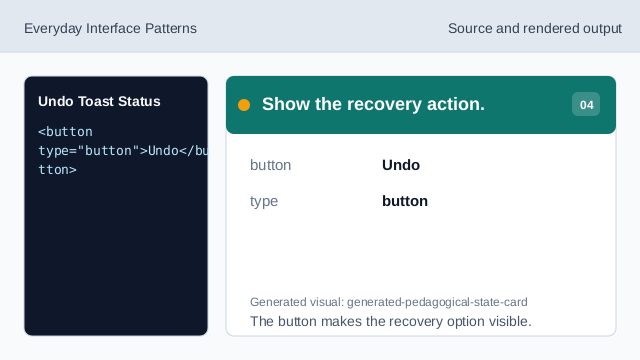
The button makes the recovery option visible. State what does not run.
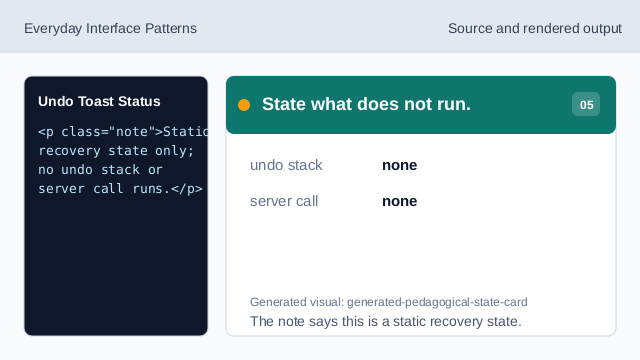
The note says this is a static recovery state. Check the undo toast status.
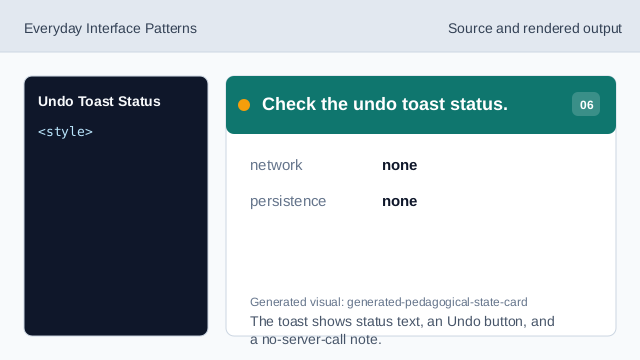
The toast shows status text, an Undo button, and a no-server-call note.
status message
The toast should say what changed.
undo action
A visible Undo button shows the recovery path.
static state
The lesson should not imply a real undo stack or server call.