Undo and Recovery Patterns
Discard Prompt
A static unsaved-changes prompt shows Keep editing and Discard buttons with no submission or navigation.
Program
Discard prompts should make the risk and choices visible. This lesson shows a static prompt only.
discard_changes_prompt.html
Visuals: captured from real browser rendering
<section class="discard-prompt" role="dialog" aria-labelledby="discard-title" aria-describedby="discard-desc">
  <h2 id="discard-title">Discard changes?</h2>
  <p id="discard-desc">You have unsaved edits to this draft.</p>
  <div class="actions">
    <button type="button">Keep editing</button>
    <button type="button">Discard</button>
  </div>
  <p class="note">Static prompt only; no form submission or navigation happens.</p>
</section>
<style>
  .discard-prompt { display: grid; gap: 10px; max-width: 34rem; border: 1px solid #b45309; background: #fffbeb; padding: 12px; }
  .actions { display: flex; flex-wrap: wrap; gap: 8px; }
  .actions button { padding: 8px 12px; }
  .discard-prompt p, .note { margin: 0; }
  .note { color: #6b4e16; }
</style>
Mark the prompt as a dialog surface.
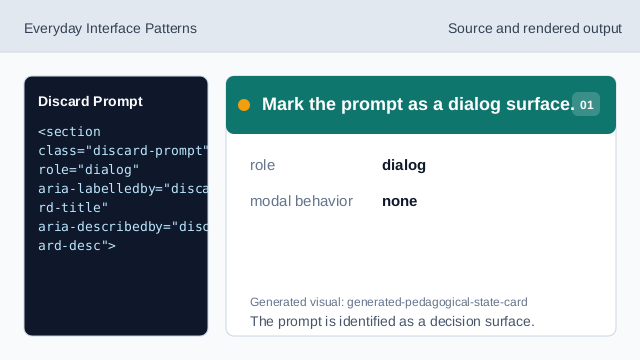
The prompt is identified as a decision surface. Connect the prompt description.
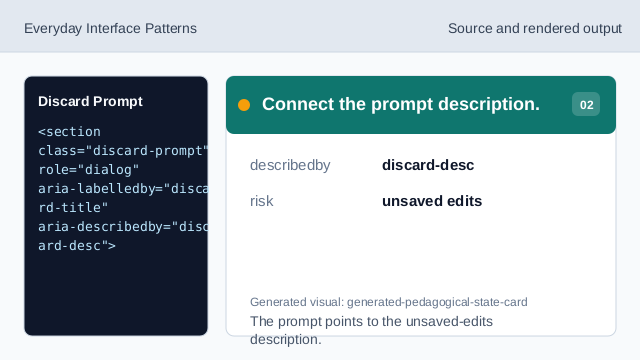
The prompt points to the unsaved-edits description. Ask the recovery question.
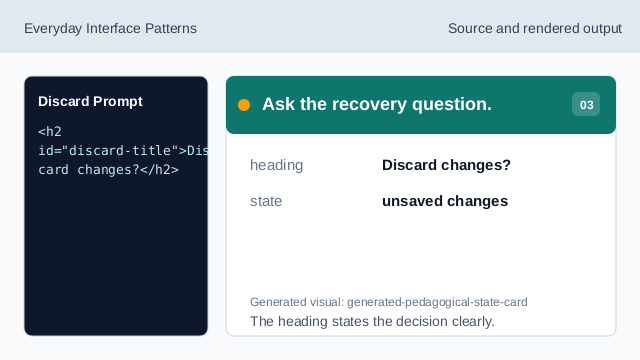
The heading states the decision clearly. Show the safe action.
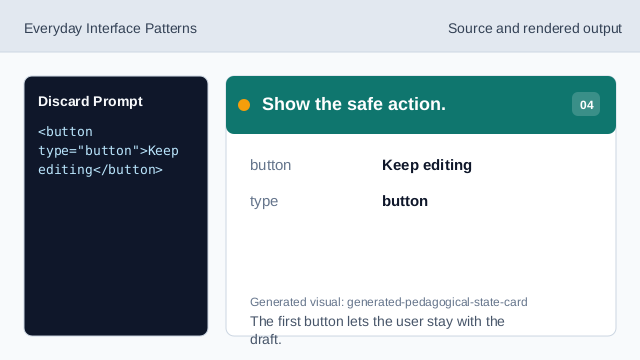
The first button lets the user stay with the draft. Show the discard action.
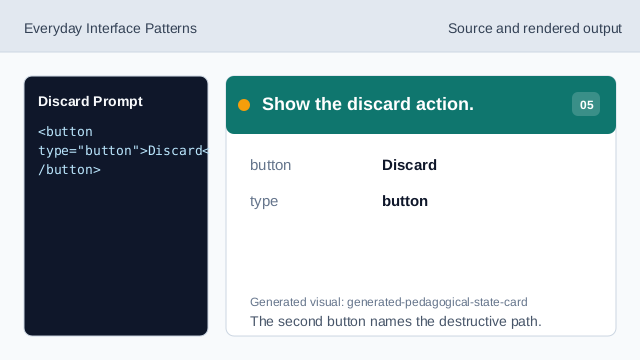
The second button names the destructive path. Check the discard prompt.
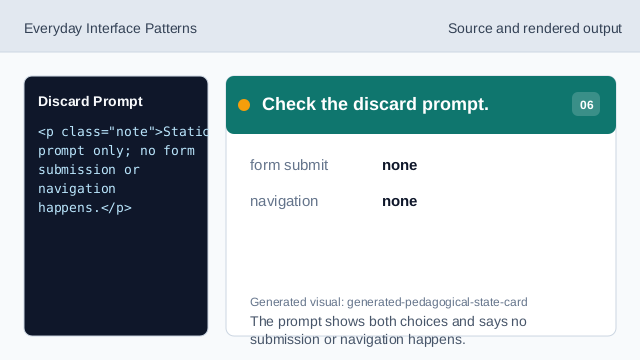
The prompt shows both choices and says no submission or navigation happens.
dialog role
The prompt can be identified as a dialog-like decision surface.
two choices
Keep editing and Discard make both paths visible.
no navigation
The lesson should not imply form submission or page navigation.