Inbox State Patterns
Unread Count Badge
An inbox heading shows pinned unread count 2 with a visible badge and status text.
Program
Unread counts should be visible and easy to verify. This lesson uses a static count only, with no polling or backend check.
unread_count_badge.html
Visuals: captured from real browser rendering
<section class="inbox-count" aria-labelledby="inbox-title">
  <h2 id="inbox-title">Inbox <span class="badge" aria-label="2 unread messages">2</span></h2>
  <p role="status">Unread messages: 2.</p>
  <p class="note">No polling or backend check runs in this lesson.</p>
</section>
<style>
  .inbox-count { display: grid; gap: 10px; max-width: 30rem; border: 1px solid #94a3b8; padding: 12px; }
  .badge { display: inline-block; min-width: 1.75rem; padding: 2px 8px; border-radius: 999px; background: #0f766e; color: white; text-align: center; }
  .note { margin: 0; color: #475569; }
</style>
Label the inbox count section.
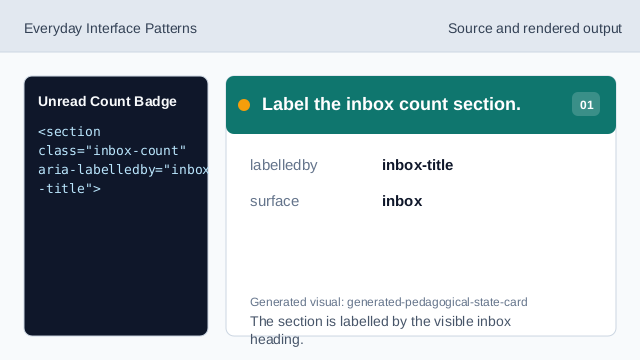
The section is labelled by the visible inbox heading. Show the inbox heading.
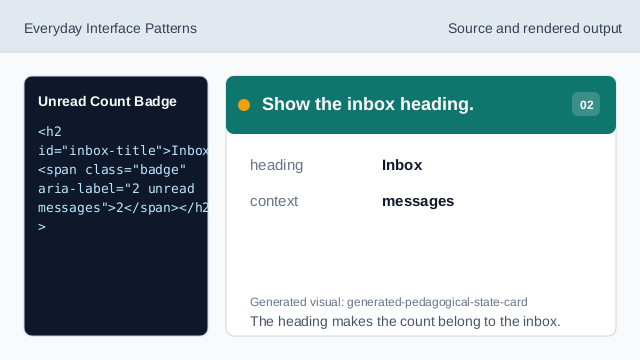
The heading makes the count belong to the inbox. Give the badge a clear label.
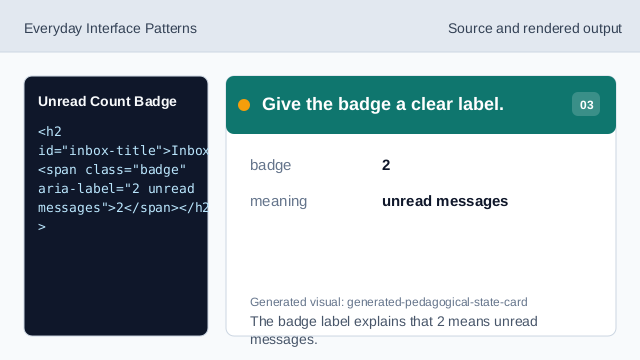
The badge label explains that 2 means unread messages. Repeat the unread count as status.
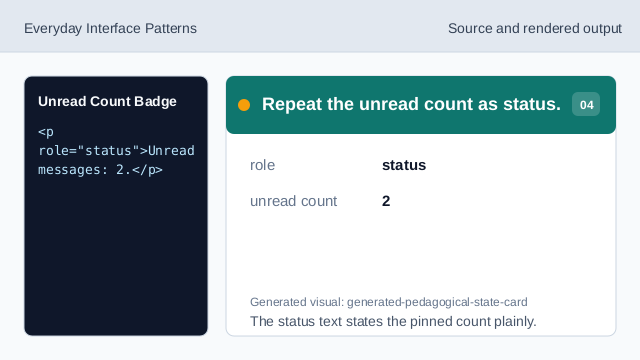
The status text states the pinned count plainly. State what does not run.
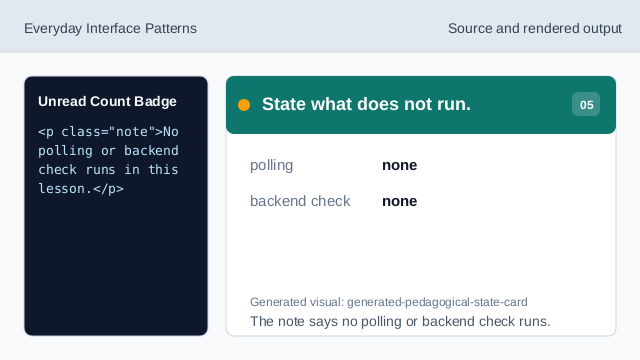
The note says no polling or backend check runs. Check the unread count badge.
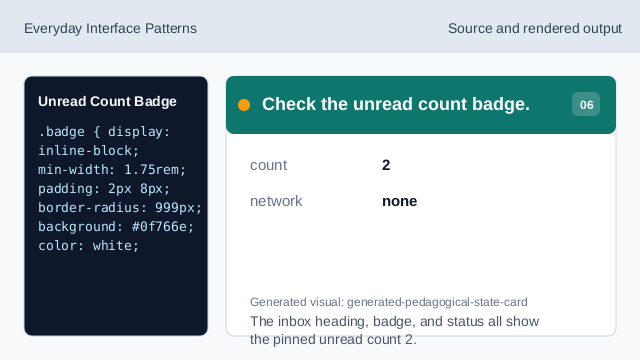
The inbox heading, badge, and status all show the pinned unread count 2.
visible count
The unread number should be visible near the inbox label.
accessible badge label
The badge should expose what the number means.
no polling
The lesson should not imply a live backend check.