Inbox State Patterns
Mark Read Status
A static marked-read status shows 2 messages marked read and says no backend update was sent.
Program
A mark-read confirmation should be clear about the visible result. This lesson displays a static status only.
mark_read_status.html
Visuals: captured from real browser rendering
<section class="mark-read" data-read-count="2" aria-labelledby="read-title">
  <h2 id="read-title">Messages updated</h2>
  <p role="status">2 messages marked read.</p>
  <button type="button">Done</button>
  <p class="note">Static status only; no backend update or network request was sent.</p>
</section>
<style>
  .mark-read { display: grid; gap: 10px; max-width: 30rem; border: 1px solid #0f766e; padding: 12px; }
  .mark-read button { justify-self: start; padding: 8px 12px; }
  .note { margin: 0; color: #475569; }
</style>
Pin the marked-read count.
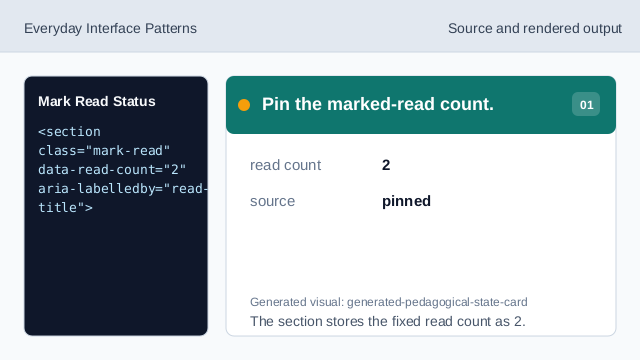
The section stores the fixed read count as 2. Name the update state.
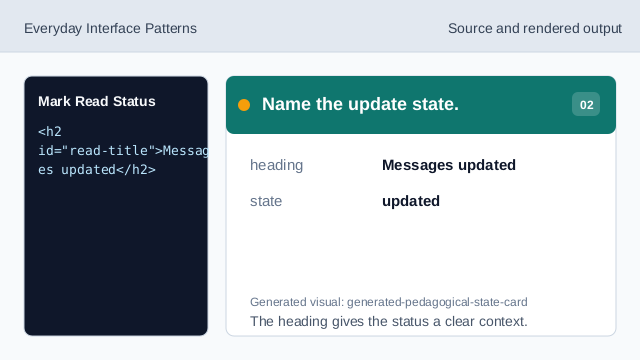
The heading gives the status a clear context. Mark the confirmation as status.
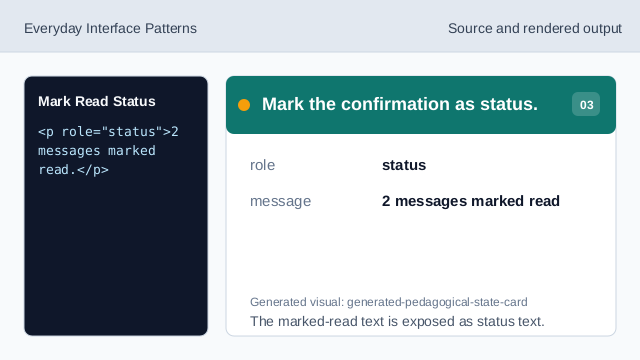
The marked-read text is exposed as status text. Show the pinned marked-read result.
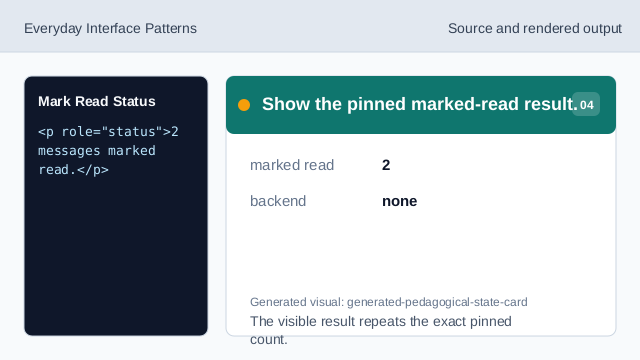
The visible result repeats the exact pinned count. State what was not sent.
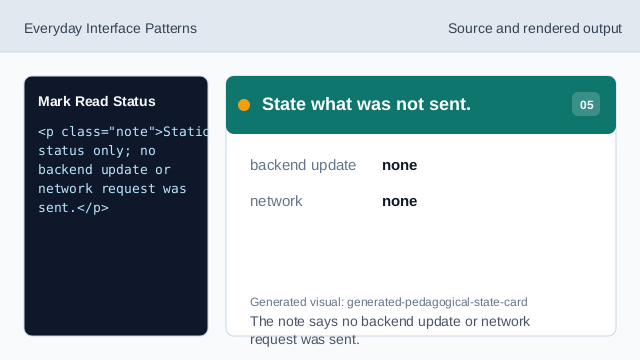
The note says no backend update or network request was sent. Check the mark-read status.
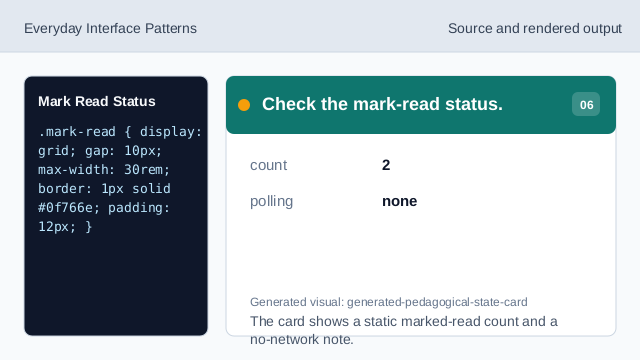
The card shows a static marked-read count and a no-network note.
marked-read status
The status confirms the shown read state.
pinned count
The count 2 is fixed lesson data.
no backend update
The lesson should not imply a live update was sent.