Inbox State Patterns
Message Preview List
A static list shows two pinned message previews with sender, time, and snippet.
Program
Message previews work best when each row exposes the sender, time, and short snippet. This lesson uses fixed rows and fetches nothing.
message_preview_list.html
Visuals: captured from real browser rendering
<section class="message-previews" aria-labelledby="messages-title">
  <h2 id="messages-title">Latest messages</h2>
  <ul>
    <li><strong>Ravi</strong> <time datetime="2026-07-07T09:15:00-05:00">09:15</time><p>Can you review the replay?</p></li>
    <li><strong>Mina</strong> <time datetime="2026-07-07T10:05:00-05:00">10:05</time><p>The static frames look ready.</p></li>
  </ul>
  <p class="note">No messages are fetched in this lesson.</p>
</section>
<style>
  .message-previews { display: grid; gap: 10px; max-width: 34rem; border: 1px solid #94a3b8; padding: 12px; }
  .message-previews ul { display: grid; gap: 8px; padding: 0; list-style: none; }
  .message-previews li { border: 1px solid #cbd5e1; padding: 8px; }
  .message-previews time { float: right; color: #475569; }
  .message-previews p, .note { margin: 0; }
</style>
Label the message list section.
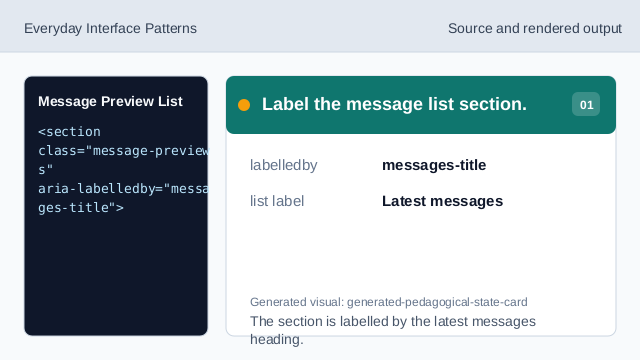
The section is labelled by the latest messages heading. Use a list for previews.
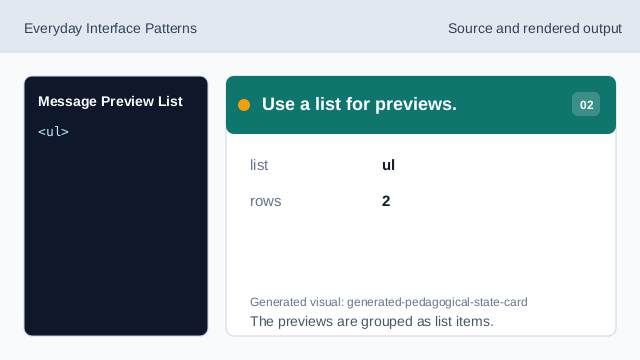
The previews are grouped as list items. Pin the first sender.
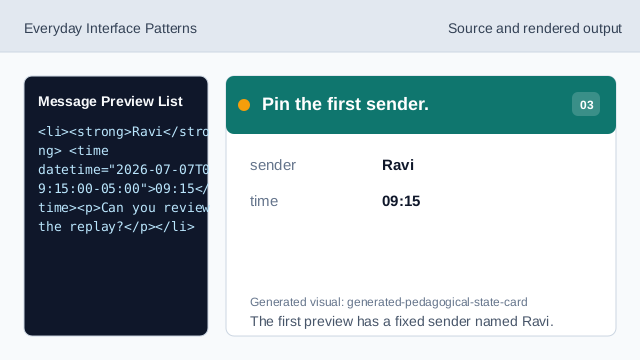
The first preview has a fixed sender named Ravi. Show the first snippet.
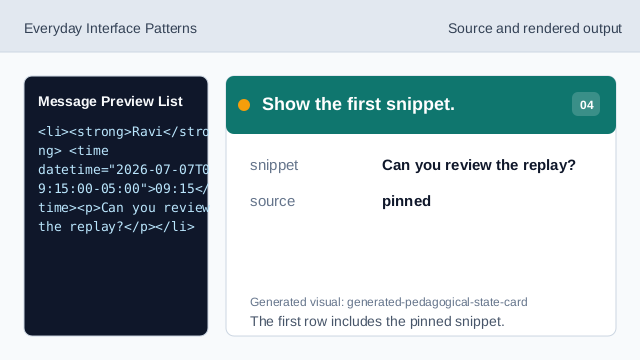
The first row includes the pinned snippet. Show the second preview row.
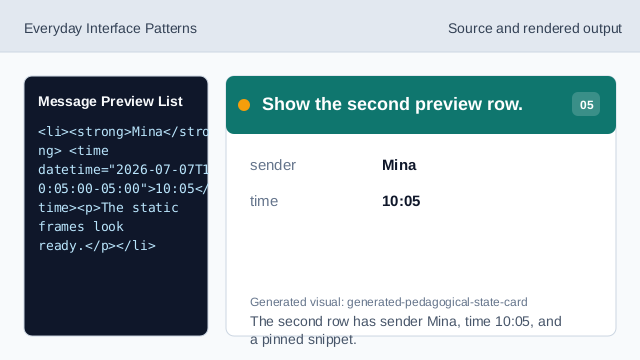
The second row has sender Mina, time 10:05, and a pinned snippet. Check the message preview list.
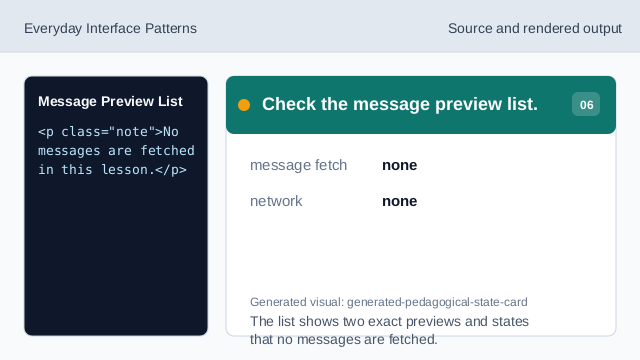
The list shows two exact previews and states that no messages are fetched.
pinned rows
The two message previews are exact lesson data.
time element
Visible times can include machine-readable datetime values.
no fetch
The lesson should not imply messages were fetched.