Account Security Patterns
Two Step Status
A static account security card shows two-step verification On, a masked phone backup method, a Change button, and no SMS or auth service.
Program
Security settings should show current status and backup method without exposing the full contact detail. This lesson is a pinned display state.
two_step_status_card.html
Visuals: captured from real browser rendering
<section class="two-step-card" aria-labelledby="two-step-title">
  <h2 id="two-step-title">Two-step verification</h2>
  <p><strong>Status</strong> <span class="badge">On</span></p>
  <p><strong>Backup method</strong> phone ending in 0184</p>
  <button type="button">Change</button>
  <p class="note">Static security display only; no SMS or auth service runs.</p>
</section>
<style>
  .two-step-card { display: grid; gap: 10px; max-width: 36rem; border: 1px solid #64748b; padding: 12px; }
  .two-step-card p, .note { margin: 0; }
  .two-step-card button { justify-self: start; padding: 8px 12px; }
  .badge { border-radius: 999px; background: #dcfce7; padding: 2px 8px; }
  .note { color: #475569; }
</style>
Label the two-step card.
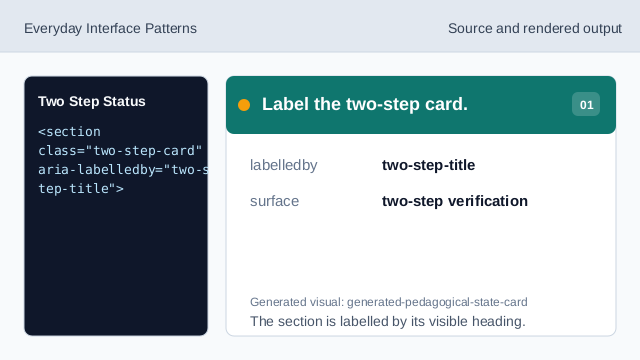
The section is labelled by its visible heading. Name the security setting.
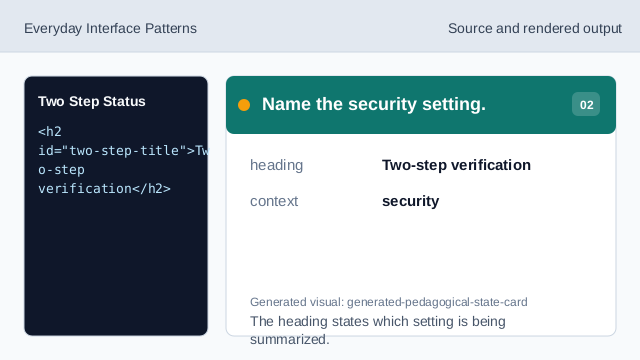
The heading states which setting is being summarized. Show the two-step status.
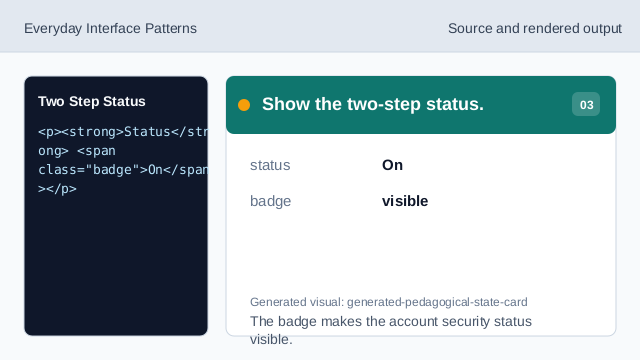
The badge makes the account security status visible. Show the masked backup method.
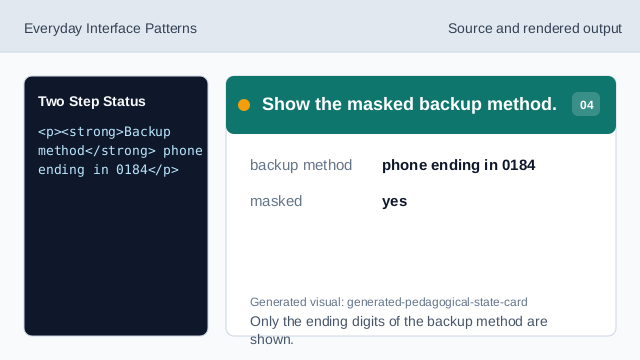
Only the ending digits of the backup method are shown. Show the change affordance.
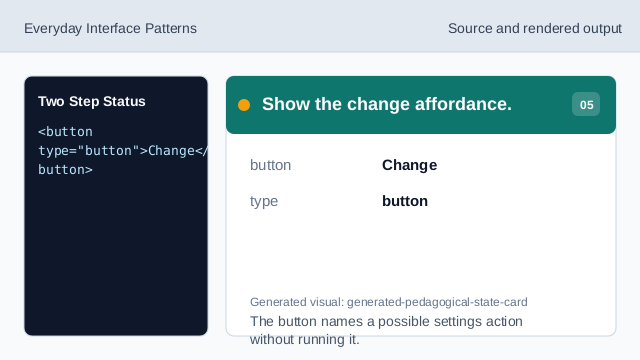
The button names a possible settings action without running it. Check the two-step status card.
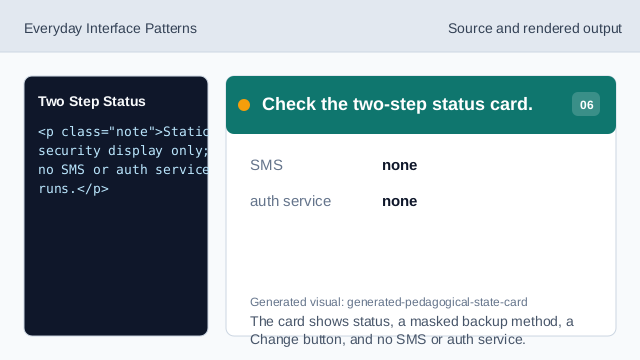
The card shows status, a masked backup method, a Change button, and no SMS or auth service.
two-step status
The card shows the current two-step state as plain text and a badge.
masked method
The backup phone is shown only as ending digits.
no SMS
The lesson should not imply SMS delivery or an auth service.