Account Security Patterns
Security Alert
A static security alert shows a pinned new sign-in from Chicago with time and device text, review buttons, and no detection or backend check.
Program
Security alerts should say what happened and give visible review actions. This lesson uses pinned alert text only, not detection code.
security_alert_review.html
Visuals: captured from real browser rendering
<section class="security-alert" aria-labelledby="alert-title">
  <h2 id="alert-title">Security alert</h2>
  <p role="alert">New sign-in from Chicago.</p>
  <p><strong>Time</strong> July 7, 2026 at 08:15</p>
  <p><strong>Device</strong> Desktop browser</p>
  <div class="actions">
    <button type="button">This was me</button>
    <button type="button">Review account</button>
  </div>
  <p class="note">Static alert only; no device detection, risk scoring, or backend check runs.</p>
</section>
<style>
  .security-alert { display: grid; gap: 10px; max-width: 38rem; border: 1px solid #b45309; background: #fffbeb; padding: 12px; }
  .security-alert p, .note { margin: 0; }
  .actions { display: flex; flex-wrap: wrap; gap: 8px; }
  .actions button { padding: 8px 12px; }
  .note { color: #6b4e16; }
</style>
Label the security alert.
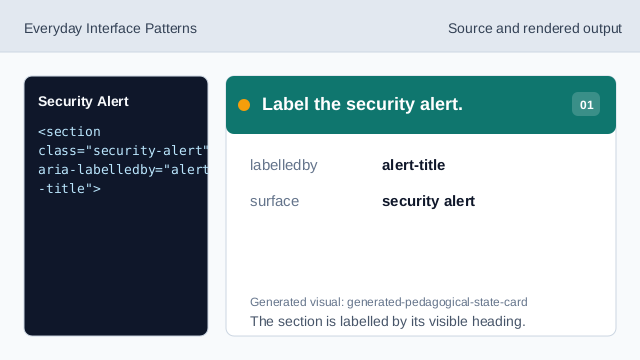
The section is labelled by its visible heading. Expose the alert message.
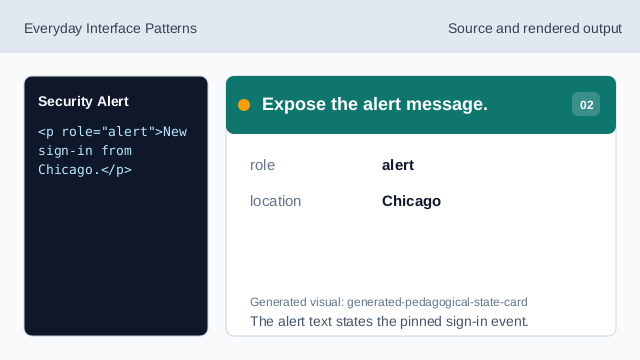
The alert text states the pinned sign-in event. Show the pinned alert time.
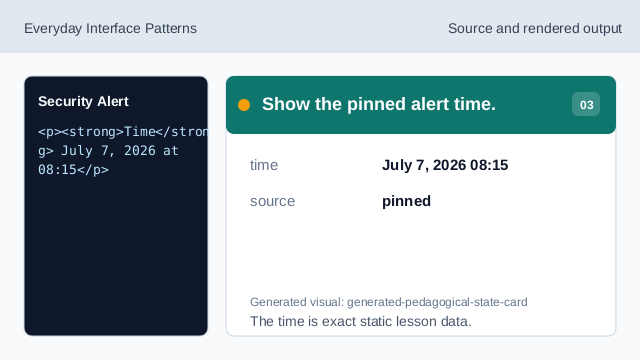
The time is exact static lesson data. Show the pinned device text.
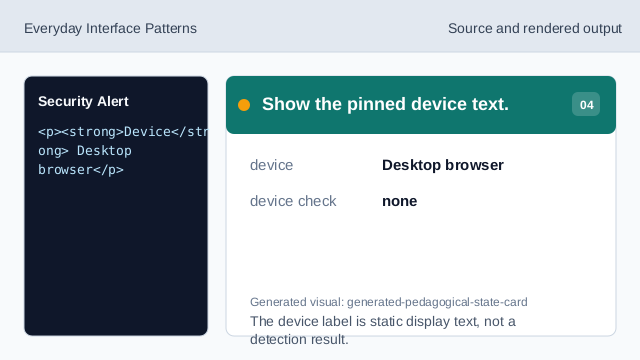
The device label is static display text, not a detection result. Show the review buttons.
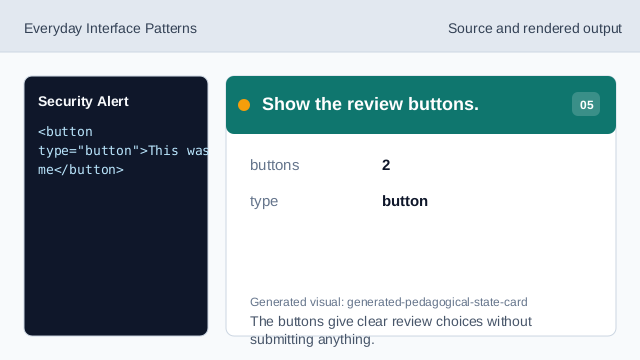
The buttons give clear review choices without submitting anything. Check the security alert.
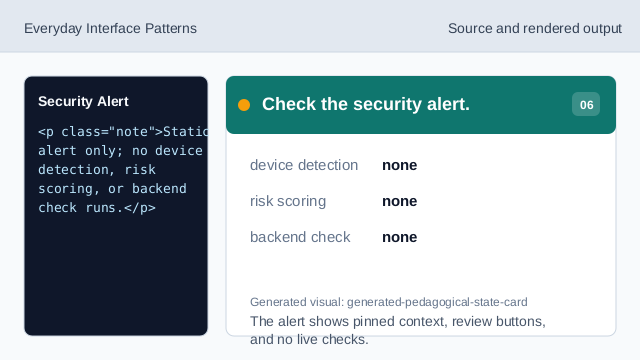
The alert shows pinned context, review buttons, and no live checks.
alert message
The alert states the pinned sign-in location.
pinned context
The time and device text are deterministic lesson data.
review actions
The buttons give visible next steps without triggering services.