Account Security Patterns
Reset Notice
A static reset notice says a link was prepared for a masked email, shows Return to sign in, and explains no email or auth backend runs.
Program
Account recovery screens should show a clear next step without exposing the full identifier. This lesson uses one pinned masked-email notice.
password_reset_notice.html
Visuals: captured from real browser rendering
<section class="reset-notice" aria-labelledby="reset-title">
  <h2 id="reset-title">Password reset</h2>
  <p role="status">Reset link prepared for <strong>a***@example.test</strong>.</p>
  <button type="button">Return to sign in</button>
  <p class="note">Static recovery notice only; no email or auth backend runs.</p>
</section>
<style>
  .reset-notice { display: grid; gap: 10px; max-width: 34rem; border: 1px solid #64748b; padding: 12px; }
  .reset-notice button { justify-self: start; padding: 8px 12px; }
  .reset-notice p, .note { margin: 0; }
  .note { color: #475569; }
</style>
Label the reset notice.
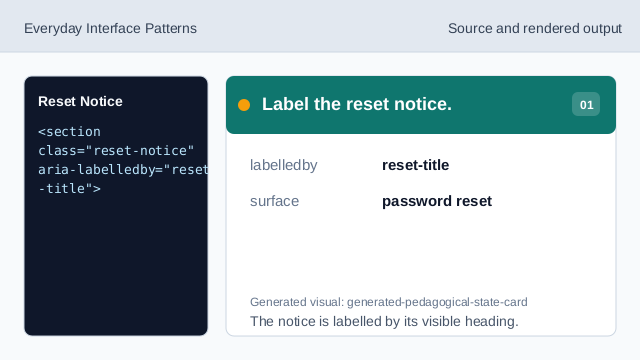
The notice is labelled by its visible heading. Name the recovery state.
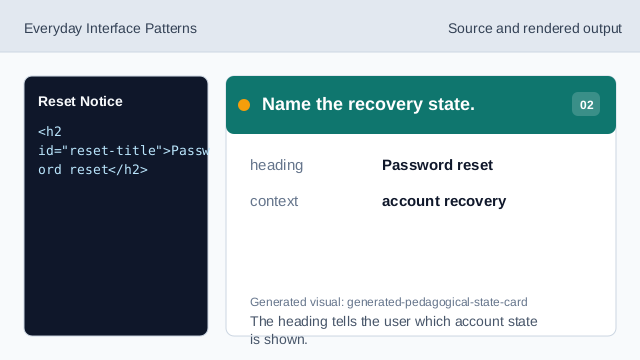
The heading tells the user which account state is shown. Expose the reset message as status.
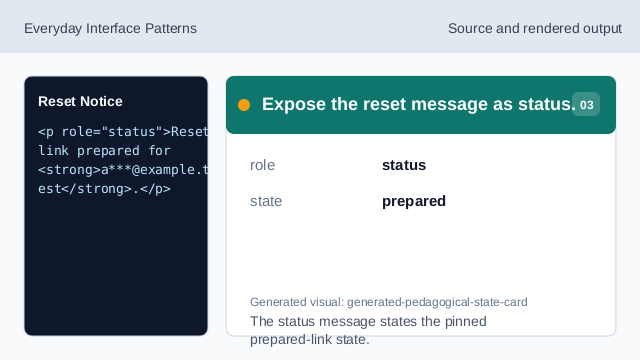
The status message states the pinned prepared-link state. Show the masked email identifier.
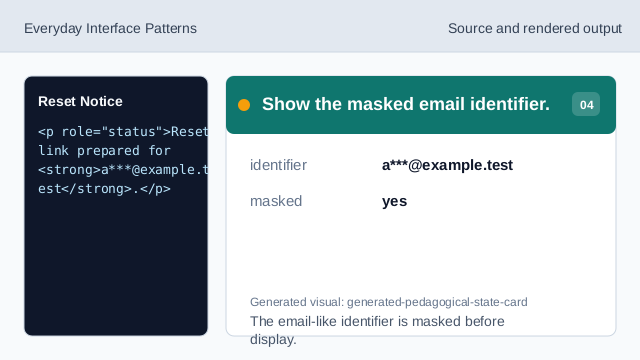
The email-like identifier is masked before display. Show the next action.
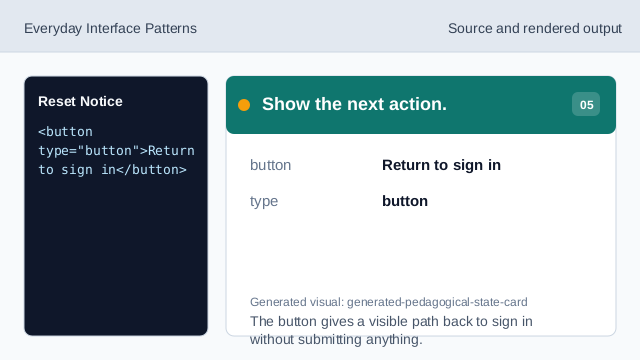
The button gives a visible path back to sign in without submitting anything. Check the reset notice.
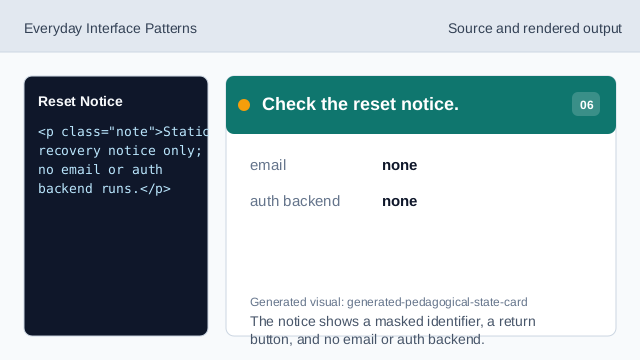
The notice shows a masked identifier, a return button, and no email or auth backend.
masked email
The notice shows only a masked email-like identifier.
status message
The prepared reset state is exposed as status text.
no backend
The lesson should not imply email delivery or an auth backend.