Pointer and Touch Patterns
Touch Target Spacing
A compact action list uses minimum height, padding, and gap so each target stays easy to tap.
Program
Touch targets need enough size and separation. A small list can use ordinary CSS to keep links easy to tap without adding complexity.
touch_target_spacing.html
Visuals: captured from real browser rendering
<nav class="quick-actions" aria-label="Quick actions">
  <a href="#call">Call</a>
  <a href="#message">Message</a>
  <a href="#directions">Directions</a>
</nav>
<style>
  .quick-actions { display: grid; gap: 10px; max-width: 16rem; }
  .quick-actions a { min-height: 44px; padding: 10px 14px; display: flex; align-items: center; }
  .quick-actions a { border: 1px solid #94a3b8; text-decoration: none; }
</style>
Name the action list.
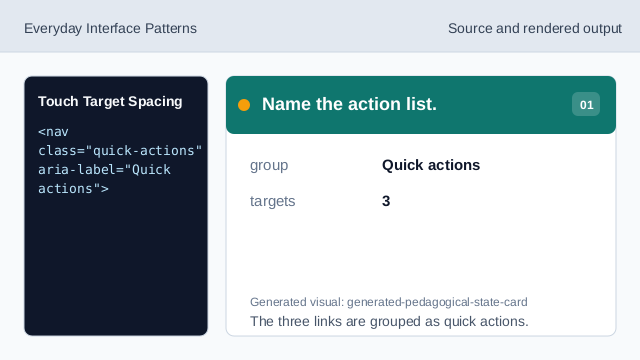
The three links are grouped as quick actions. Set a minimum target height.
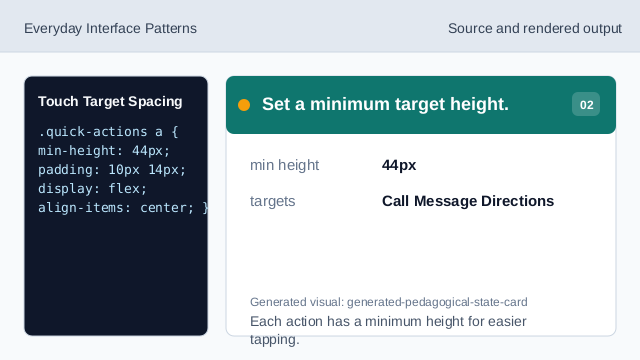
Each action has a minimum height for easier tapping. Add internal target padding.
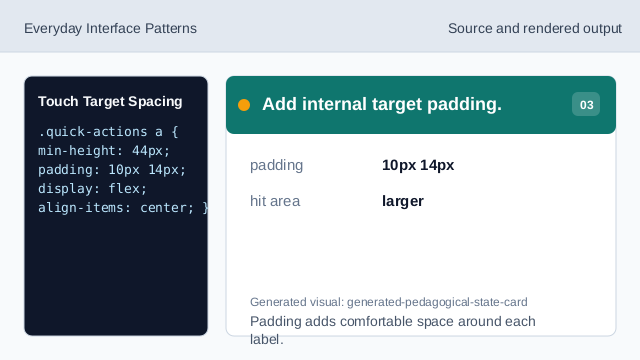
Padding adds comfortable space around each label. Separate nearby targets.
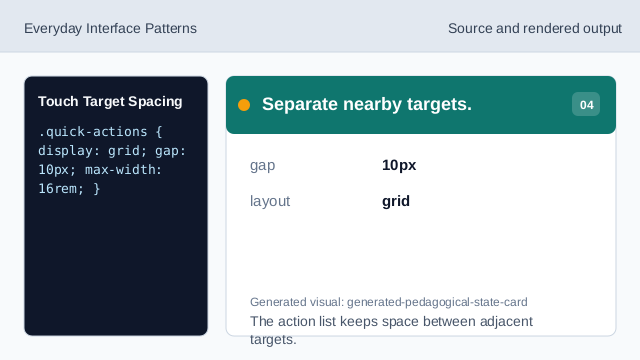
The action list keeps space between adjacent targets. Render visible tap targets.
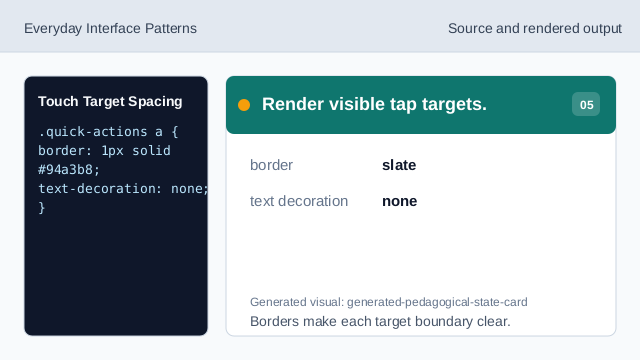
Borders make each target boundary clear. Check label placement.
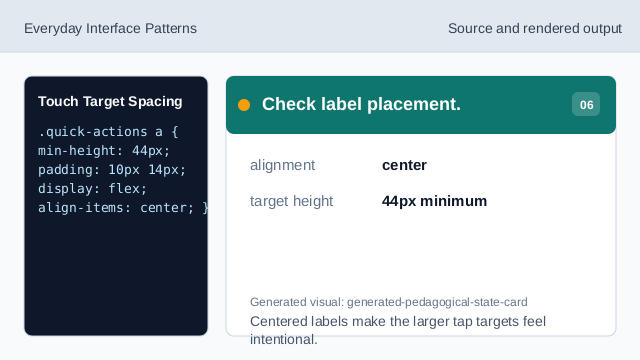
Centered labels make the larger tap targets feel intentional.
target size
A minimum height keeps each action large enough to tap.
spacing gap
A gap separates neighboring touch targets.
action list
A labeled nav groups related quick actions.