Pointer and Touch Patterns
Hover Focus Card
A small card reveals the same action with :hover and :focus-within so pointer and keyboard users get the same affordance.
Program
Hover-only actions can hide controls from keyboard users. Pairing :hover with :focus-within keeps the same action available from either path.
hover_focus_card.html
Visuals: captured from real browser rendering
<article class="action-card">
  <h2>Draft report</h2>
  <p>Last edited today.</p>
  <a class="card-action" href="#open-report">Open report</a>
</article>
<style>
  .action-card { border: 1px solid #94a3b8; padding: 12px; }
  .card-action { opacity: 0; pointer-events: none; }
  .action-card:hover .card-action,
  .action-card:focus-within .card-action { opacity: 1; pointer-events: auto; }
</style>
Create the card container.
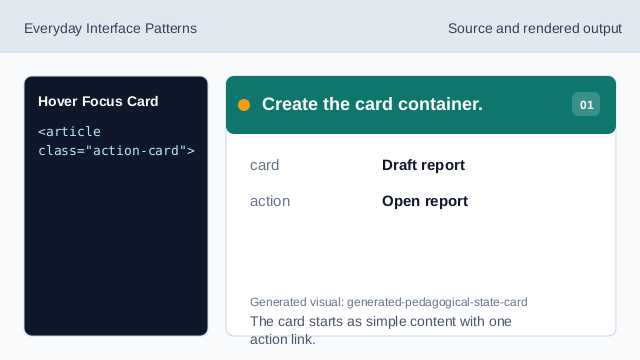
The card starts as simple content with one action link. Add the card action.
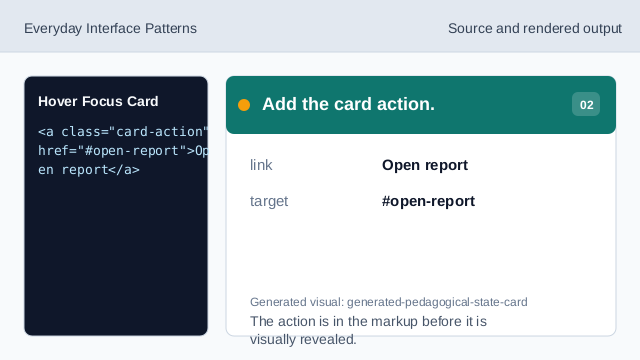
The action is in the markup before it is visually revealed. Start with the action hidden.
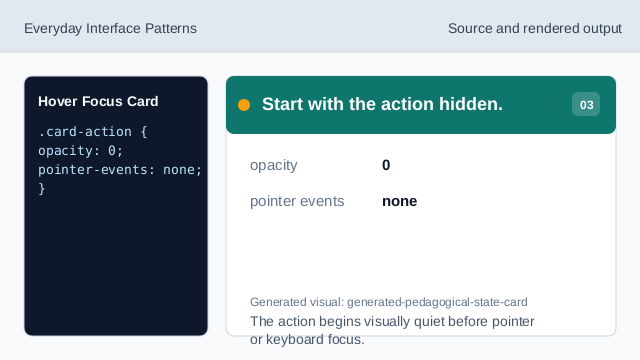
The action begins visually quiet before pointer or keyboard focus. Reveal the action on hover.
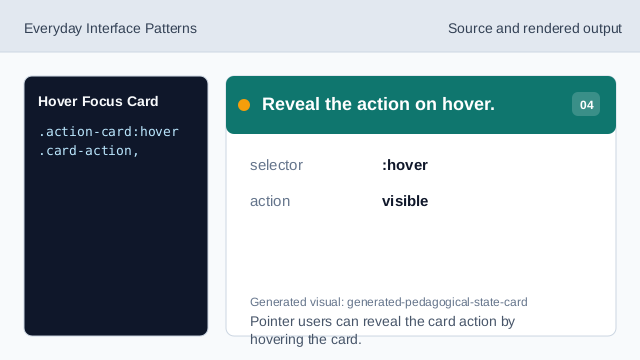
Pointer users can reveal the card action by hovering the card. Reveal the action on focus within.
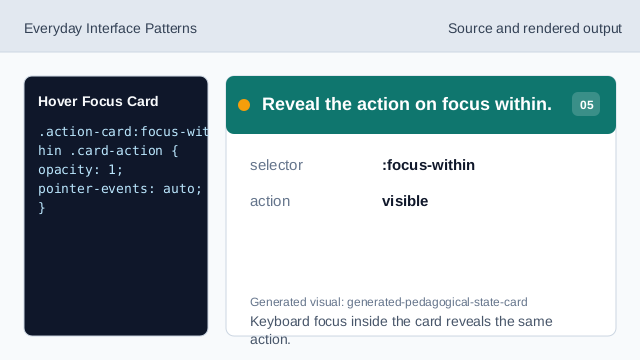
Keyboard focus inside the card reveals the same action. Check revealed action.
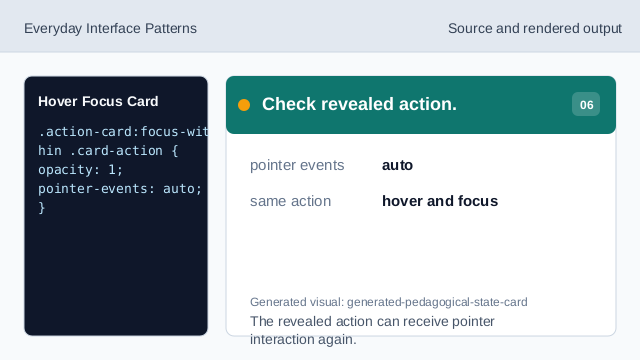
The revealed action can receive pointer interaction again.
hover
:hover reveals the action for pointer users.
focus within
:focus-within reveals the same action when keyboard focus enters the card.
hidden action
The hidden state should have a matching keyboard-accessible reveal path.