Stateful Controls
Toast Status Message
A save button updates a polite status region, applies a success tone, and resets to a quiet state after the message is shown.
Program
A status message should be visible and announced without stealing focus. This lesson keeps the message deterministic and checks that the target exists before updating it.
toast_status_message.html
Visuals: captured from real browser rendering
<button id="save">Save settings</button>
<p id="status" role="status" aria-live="polite" data-tone="idle">Ready</p>
<style>
  #status[data-tone="success"] { background: #dcfce7; border: 1px solid #16a34a; padding: 10px; }
</style>
<script>
  const save = document.querySelector("#save");
  const status = document.querySelector("#status");
  if (save && status) {
    save.addEventListener("click", () => {
      status.textContent = "Settings saved";
      status.dataset.tone = "success";
      setTimeout(() => { status.textContent = "Ready"; status.dataset.tone = "idle"; }, 3000);
    });
  }
</script>
Create a status region.
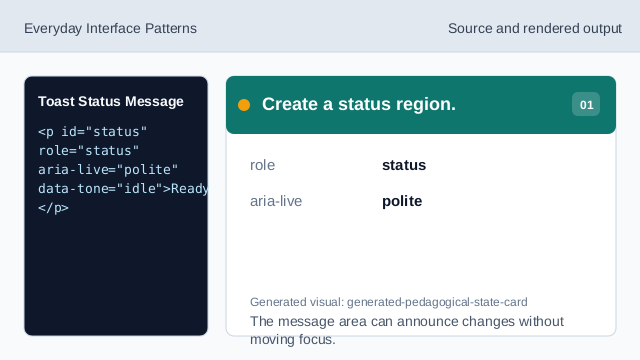
The message area can announce changes without moving focus. Start in a quiet state.
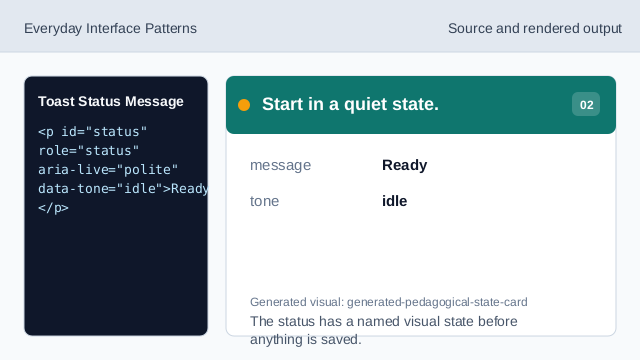
The status has a named visual state before anything is saved. Style the success state.
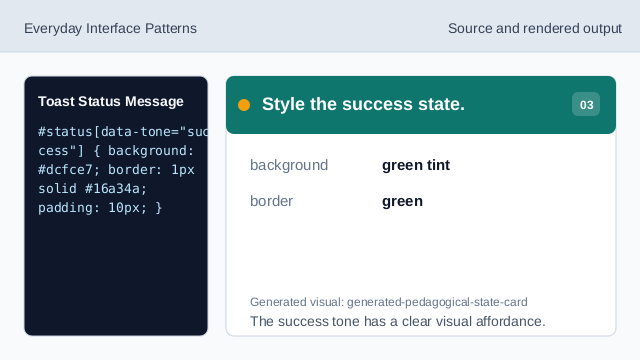
The success tone has a clear visual affordance. Check that both targets exist.
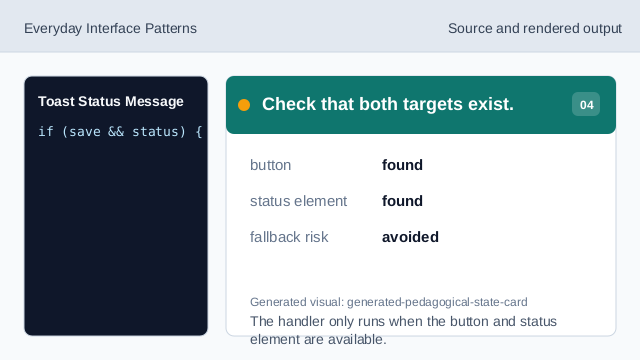
The handler only runs when the button and status element are available. Listen for the save event.
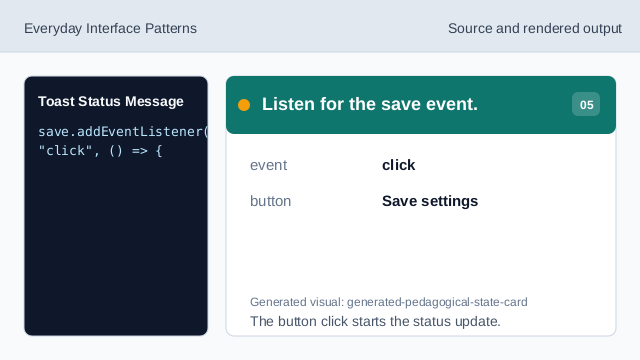
The button click starts the status update. Write the saved message.
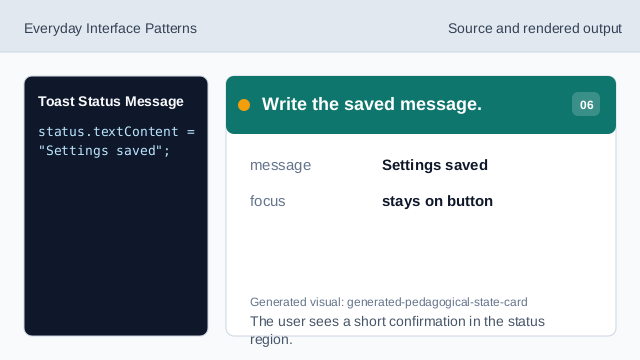
The user sees a short confirmation in the status region. Return to the quiet state.
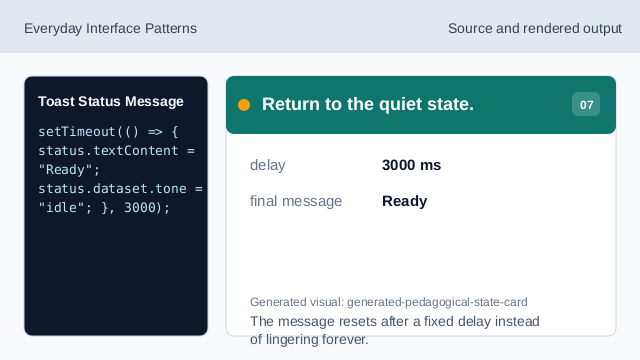
The message resets after a fixed delay instead of lingering forever.
role status
role="status" identifies polite status text that can be announced.
dataset
dataset stores a small visual state hook on the element.
failure check
A small existence check avoids updating a missing target.