Stateful Controls
Tabs with Current Panel
A tablist uses aria-selected, hidden panels, and one click path so the selected tab and visible panel stay in sync.
Program
Tabs are a common interface pattern: static roles describe the structure, CSS marks the current tab, and JavaScript switches the selected panel.
tabs_current_panel.html
Visuals: captured from real browser rendering
<div role="tablist" aria-label="Account sections">
  <button role="tab" aria-selected="true" aria-controls="profile-panel" id="profile-tab">Profile</button>
  <button role="tab" aria-selected="false" aria-controls="billing-panel" id="billing-tab">Billing</button>
</div>
<section role="tabpanel" id="profile-panel" aria-labelledby="profile-tab">Profile form</section>
<section role="tabpanel" id="billing-panel" aria-labelledby="billing-tab" hidden>Billing form</section>
<style>
  [role="tab"][aria-selected="true"] { border-bottom: 3px solid #2563eb; font-weight: 700; }
</style>
<script>
  const tabs = document.querySelectorAll("[role=tab]");
  const panels = document.querySelectorAll("[role=tabpanel]");
  tabs.forEach(tab => tab.addEventListener("click", () => {
    tabs.forEach(item => item.setAttribute("aria-selected", String(item === tab)));
    panels.forEach(panel => panel.hidden = panel.id !== tab.getAttribute("aria-controls"));
  }));
</script>
Group the tab controls.
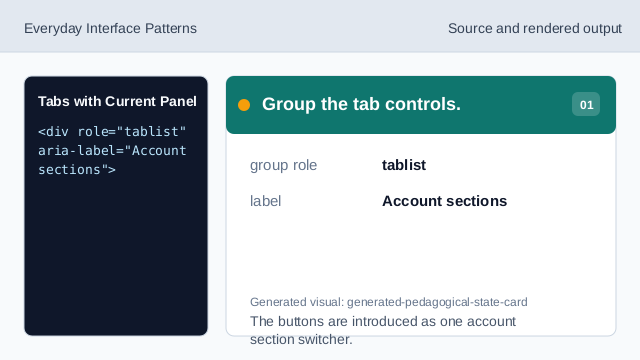
The buttons are introduced as one account section switcher. Mark the first tab current.
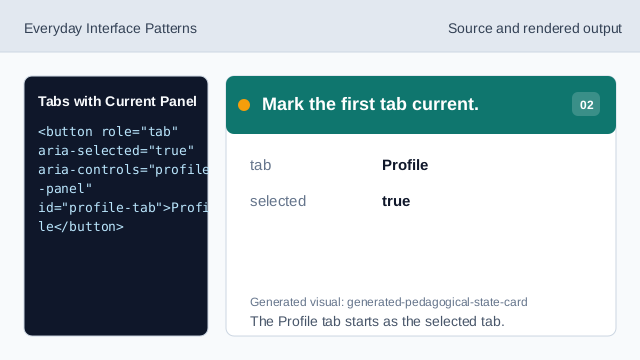
The Profile tab starts as the selected tab. Attach content to the current tab.
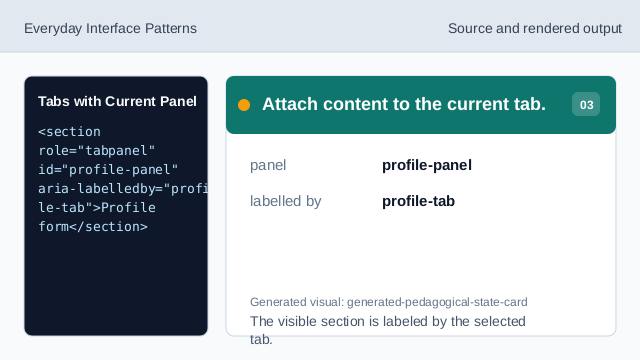
The visible section is labeled by the selected tab. Hide the inactive panel.
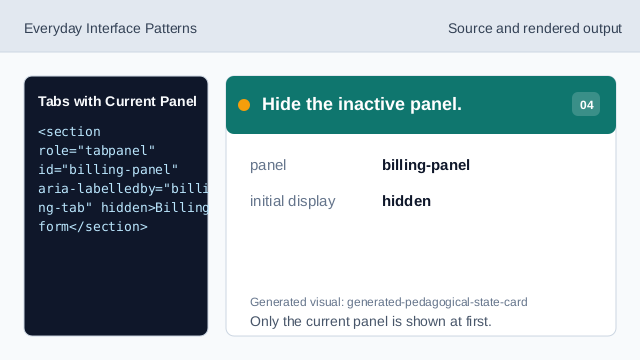
Only the current panel is shown at first. Style the current tab.
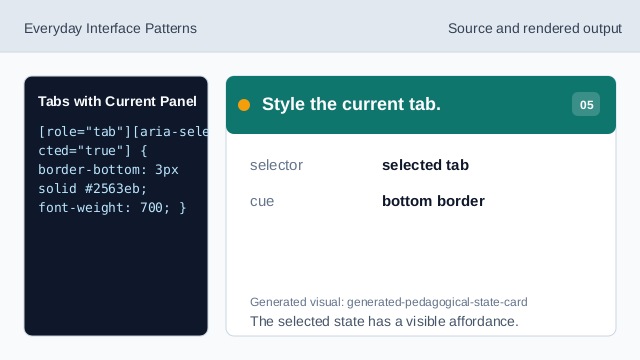
The selected state has a visible affordance. Listen for a tab click.
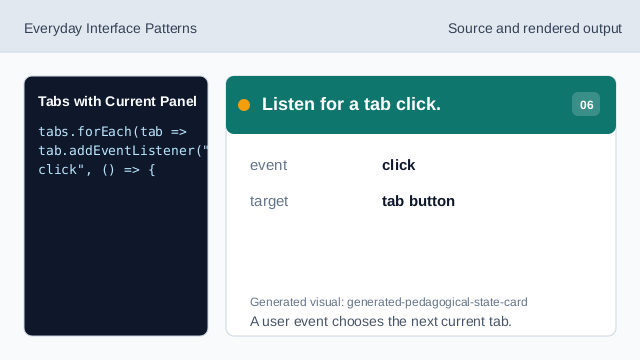
A user event chooses the next current tab. Show only the controlled panel.
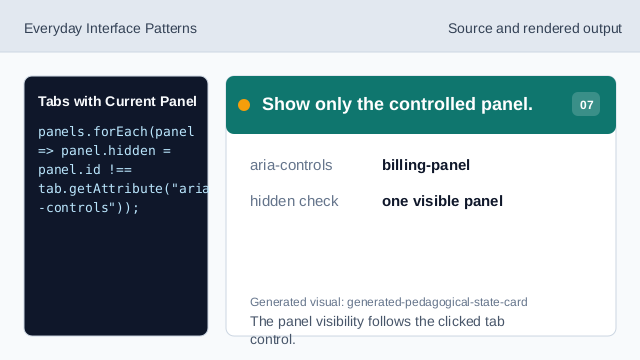
The panel visibility follows the clicked tab control.
tablist
A tablist groups related tab controls.
aria-selected
aria-selected marks which tab is current.
tabpanel
A tabpanel holds the content controlled by a tab.