Scheduling Patterns
Timezone Notice
The same pinned appointment is displayed with an explicit America/Chicago timezone note and no conversion engine.
Program
Timezone labels reduce scheduling confusion. This lesson labels the pinned appointment in America/Chicago without converting anything.
timezone_notice.html
Visuals: captured from real browser rendering
<section class="timezone-notice" data-timezone="America/Chicago">
  <h2>Appointment timezone</h2>
  <p><time datetime="2026-07-15T09:30:00-05:00">July 15, 2026 at 09:30</time></p>
  <p role="status">Shown in America/Chicago.</p>
  <p class="note">No timezone conversion runs in this lesson.</p>
</section>
<style>
  .timezone-notice { display: grid; gap: 10px; max-width: 32rem; border: 1px solid #64748b; padding: 12px; }
  .timezone-notice [role="status"] { font-weight: 700; }
  .note { margin: 0; color: #475569; }
</style>
Pin the timezone label.
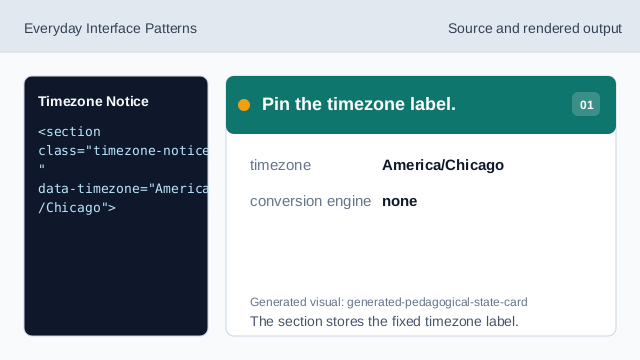
The section stores the fixed timezone label. Use the same appointment datetime.
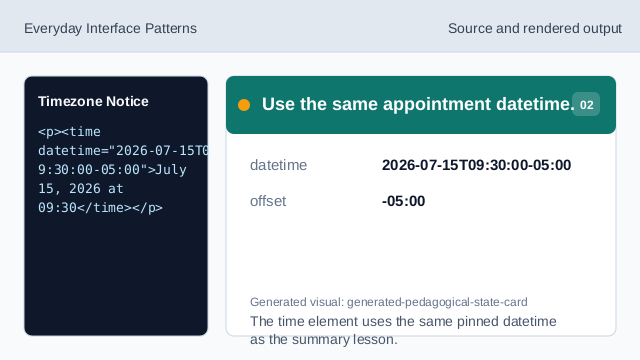
The time element uses the same pinned datetime as the summary lesson. Show the visible appointment time.
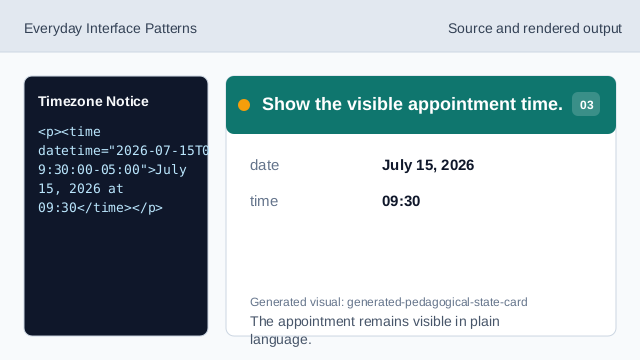
The appointment remains visible in plain language. Show the timezone notice.
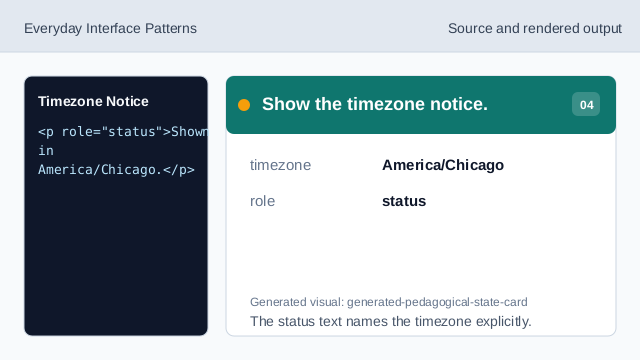
The status text names the timezone explicitly. State what does not run.
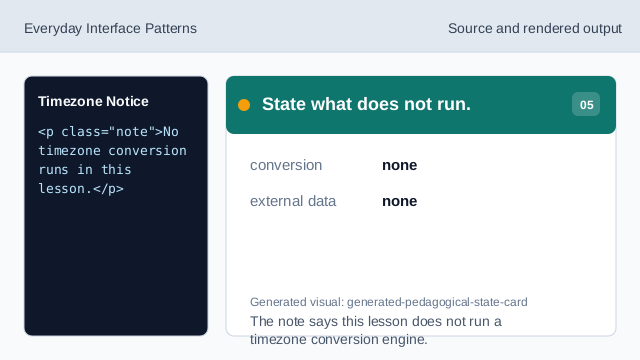
The note says this lesson does not run a timezone conversion engine. Check the timezone notice.
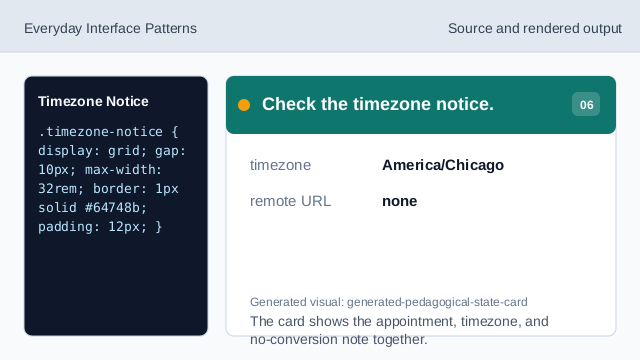
The card shows the appointment, timezone, and no-conversion note together.
timezone label
A visible timezone note tells people which local time the appointment uses.
same appointment
The datetime matches the selected appointment summary.
no conversion
The lesson should not imply timezone conversion ran.