Scheduling Patterns
Reschedule Choices
A static radio list shows two pinned appointment choices, one checked, and status text with the selected time.
Program
Reschedule choices should be visible and easy to compare. This lesson uses fixed radio options and does not query a calendar service.
reschedule_choice_list.html
Visuals: captured from real browser rendering
<form class="reschedule-list">
  <fieldset>
    <legend>Choose a new appointment</legend>
    <label><input type="radio" name="appointment" value="2026-07-15T09:30:00-05:00" checked> July 15, 2026 at 09:30</label>
    <label><input type="radio" name="appointment" value="2026-07-16T14:00:00-05:00"> July 16, 2026 at 14:00</label>
  </fieldset>
  <p role="status">Selected: July 15, 2026 at 09:30.</p>
  <p class="note">No calendar service is queried in this lesson.</p>
</form>
<style>
  .reschedule-list { display: grid; gap: 10px; max-width: 34rem; }
  .reschedule-list fieldset { display: grid; gap: 8px; border: 1px solid #94a3b8; padding: 12px; }
  .note { margin: 0; color: #475569; }
</style>
Group the appointment choices.
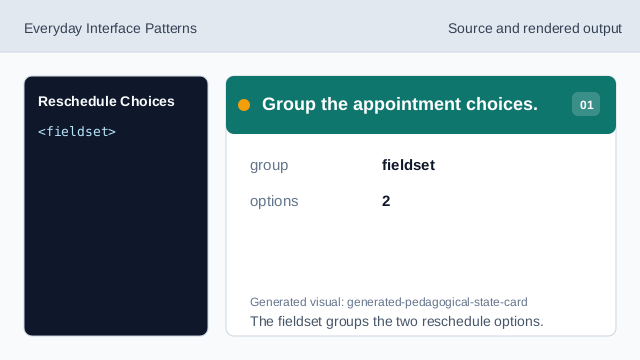
The fieldset groups the two reschedule options. Name the choice group.
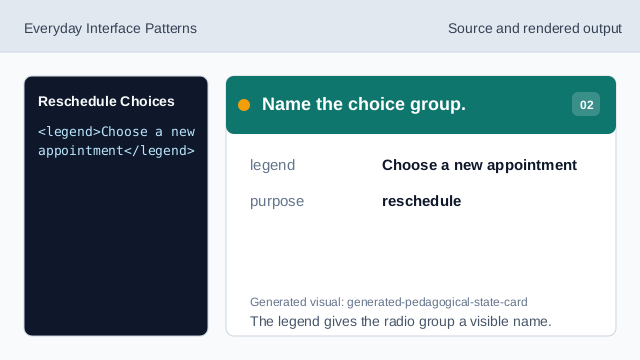
The legend gives the radio group a visible name. Mark the selected appointment.
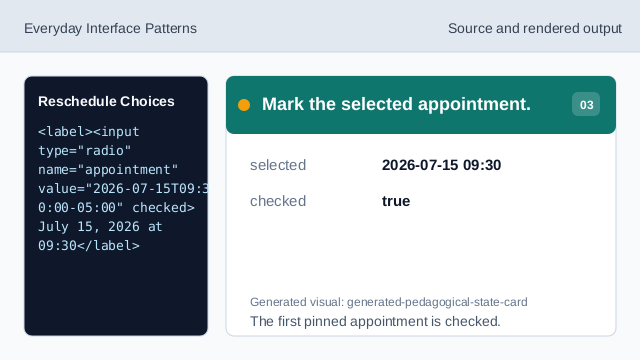
The first pinned appointment is checked. Show the alternate appointment.
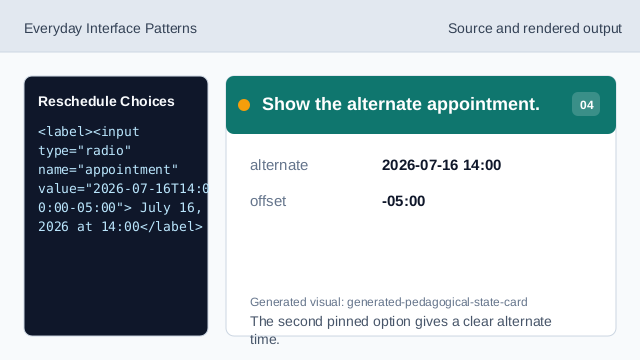
The second pinned option gives a clear alternate time. Show selected time status.
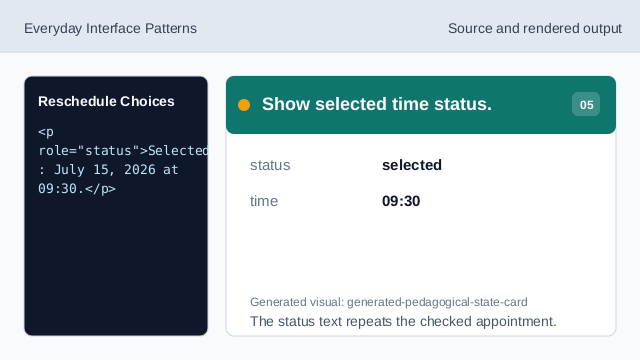
The status text repeats the checked appointment. Check the reschedule list.
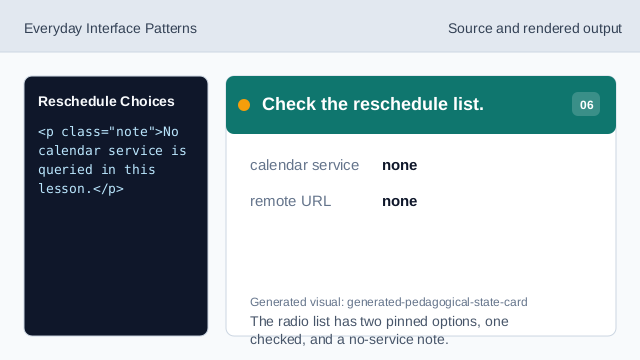
The radio list has two pinned options, one checked, and a no-service note.
radio choice
Radio inputs let one appointment option be selected from a small set.
checked option
checked marks the initial selected appointment.
no calendar query
The lesson should not imply a calendar service was queried.