Scheduling Patterns
Appointment Summary
A selected appointment summary uses a time element with an exact pinned datetime and clear status text.
Program
Appointment summaries should show the selected time in visible text and keep the machine-readable datetime attached to it.
appointment_time_summary.html
Visuals: captured from real browser rendering
<section class="appointment-summary">
  <h2>Selected appointment</h2>
  <p><span class="label">Time:</span> <time datetime="2026-07-15T09:30:00-05:00">July 15, 2026 at 09:30</time></p>
  <p role="status">Appointment selected for July 15, 2026 at 09:30.</p>
  <p class="note">No calendar service is contacted in this lesson.</p>
</section>
<style>
  .appointment-summary { display: grid; gap: 10px; max-width: 32rem; border: 1px solid #94a3b8; padding: 12px; }
  .label { font-weight: 700; }
  .note { margin: 0; color: #475569; }
</style>
Name the selected appointment summary.
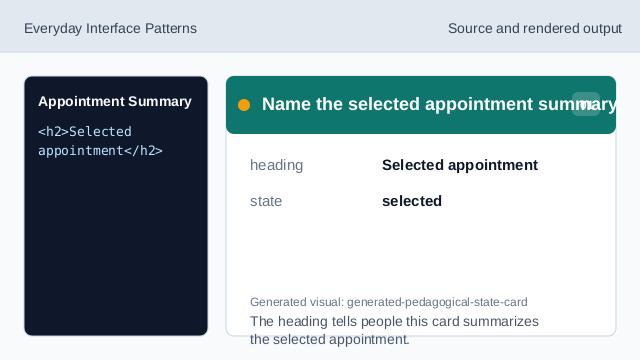
The heading tells people this card summarizes the selected appointment. Set the exact datetime value.
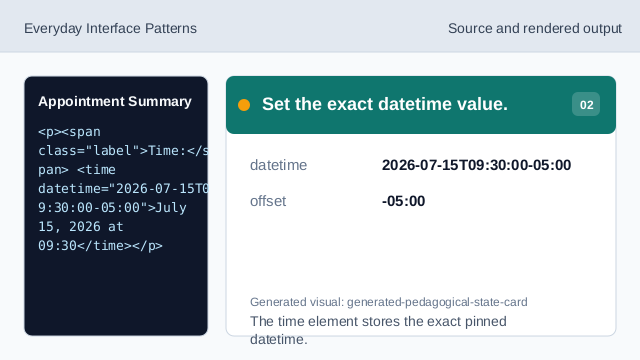
The time element stores the exact pinned datetime. Show the visible appointment time.
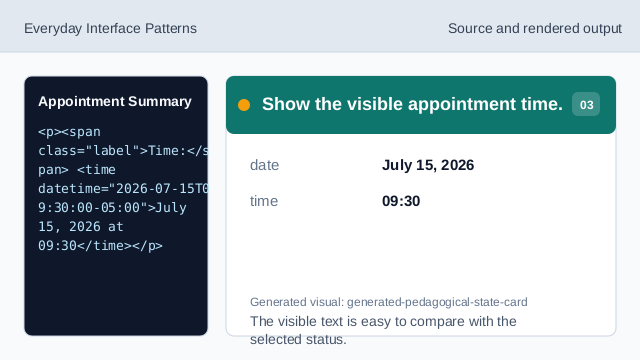
The visible text is easy to compare with the selected status. Repeat the selected appointment.
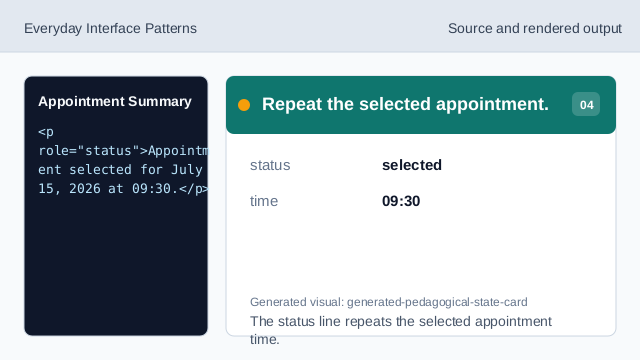
The status line repeats the selected appointment time. State what does not run.
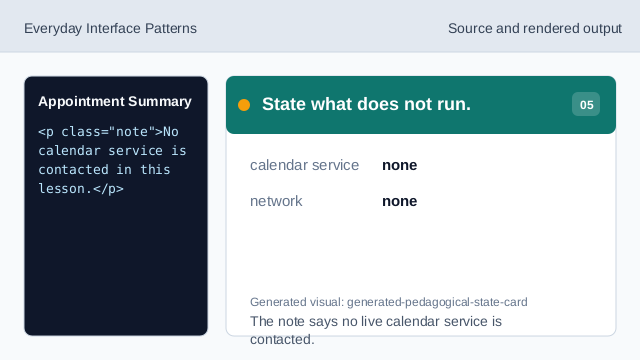
The note says no live calendar service is contacted. Check the appointment summary.
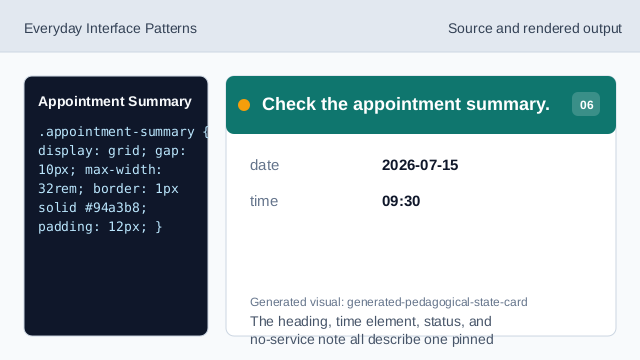
The heading, time element, status, and no-service note all describe one pinned appointment.
time element
time keeps visible appointment text connected to a machine-readable datetime.
status text
A status line can repeat the selected appointment.
no service
The lesson should not imply a live calendar service was contacted.