Multi Step Flow Patterns
Step Indicator Current
A step indicator moves aria-current from Cart to Shipping and reports the current step.
Program
Step indicators should show which step is current and keep the accessible current state aligned with the visual cue.
step_indicator_current.html
Visuals: captured from real browser rendering
<ol id="checkout-steps" aria-label="Checkout steps">
  <li aria-current="step">Cart</li>
  <li>Shipping</li>
  <li>Review</li>
</ol>
<button id="next-step">Next step</button>
<p id="step-status" role="status">Cart step current.</p>
<style>
  [aria-current="step"] { font-weight: 700; color: #0f766e; }
</style>
<script>
  const stepItems = document.querySelectorAll("#checkout-steps li");
  const nextStep = document.querySelector("#next-step");
  const stepStatus = document.querySelector("#step-status");
  nextStep.addEventListener("click", () => {
    stepItems.forEach(item => item.removeAttribute("aria-current"));
    stepItems[1].setAttribute("aria-current", "step");
    stepStatus.textContent = "Shipping step current.";
  });
</script>
Name the step list.
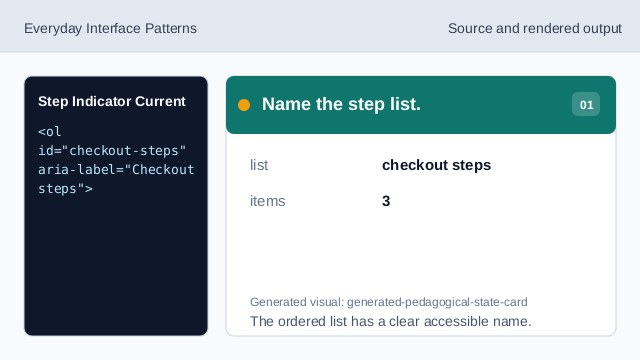
The ordered list has a clear accessible name. Mark the first step current.
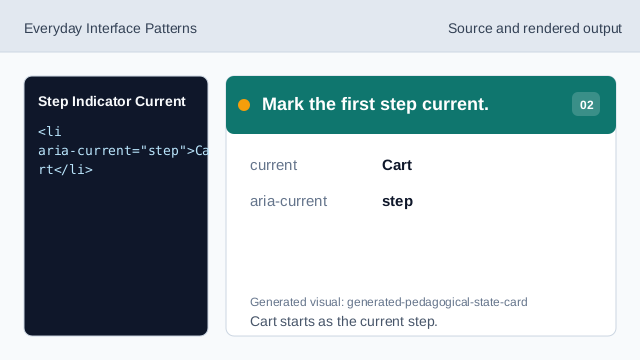
Cart starts as the current step. Style the current step.
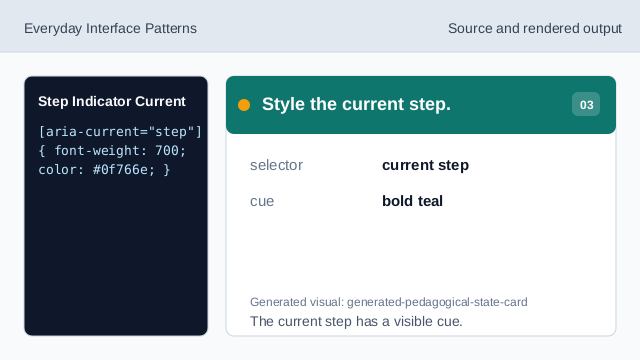
The current step has a visible cue. Listen for Next step.
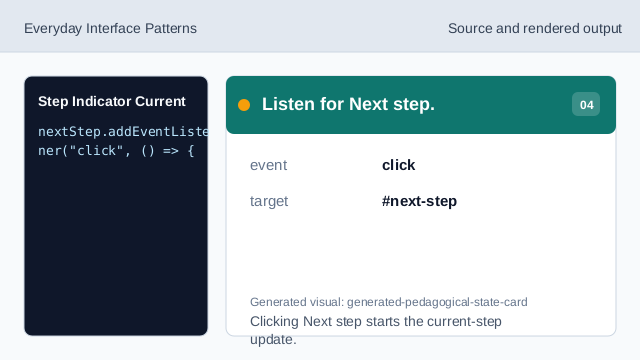
Clicking Next step starts the current-step update. Clear the old current step.
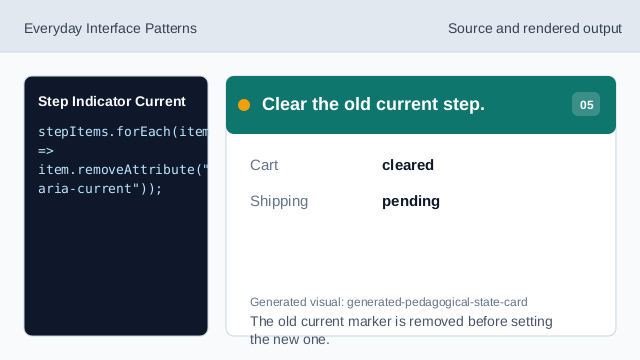
The old current marker is removed before setting the new one. Set Shipping current.
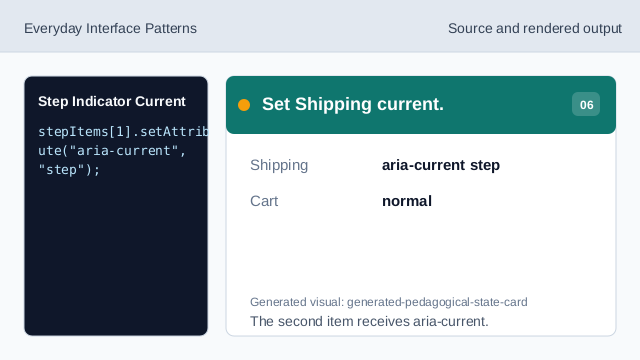
The second item receives aria-current. Render the current-step status.
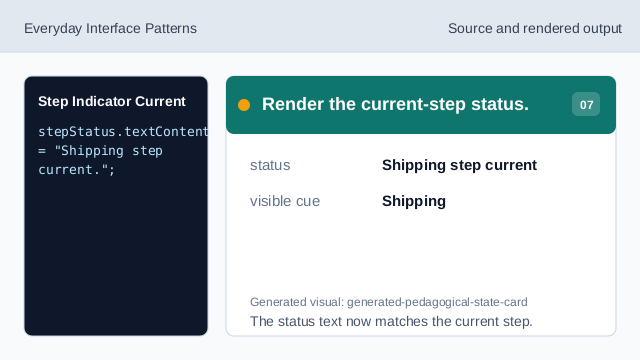
The status text now matches the current step.
aria-current step
aria-current="step" marks the current step in a sequence.
ordered list
An ordered list gives the step sequence a natural order.
status text
Status text confirms the current step after navigation.