Multi Step Flow Patterns
Review Summary Status
A review button builds a short summary from entered choices and announces that the review is ready.
Program
Review summaries help users confirm details before a final action. The summary should be hidden until it is ready.
review_summary_status.html
Visuals: captured from real browser rendering
<form id="plan-flow">
  <label>Name <input id="review-name" value="Ada"></label>
  <label>Plan <select id="review-plan"><option>Basic</option><option>Pro</option></select></label>
  <button id="show-review" type="button">Review choices</button>
</form>
<section id="review-summary" aria-live="polite" hidden></section>
<p id="review-status" role="status">Review not ready.</p>
<style>
  #review-summary:not([hidden]) { border: 1px solid #94a3b8; padding: 12px; }
</style>
<script>
  const reviewName = document.querySelector("#review-name");
  const reviewPlan = document.querySelector("#review-plan");
  const showReview = document.querySelector("#show-review");
  const reviewSummary = document.querySelector("#review-summary");
  const reviewStatus = document.querySelector("#review-status");
  showReview.addEventListener("click", () => {
    const name = reviewName.value.trim();
    if (!name) return;
    reviewSummary.textContent = `${name} chose the ${reviewPlan.value} plan.`;
    reviewSummary.hidden = false;
    reviewStatus.textContent = "Review summary ready.";
  });
</script>
Create the choice form.
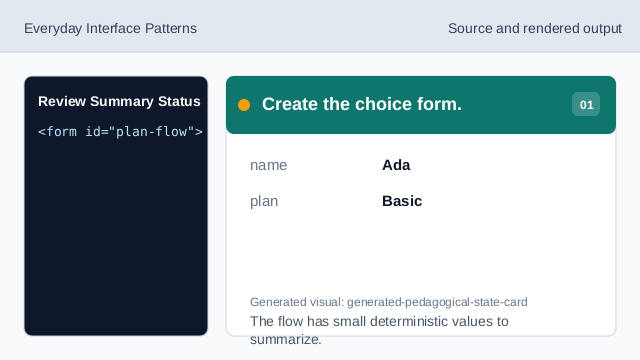
The flow has small deterministic values to summarize. Hide the summary until ready.
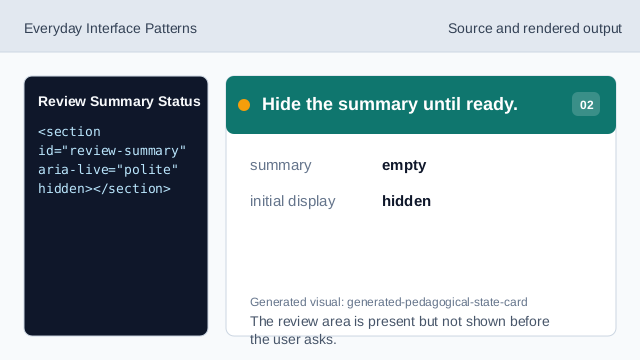
The review area is present but not shown before the user asks. Style the visible summary.
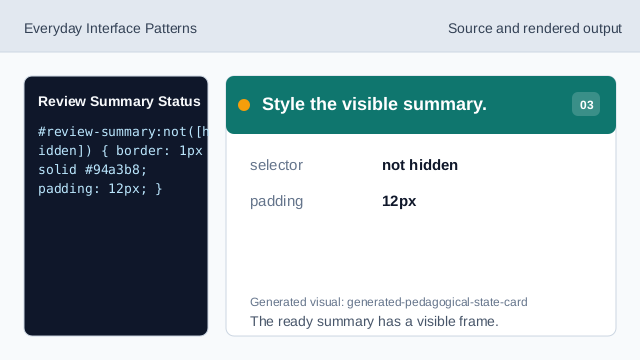
The ready summary has a visible frame. Listen for Review choices.
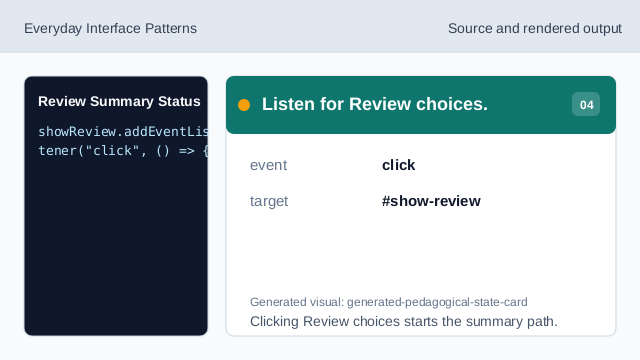
Clicking Review choices starts the summary path. Check the name value.
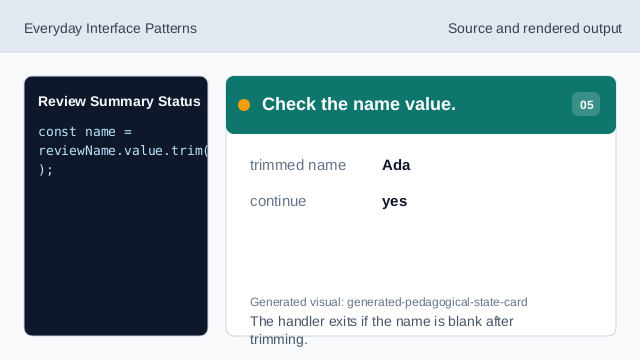
The handler exits if the name is blank after trimming. Write the review summary.
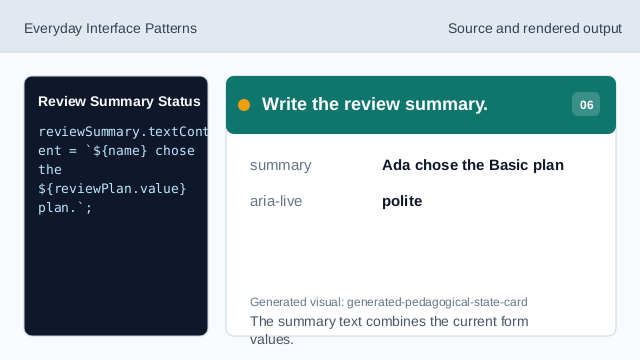
The summary text combines the current form values. Render ready status.
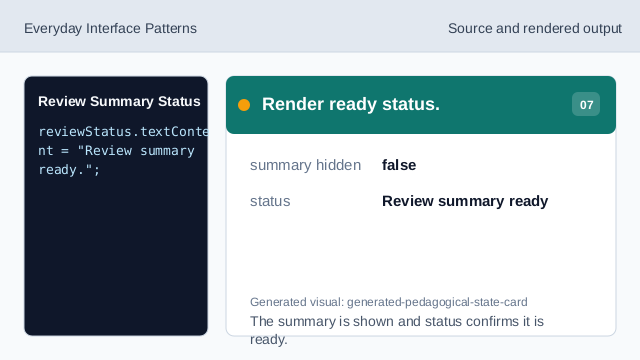
The summary is shown and status confirms it is ready.
review summary
A review summary restates selected details before final submission.
aria-live
aria-live can announce summary text after it appears.
trim check
A trim check avoids creating an empty-name summary.