Multi Step Flow Patterns
Next Step Panel
A Continue button hides the first panel, reveals the next panel, and announces the step change.
Program
Multi-step panels should change one visible region at a time and announce the destination step.
next_step_panel.html
Visuals: captured from real browser rendering
<section id="contact-step" class="step-panel">
  <h2>Contact</h2>
  <p>Email confirmed.</p>
</section>
<section id="review-step" class="step-panel" hidden>
  <h2>Review</h2>
  <p>Check details before sending.</p>
</section>
<button id="continue-flow">Continue</button>
<p id="panel-status" role="status">Contact step shown.</p>
<style>
  .step-panel:not([hidden]) { border: 1px solid #0f766e; padding: 12px; }
</style>
<script>
  const contactStep = document.querySelector("#contact-step");
  const reviewStep = document.querySelector("#review-step");
  const continueFlow = document.querySelector("#continue-flow");
  const panelStatus = document.querySelector("#panel-status");
  continueFlow.addEventListener("click", () => {
    if (!reviewStep) return;
    contactStep.hidden = true;
    reviewStep.hidden = false;
    continueFlow.hidden = true;
    panelStatus.textContent = "Review step shown.";
  });
</script>
Create the first step panel.
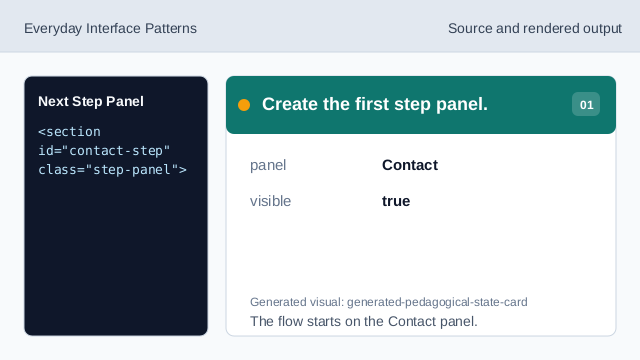
The flow starts on the Contact panel. Hide the next panel at first.
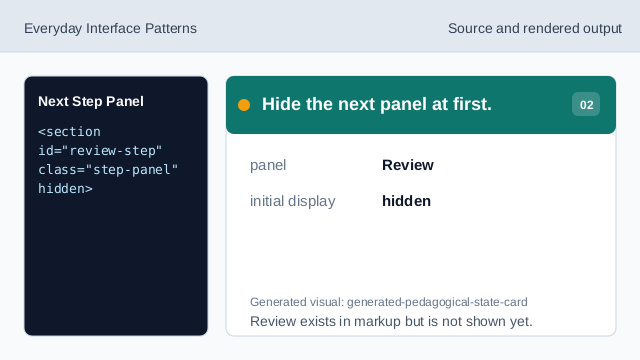
Review exists in markup but is not shown yet. Style the visible panel.
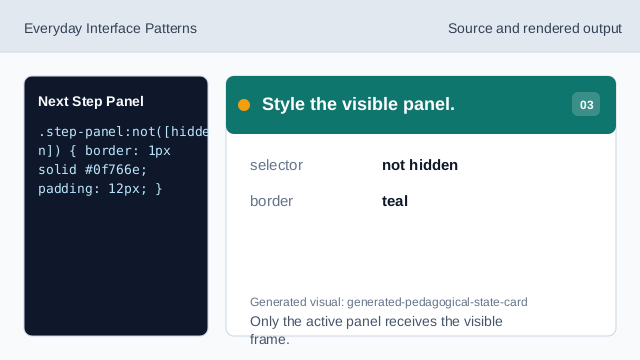
Only the active panel receives the visible frame. Listen for Continue.
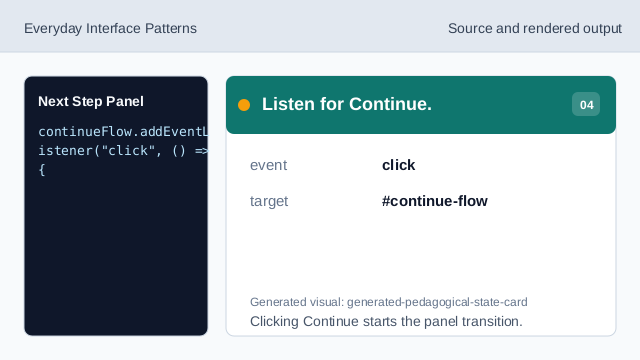
Clicking Continue starts the panel transition. Check the next panel exists.
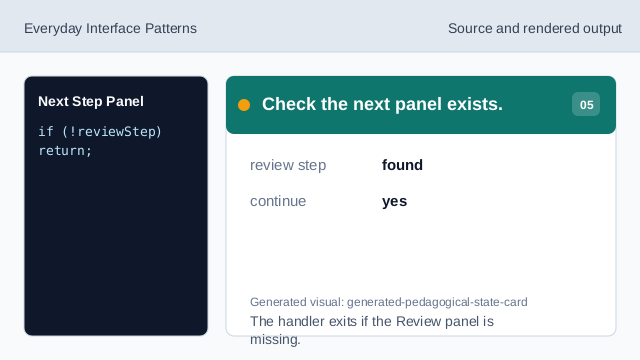
The handler exits if the Review panel is missing. Switch visible panels.
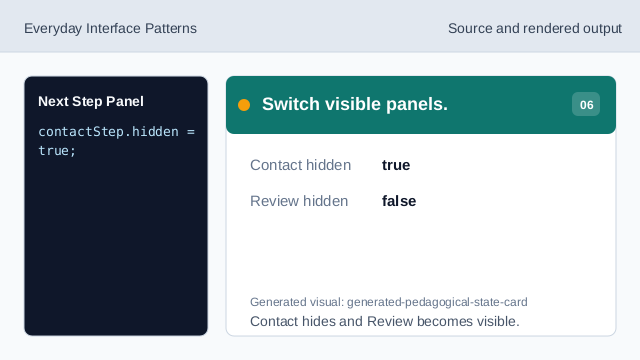
Contact hides and Review becomes visible. Render the step status.
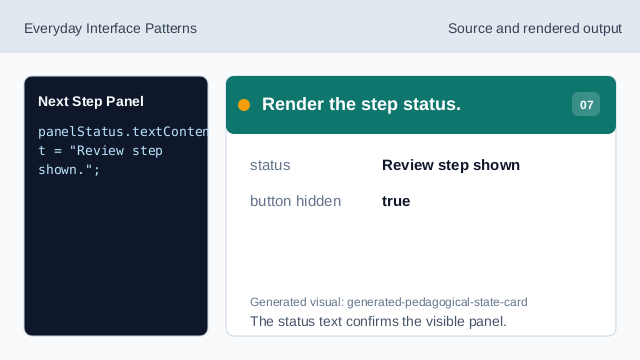
The status text confirms the visible panel.
hidden
hidden controls which step panel is visible.
panel status
A status message confirms the visible step after Continue.
guard check
A small target check avoids changing state when the next panel is missing.