Data Display Action Patterns
Sortable Table Header
A table header button sorts rows by name, updates aria-sort, and reports the new order.
Program
Sortable table headers should make the current sort direction visible and expose it with aria-sort.
sortable_table_header.html
Visuals: captured from real browser rendering
<table id="team-hours">
  <thead><tr><th id="name-header" aria-sort="none"><button id="sort-name">Name</button></th><th>Hours</th></tr></thead>
  <tbody><tr><td>Mina</td><td>8</td></tr><tr><td>Ada</td><td>6</td></tr></tbody>
</table>
<p id="sort-status" role="status">Rows unsorted.</p>
<style>
  th[aria-sort="ascending"] { color: #0f766e; text-decoration: underline; }
</style>
<script>
  const nameHeader = document.querySelector("#name-header");
  const sortName = document.querySelector("#sort-name");
  const sortBody = document.querySelector("#team-hours tbody");
  const sortStatus = document.querySelector("#sort-status");
  sortName.addEventListener("click", () => {
    const rows = [...sortBody.querySelectorAll("tr")];
    rows.sort((a, b) => a.cells[0].textContent.localeCompare(b.cells[0].textContent));
    rows.forEach(row => sortBody.append(row));
    nameHeader.setAttribute("aria-sort", "ascending");
    sortStatus.textContent = "Rows sorted by name ascending.";
  });
</script>
Start with table markup.
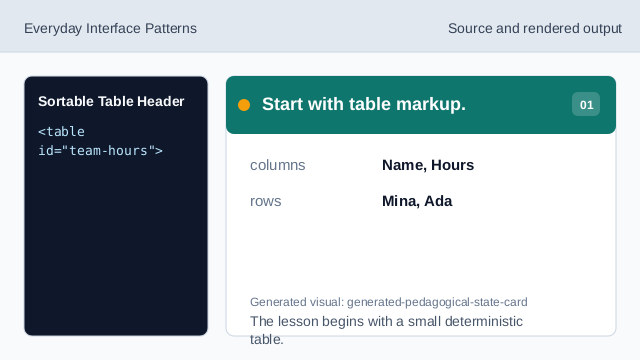
The lesson begins with a small deterministic table. Expose no active sort yet.
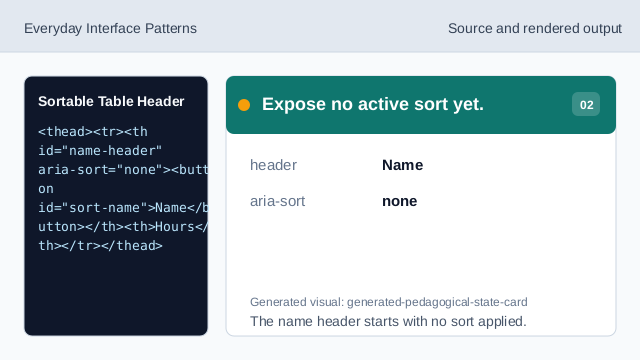
The name header starts with no sort applied. Style the sorted column.
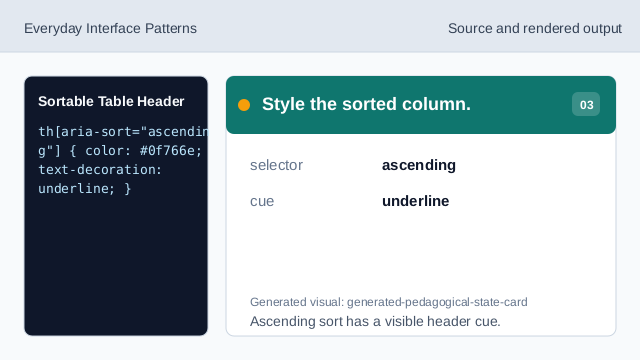
Ascending sort has a visible header cue. Listen for the header click.
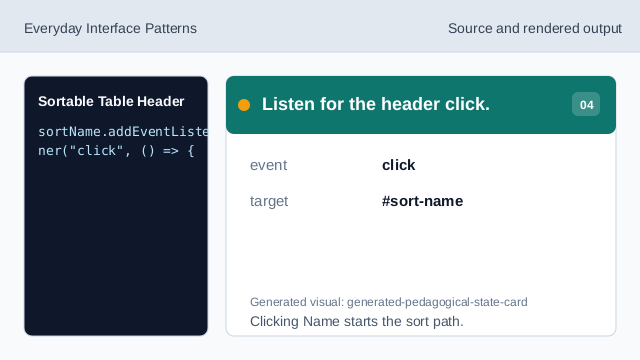
Clicking Name starts the sort path. Sort rows by the first cell.
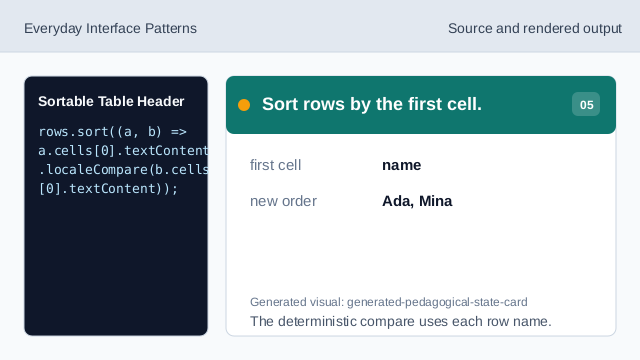
The deterministic compare uses each row name. Set the sort direction.
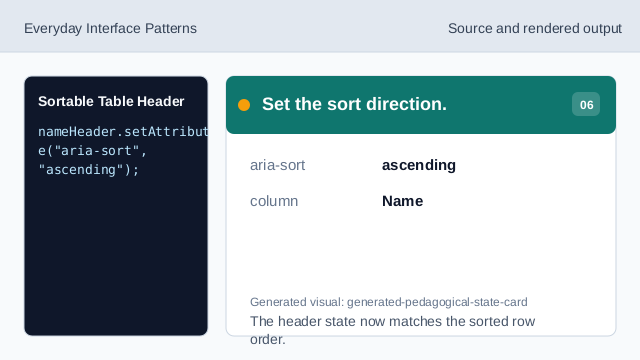
The header state now matches the sorted row order. Render the sort status.
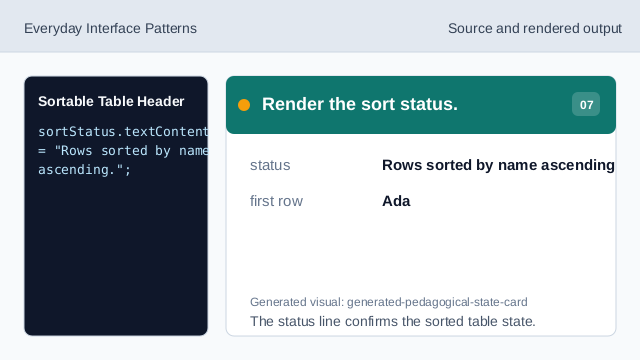
The status line confirms the sorted table state.
aria-sort
aria-sort exposes the active sort direction for a table column.
table header button
A button inside a header gives keyboard users a clear sort action.
status text
Status text confirms the result of the sort.