Data Display Action Patterns
Column Visibility Toggle
A checkbox shows or hides the notes column and announces the current column visibility.
Program
Column visibility controls should name the affected table and keep header and data cells in the same state.
column_visibility_toggle.html
Visuals: captured from real browser rendering
<label><input id="show-notes" type="checkbox" checked aria-controls="display-table"> Show notes column</label>
<table id="display-table">
  <tr><th>Task</th><th class="notes-col">Notes</th></tr>
  <tr><td>Deploy</td><td class="notes-col">After review</td></tr>
</table>
<p id="column-status" role="status">Notes column shown.</p>
<style>
  .notes-col[hidden] { display: none; }
</style>
<script>
  const showNotes = document.querySelector("#show-notes");
  const notesCells = document.querySelectorAll(".notes-col");
  const columnStatus = document.querySelector("#column-status");
  showNotes.addEventListener("change", () => {
    const shown = showNotes.checked;
    notesCells.forEach(cell => cell.hidden = !shown);
    columnStatus.textContent = shown ? "Notes column shown." : "Notes column hidden.";
  });
</script>
Connect the checkbox to the table.
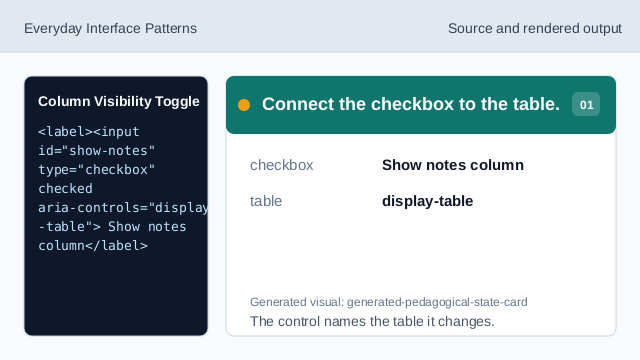
The control names the table it changes. Start with notes shown.
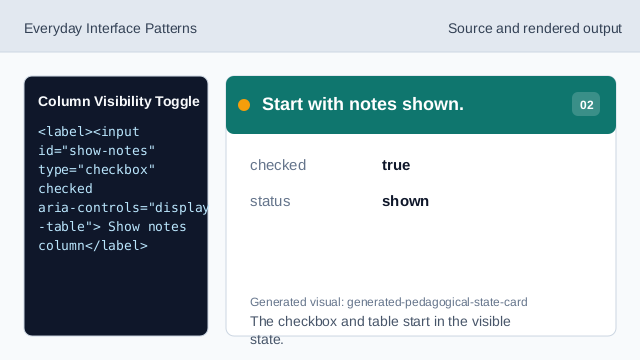
The checkbox and table start in the visible state. Mark every notes cell.
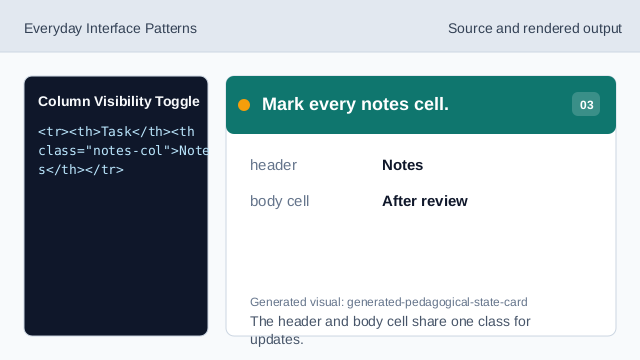
The header and body cell share one class for updates. Style hidden note cells.
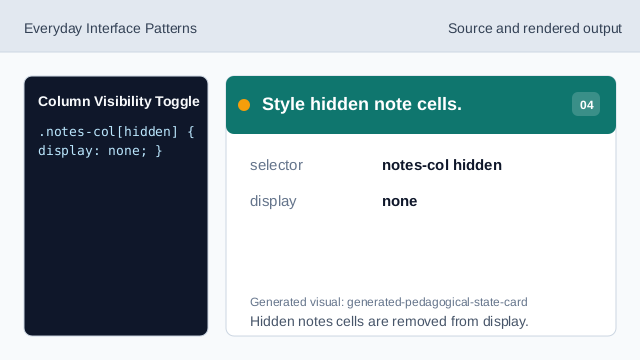
Hidden notes cells are removed from display. Listen for column changes.
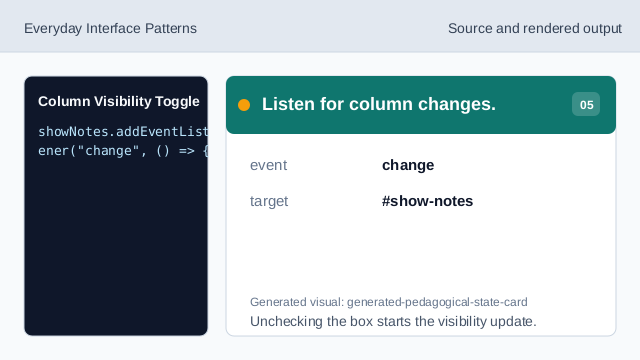
Unchecking the box starts the visibility update. Read the checkbox state.
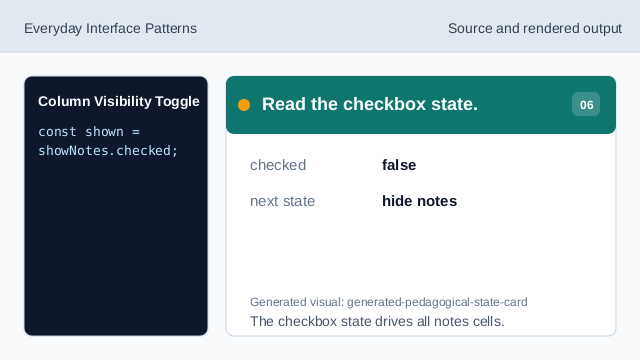
The checkbox state drives all notes cells. Render column visibility and status.
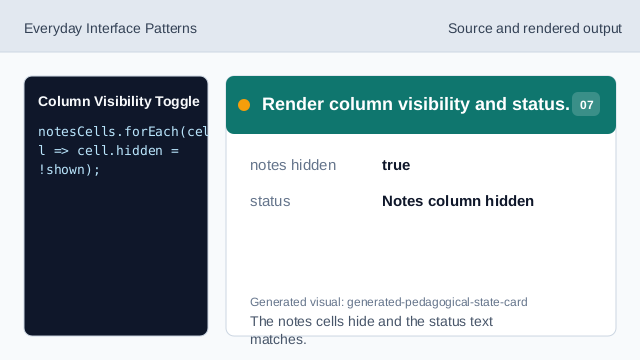
The notes cells hide and the status text matches.
aria-controls
aria-controls links the checkbox to the table it changes.
hidden cells
The hidden attribute can hide all cells in one optional column.
status text
Status text confirms whether the column is visible.