Data Display Action Patterns
Row Details Toggle
A row button toggles a hidden detail row, updates aria-expanded, and reports whether details are visible.
Program
Row details should be connected to the button that opens them and should keep visible and accessible state synchronized.
row_details_toggle.html
Visuals: captured from real browser rendering
<table id="orders">
  <tr id="order-42"><td>Order 42</td><td><button id="details-toggle" aria-expanded="false" aria-controls="details-row">Details</button></td></tr>
  <tr id="details-row" hidden><td colspan="2">Ships Friday.</td></tr>
</table>
<p id="details-status" role="status">Details hidden.</p>
<style>
  #details-row:not([hidden]) { background: #ecfeff; }
</style>
<script>
  const detailsToggle = document.querySelector("#details-toggle");
  const detailsRow = document.querySelector("#details-row");
  const detailsStatus = document.querySelector("#details-status");
  detailsToggle.addEventListener("click", () => {
    const open = detailsToggle.getAttribute("aria-expanded") !== "true";
    detailsToggle.setAttribute("aria-expanded", String(open));
    detailsRow.hidden = !open;
    detailsStatus.textContent = open ? "Details shown." : "Details hidden.";
  });
</script>
Start with collapsed details.
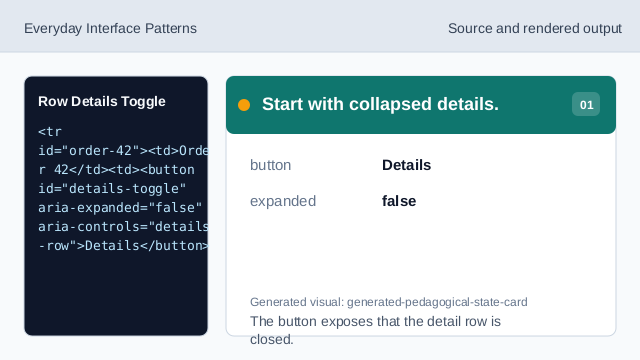
The button exposes that the detail row is closed. Connect the button to the detail row.
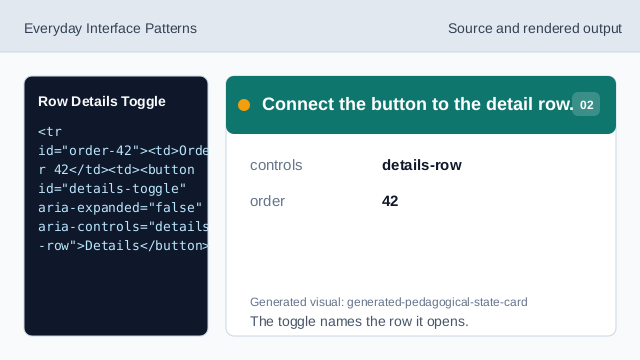
The toggle names the row it opens. Hide the detail row at first.
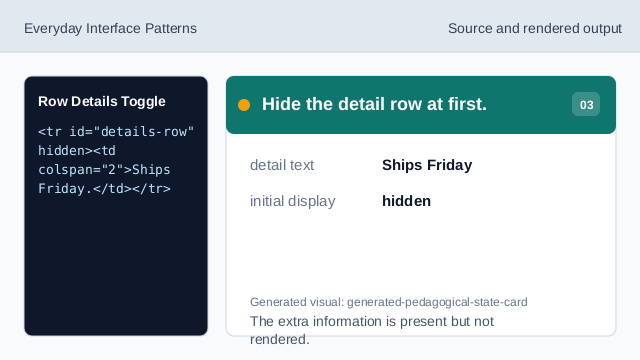
The extra information is present but not rendered. Style visible details.
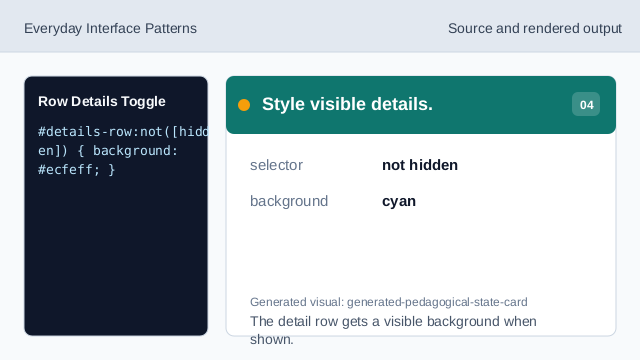
The detail row gets a visible background when shown. Listen for details clicks.
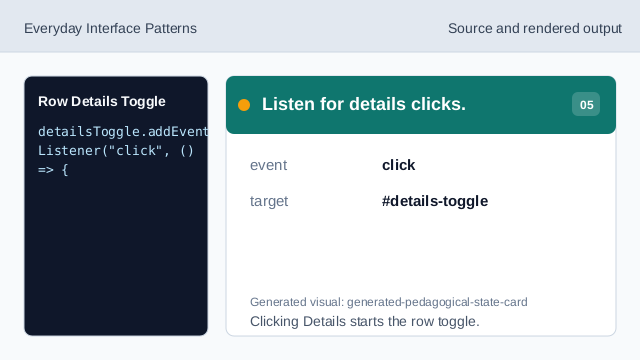
Clicking Details starts the row toggle. Check current expanded state.
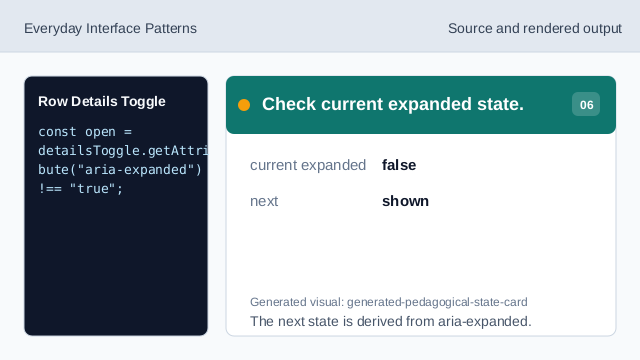
The next state is derived from aria-expanded. Render detail state and status.
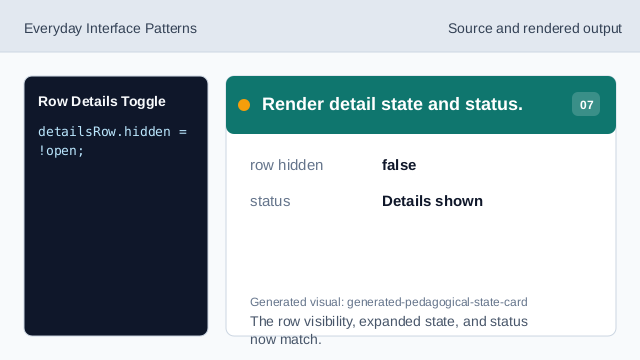
The row visibility, expanded state, and status now match.
aria-expanded
aria-expanded tells whether the controlled details are open.
aria-controls
aria-controls links the toggle button to the detail row.
detail row
A detail row can stay in the table while hidden until requested.