Comparison Interface Patterns
Feature Table
A static comparison table shows two pinned plans, a caption, column headers, two feature rows, and no pricing feed, recommendation engine, or backend data.
Program
A comparison table should make columns and feature rows explicit. This lesson uses pinned plan data only.
side_by_side_feature_table.html
Visuals: captured from real browser rendering
<section class="feature-comparison" aria-labelledby="feature-title">
  <h2 id="feature-title">Feature comparison</h2>
  <table>
    <caption>Starter and Studio plan comparison</caption>
    <thead><tr><th scope="col">Feature</th><th scope="col">Starter</th><th scope="col">Studio</th></tr></thead>
    <tbody>
      <tr><th scope="row">Projects</th><td>3</td><td>12</td></tr>
      <tr><th scope="row">Export</th><td>PNG</td><td>PNG and SVG</td></tr>
    </tbody>
  </table>
  <p class="note">Static comparison table only; no pricing feed, recommendation engine, or backend data runs.</p>
</section>
<style>
  .feature-comparison { display: grid; gap: 10px; max-width: 42rem; border: 1px solid #64748b; padding: 12px; }
  .feature-comparison table { border-collapse: collapse; width: 100%; }
  .feature-comparison th, .feature-comparison td { border: 1px solid #cbd5e1; padding: 8px; text-align: left; }
  .feature-comparison caption { font-weight: 700; margin-bottom: 6px; }
  .note { color: #475569; margin: 0; }
</style>
Label the comparison section.
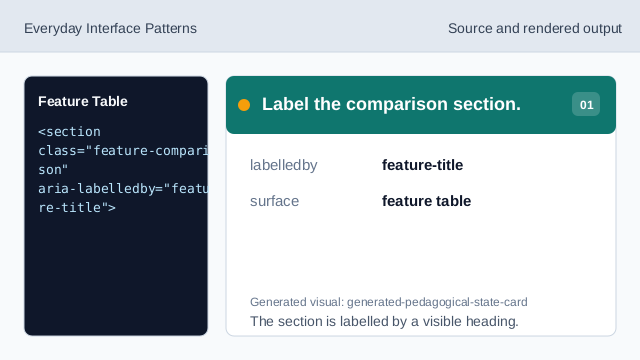
The section is labelled by a visible heading. Use a table for comparison.
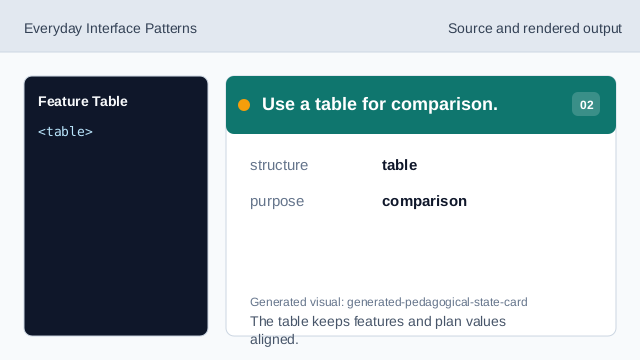
The table keeps features and plan values aligned. Add the table caption.
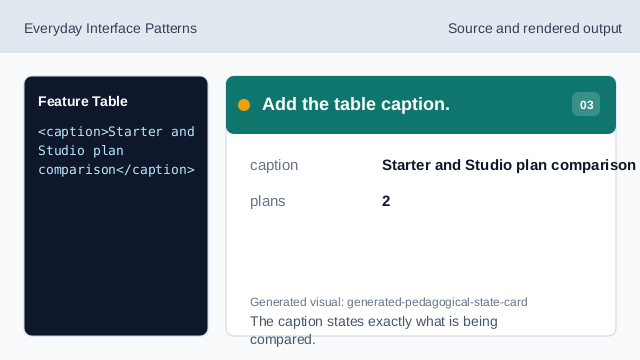
The caption states exactly what is being compared. Show the first plan column.
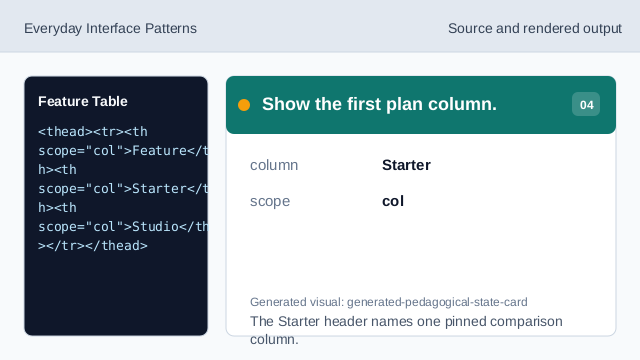
The Starter header names one pinned comparison column. Show the second plan column.
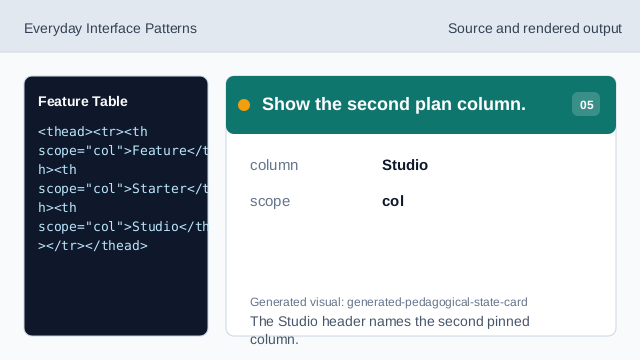
The Studio header names the second pinned column. Show a feature row.
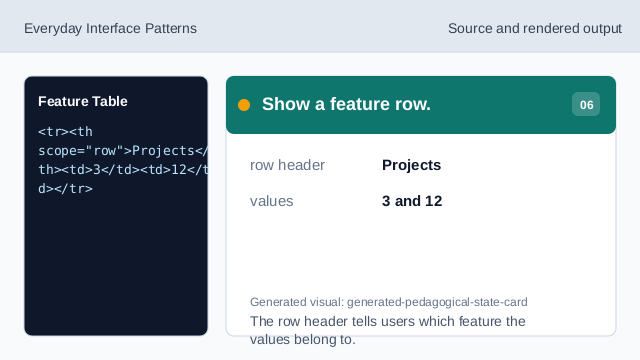
The row header tells users which feature the values belong to. Check table honesty.
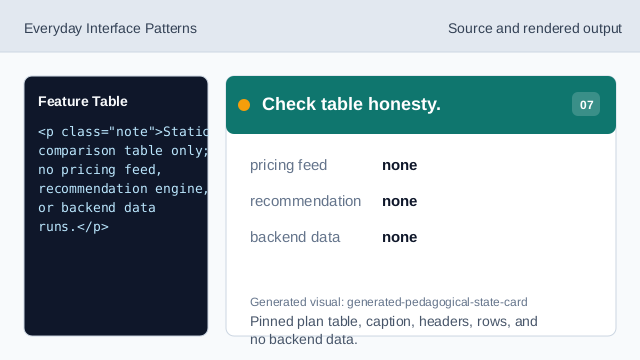
Pinned plan table, caption, headers, rows, and no backend data.
caption
The caption names what the table compares.
column headers
Column headers identify the two pinned plans.
no recommendation
The lesson should not imply a pricing feed, recommendation engine, or backend data.