Comparison Interface Patterns
Difference Summary
A static difference summary card shows Key differences, two bullet points, a Choose option button, and no scoring model, ranking engine, or preference storage.
Program
A difference summary should explain the main tradeoffs in plain text. This lesson uses a pinned summary only.
difference_summary_note.html
Visuals: captured from real browser rendering
<section class="difference-summary" aria-labelledby="difference-title">
  <h2 id="difference-title">Key differences</h2>
  <ul>
    <li>Studio includes SVG export.</li>
    <li>Starter keeps fewer active projects.</li>
  </ul>
  <button type="button">Choose option</button>
  <p class="note">Static difference summary only; no scoring model, ranking engine, or preference storage runs.</p>
</section>
<style>
  .difference-summary { display: grid; gap: 10px; max-width: 38rem; border: 1px solid #64748b; padding: 12px; }
  .difference-summary ul { margin: 0; padding-left: 1.25rem; }
  .difference-summary button { justify-self: start; padding: 8px 12px; }
  .note { color: #475569; margin: 0; }
</style>
Label the summary card.
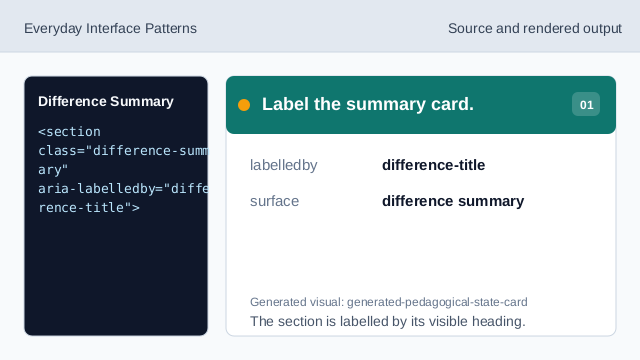
The section is labelled by its visible heading. Show the summary heading.
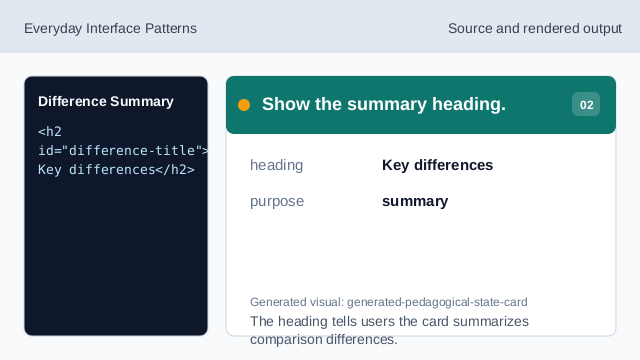
The heading tells users the card summarizes comparison differences. Use a list for differences.
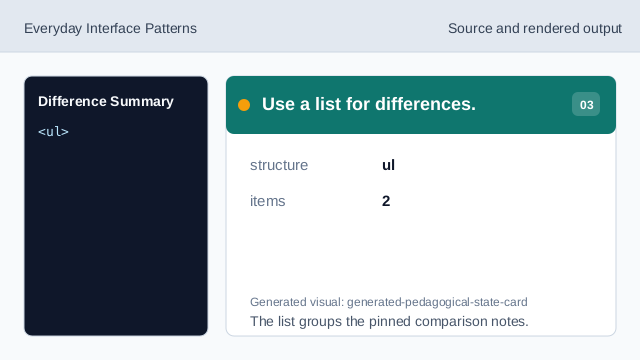
The list groups the pinned comparison notes. Show the first difference.
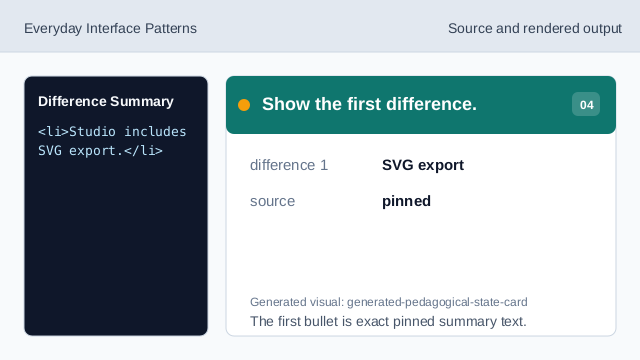
The first bullet is exact pinned summary text. Show the second difference.
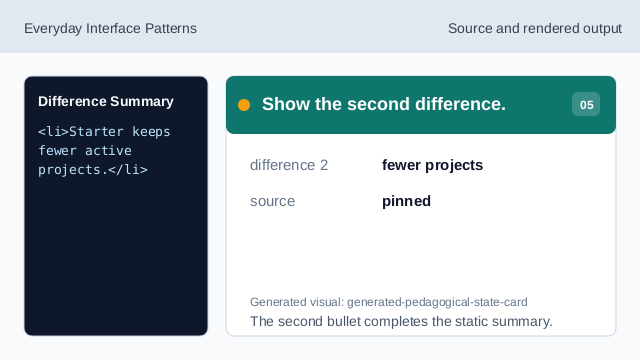
The second bullet completes the static summary. Show the choose affordance.
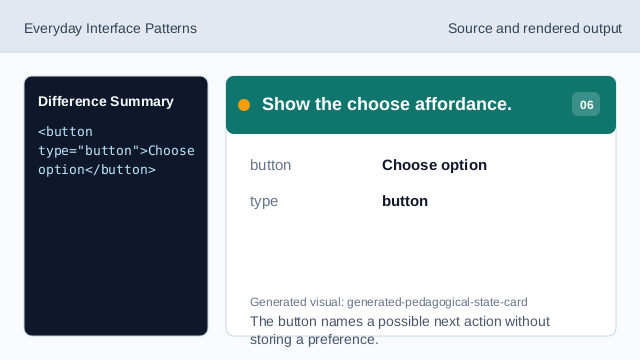
The button names a possible next action without storing a preference. Check summary honesty.
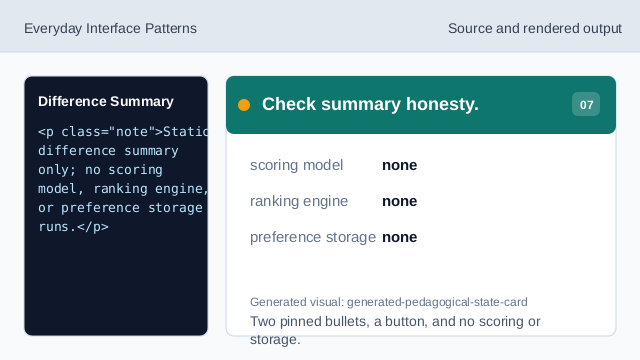
Two pinned bullets, a button, and no scoring or storage.
summary heading
The heading names the card as a difference summary.
bullet points
The bullets state two pinned differences.
no scoring
The lesson should not imply scoring, ranking, or stored preferences.