Comparison Interface Patterns
Compare Checkbox Bar
A static comparison bar shows two checked item labels, 2 selected count text, a Compare button, and no saved selection, ranking, or backend service.
Program
Comparison bars should show which items are selected before the user compares them. This lesson uses pinned checked states only.
compare_checkbox_bar.html
Visuals: captured from real browser rendering
<section class="compare-bar" aria-labelledby="compare-title">
  <h2 id="compare-title">Compare lessons</h2>
  <label><input type="checkbox" checked> Canvas Basics</label>
  <label><input type="checkbox" checked> SVG Shapes</label>
  <p><strong>2 selected</strong></p>
  <button type="button">Compare</button>
  <p class="note">Static comparison state only; no saved selection, ranking, or backend service runs.</p>
</section>
<style>
  .compare-bar { display: grid; gap: 10px; max-width: 38rem; border: 1px solid #64748b; padding: 12px; }
  .compare-bar label { display: flex; gap: 8px; align-items: center; }
  .compare-bar p, .note { margin: 0; }
  .compare-bar button { justify-self: start; padding: 8px 12px; }
  .note { color: #475569; }
</style>
Label the comparison bar.
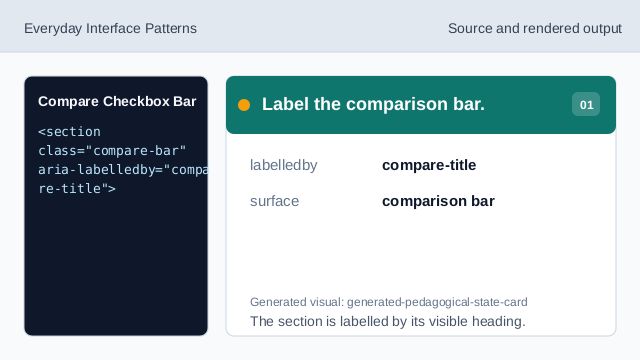
The section is labelled by its visible heading. Name the comparison surface.
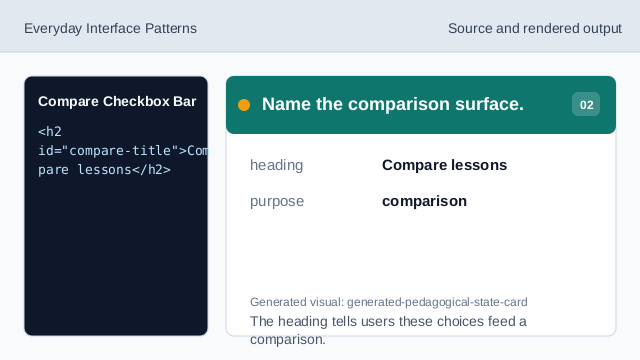
The heading tells users these choices feed a comparison. Show the first checked item.
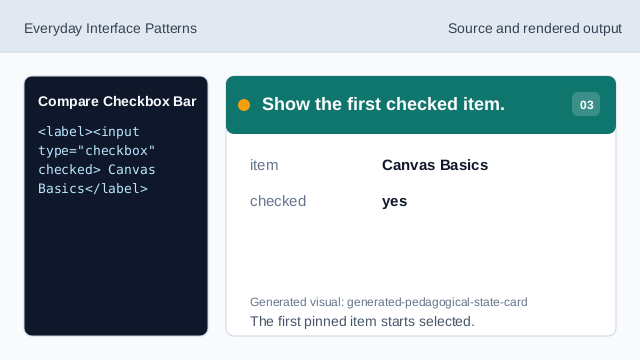
The first pinned item starts selected. Show the second checked item.
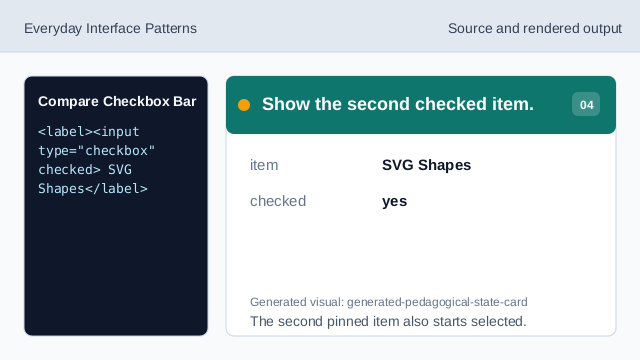
The second pinned item also starts selected. Show the selected count.
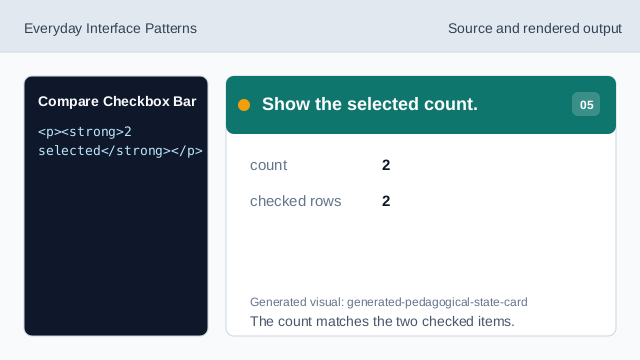
The count matches the two checked items. Show the compare affordance.
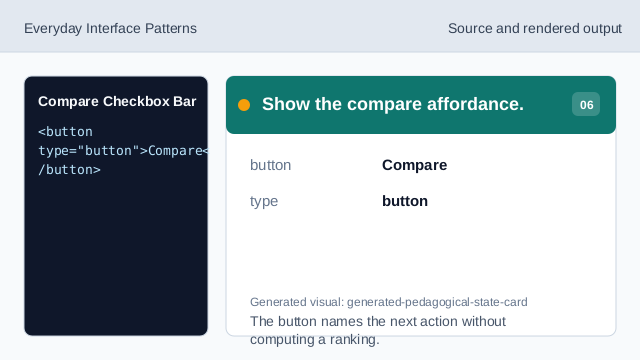
The button names the next action without computing a ranking. Check compare honesty.
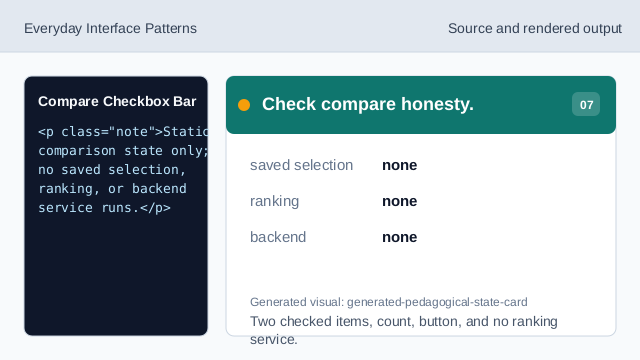
Two checked items, count, button, and no ranking service.
checked items
The two selected labels are fixed lesson data.
selected count
The count text should match the checked items.
no ranking
The lesson should not imply saved selection, ranking, or backend service behavior.