Keyboard Shortcut Patterns
Shortcut Hint
A static Save draft button shows a visible Ctrl plus S hint and says no keyboard listener runs.
Program
Shortcut hints should be visible near the command they describe. This lesson shows the hint only and does not listen for keys.
shortcut_hint_button.html
Visuals: captured from real browser rendering
<section class="shortcut-command" aria-labelledby="save-title">
  <h2 id="save-title">Draft command</h2>
  <button type="button">Save draft <span class="shortcut"><kbd>Ctrl</kbd> + <kbd>S</kbd></span></button>
  <p class="note">Shortcut hint only; no keyboard listener runs.</p>
</section>
<style>
  .shortcut-command { display: grid; gap: 10px; max-width: 32rem; border: 1px solid #94a3b8; padding: 12px; }
  .shortcut-command button { justify-self: start; display: inline-flex; gap: 10px; align-items: center; padding: 8px 12px; }
  kbd { border: 1px solid #94a3b8; border-bottom-width: 2px; padding: 1px 5px; background: #f8fafc; }
  .note { margin: 0; color: #475569; }
</style>
Label the command section.
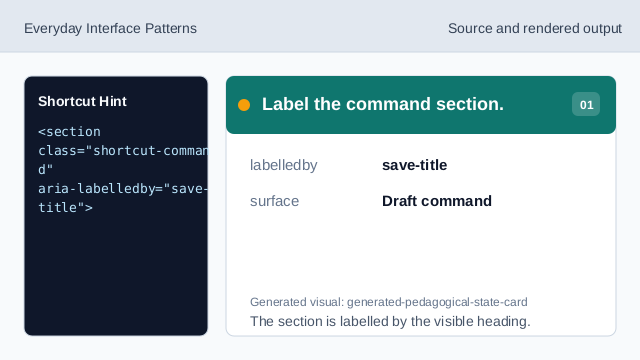
The section is labelled by the visible heading. Show the command label.
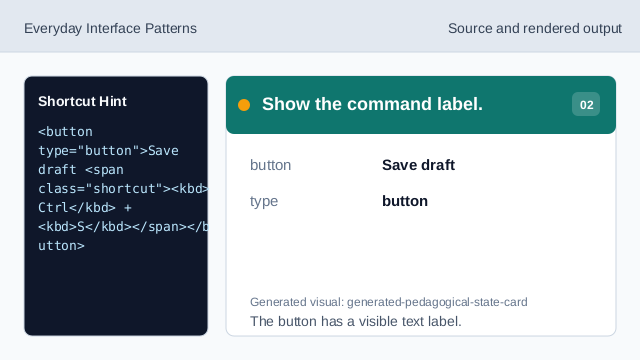
The button has a visible text label. Show the Ctrl key hint.
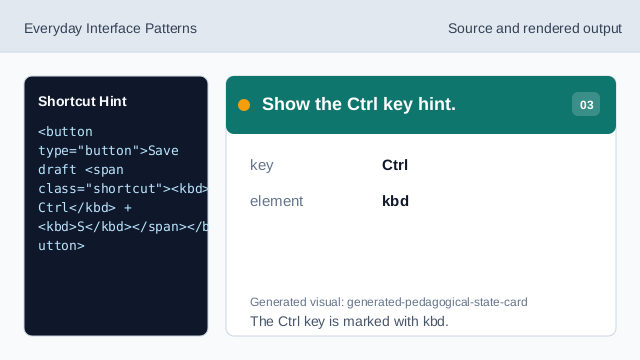
The Ctrl key is marked with kbd. Show the S key hint.
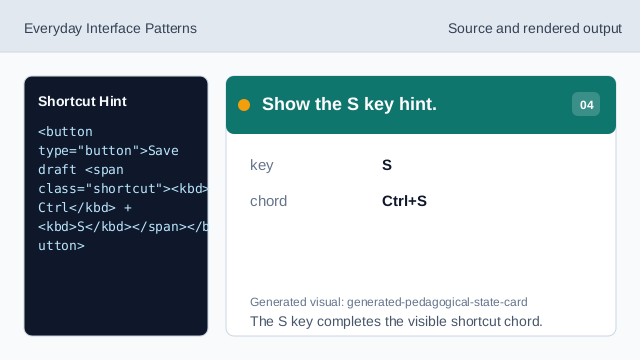
The S key completes the visible shortcut chord. State what does not run.
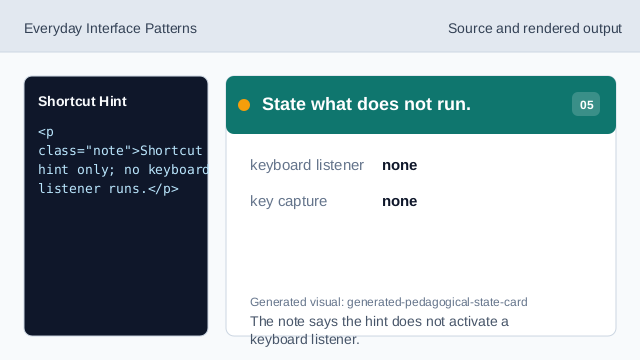
The note says the hint does not activate a keyboard listener. Check the shortcut hint button.
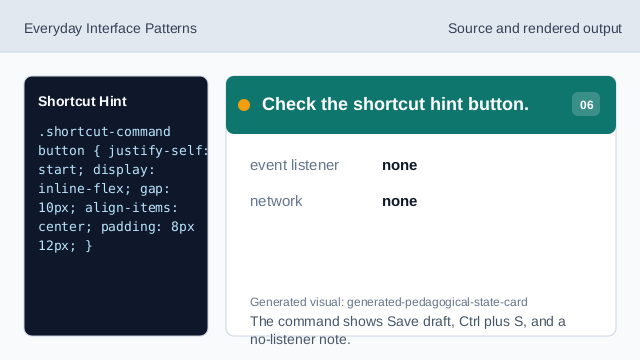
The command shows Save draft, Ctrl plus S, and a no-listener note.
visible hint
The shortcut appears next to the command label.
kbd element
kbd marks the visible keys as keyboard input text.
no listener
The lesson should not imply a real keyboard shortcut is active.